

LiveChat is fine as a widget, but it’s an outdated tool that teams are overpaying for. This is due to the separate $52 monthly AI subscription and a starter per-seat price of $19 per month. For many users, this pricing feels stuck in 2018, especially when newer capabilities are offered as paid extras.
This comes at a strange time, as the live chat software market is growing 24.8% a year, driven by competitors bundling AI, multi-channel inboxes, and knowledge bases into a single price. That leaves LiveChat customers in an increasingly awkward spot. But what are the alternatives? In this post, I’ll be going through my top five.
What's Actually Broken About LiveChat in 2026
LiveChat is a customer support tool that works just fine. But its pricing model makes it hard to justify the cost. With per-agent billing, you pay $19 for Starter, $49 for Team, and $79 for Business, charged annually. The AI is also problematic because its automation layer is sold as a separate product, starting at a whopping $52 per month.
There’s also the problem of scale since LiveChat’s Starter only tracks up to 100 visitors and a 60-day chat history window. Getting the basic features requires paying $49 per agent every month. Taken together, these flaws make LiveChat an expensive product for many.
How We Picked These LiveChat Alternatives
Here are the considerations involved for choosing those on this list:
The total cost covers 5 to 10 agents
AI is included, considering team needs in 2026
Multi-channel inbox support across WhatsApp, Instagram, and Facebook Messenger
Time to Working Setup
Consideration for Team Fit
The 5 Best LiveChat Alternatives at a Glance
Tool | Starting price | Best for | Highlight | Honest limit |
|---|---|---|---|---|
Yaplet | Free, then $29/mo | SMBs consolidating their support stack | Live chat, Vex AI, KB, multi-channel inbox in one bill | Newer brand than incumbents |
Tidio | $29/mo + $39/mo for Lyro AI | Small e-commerce stores | Lyro AI for product and order queries | Per-conversation pricing punishes growth |
Intercom | ~$39/seat + $0.99 per AI resolution | Funded SaaS with budget for premium AI | Fin AI Agent's polish and accuracy | Cost scales with successful AI use |
Freshchat | Free for 10 agents | Teams already in Freshworks | Most agent-friendly free tier in the category | AI Copilot is a $29/agent add-on |
Zendesk Suite | $55/agent + $50/agent AI add-on | Enterprise with compliance needs | Mature ticketing, reporting, and compliance posture | Overkill and expensive for SMBs |
1. Yaplet, the Best LiveChat Alternative for SMBs Consolidating Their Stack
Pricing:
Free Basic plan (1 widget, 50 AI answers monthly, no card required)
$29 monthly Starter (2 team members, unlimited AI, knowledge base, voice calling, 1k contacts)
$99 Growth (10 team members, 5 widgets, multi-channel inbox, AI Workflows, 100k contacts, custom domains, branding removal
14-day free trial on paid tiers and 20% off annual
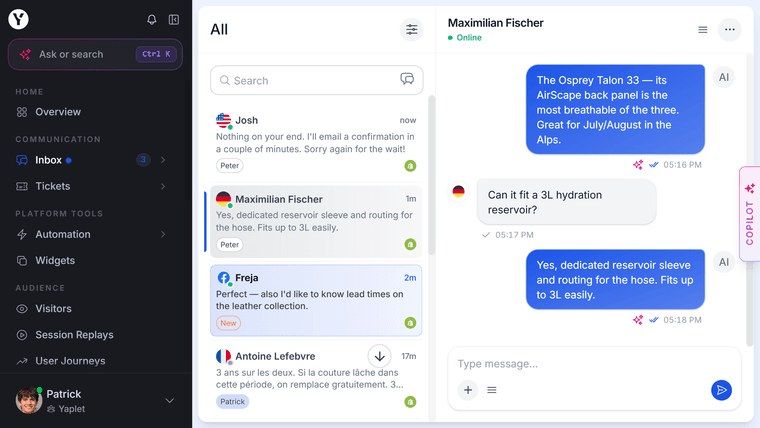
Yaplet is the choice for those looking to consolidate. You’ll get a tool that replaces Intercom, Pendo, Typeform, Mailchimp, Zendesk, Tidio, Drift, Usersnap, Converkit, When I Work, and others. Yaplet comes with live chat, Vex AI Agent, custom chatbots, a knowledge base, product tours, bug reporting, forms, marketing automations, email newsletters, and shift management. All this with a single bill.
For those looking for a LiveChat alternative, Yaplet also delivers meaningful features and analytics. You get Vex AI, which resolves over 75% of support tickets autonomously, and it is built into the flat-rate price. The Growth plan covers a customer engagement tool stack that typically costs $745 to $2,463 per month, at just $99 per month, representing an 88 to 96% cost reduction. You also get universal translation in chat, AI reply suggestions, and automated chat summaries.
This is a high-quality, unified platform that averages 5.0 across 100+ verified reviews and is the best option for most teams seeking a comprehensive tool that also reduces costs. Zendesk still might work best for a 200-agent enterprise with specific compliance certification requirements, but Yaplet works very well for most other teams.
Try Yaplet for free, which only requires ten minutes of setup time. You can test how well Vex handles queries, and if it works well, you’ve found a LiveChat replacement that costs a year what LiveChat Business does for a month.
2. Tidio, Best for Small E-commerce Stores That Want Simple AI Chat
Pricing:
$29 monthly Starter for the chat widget
Growth Tier ranging from $59 to $349 monthly
Lyro AI is a separate $39 monthly add-on
$749 Plus includes Lyro without per-conversation pricing
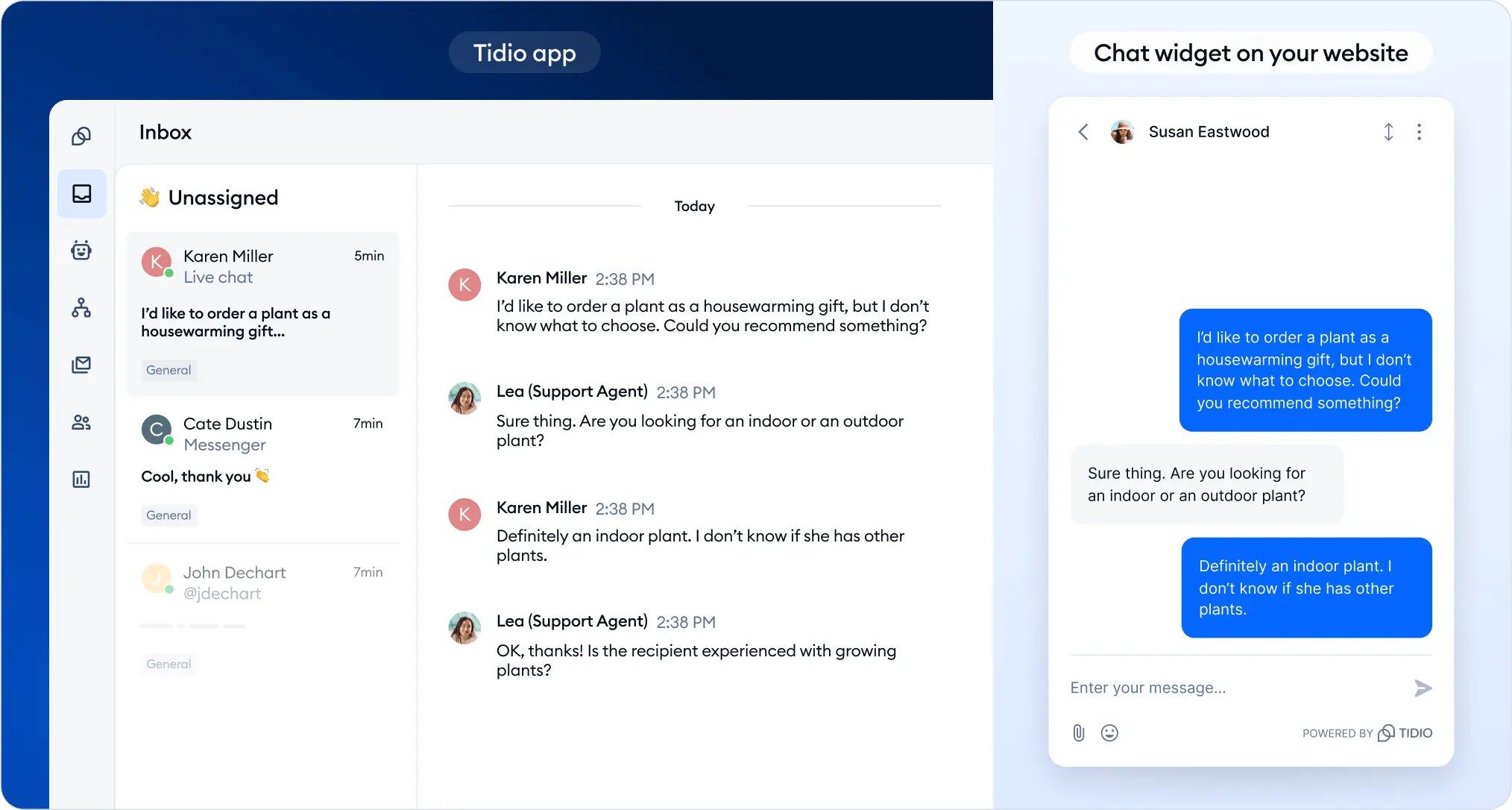
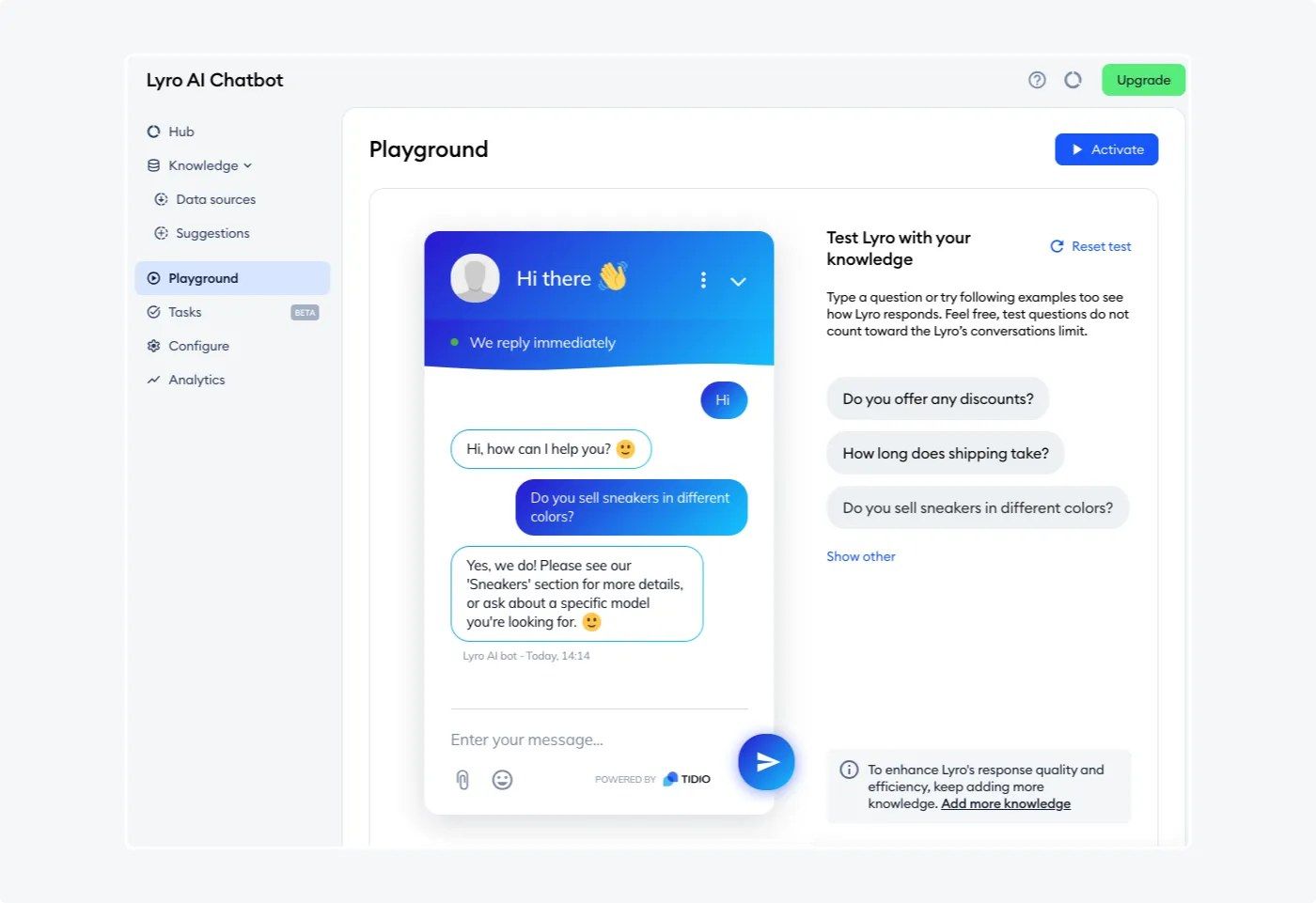
Tidio is a great alternative for small teams with a Shopify or WooCommerce backend, whose product is designed around e-commerce queries such as order status, shipping updates, returns, and product recommendations. Lyro AI itself is also good, capable of resolving up to 67% of common e-commerce questions.
This is best for a 1- to 5-person e-commerce team with under 200k in monthly revenue that wants AI on their FAQs but has a non-content-heavy support operation. But remember, though, that conversation-based pricing can kill your growth with a single query spike.
3. Intercom, Best for Funded SaaS with Budget for Premium AI
Pricing:
$39 monthly for Essential
$0.99 per resolution for Fin AI on top of the monthly charge
No volume discounts
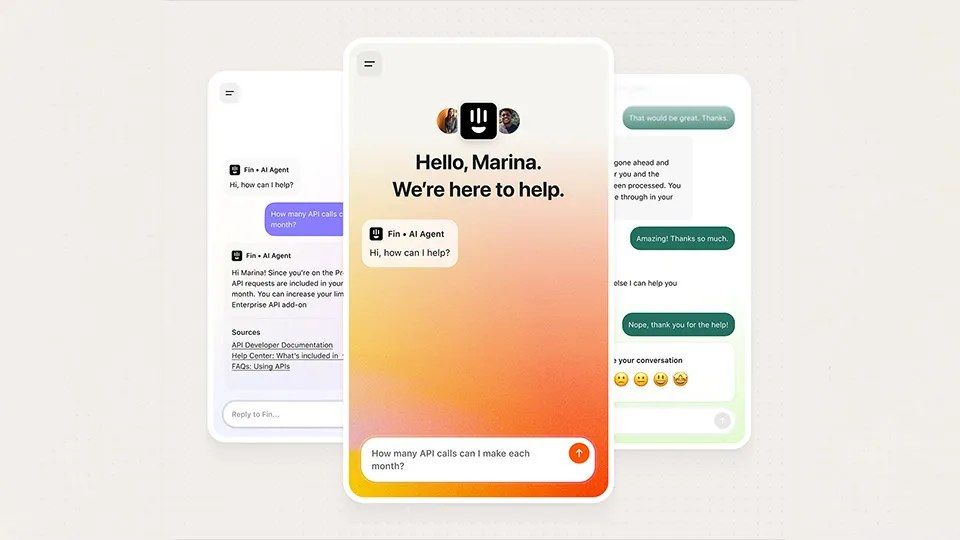
Intercom is well known for building the premium SaaS chat category with its Fin AI Agent. Fin is a very capable chat solution that works and feels very close to a competent human agent. But its high running cost can be a problem.
A 5-agent team running 1000 resolutions a month runs a bill above $1000 a month with a per-resolution cost on top of the monthly fee. And the better Fin gets, the higher the cost for you. This is a really effective solution for a Series B or later SaaS with a customer base that justifies premium support tooling. But for most teams, a flat and transparent rate with a comparably capable AI Agent works best.
4. Freshchat That’s Free Forever for Teams Below 10 Agents
Pricing:
Free for up to 10 agents, then premium rates for counts exceeding
Growth at $19, Pro at $49, Enterprise at $79 per agent per month
Freddy AI Copilot add-on at $29 per agent monthly
Freddy AI Agent billed by bot session
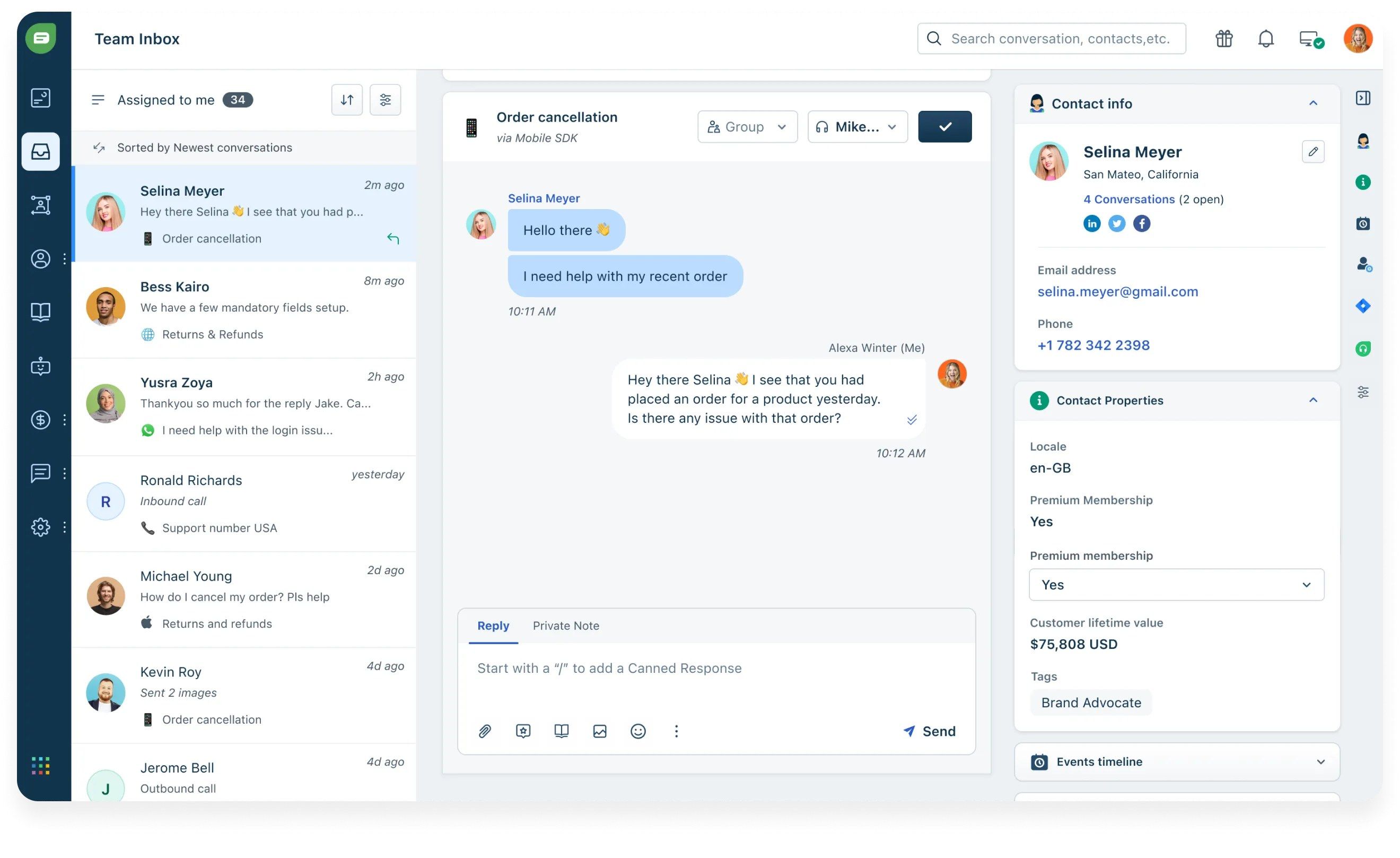
Freshchat is the live chat product within Freshworks, alongside Freshdesk and Freshsales, and it runs on a generous free plan that covers up to 10 agents. It’s likely the most agent-friendly free tier service of its kind.
But beyond free coverage, it’s also a very solid solution that includes web chat, in-app messaging, and a multi-channel inbox covering WhatsApp, Facebook Messenger, Instagram, and Google Business Messages on paid plans. It has a clean UI, competent routing, and Freshworks integration with Freshdesk tickets, which is handy.
But if you really need the AI, the Free tier will never truly be enough, and it becomes clear that the free offering is a product hook. Costs also stack up: Freddy AI bot sessions cost more with usage and are charged on top of the monthly fee and the $29 Copilot fee.
This is a great deal only for teams that are already on Freshdesk. For everyone else, it only works for a 1 to 10-agent team that doesn’t need much AI use just yet.
5. Zendesk Chat, Best for Enterprise Teams with Compliance and Scale Needs
Pricing:
All plans are charged monthly per agent, but billed annually
Suite Team at $55, Suite Growth at $89, Suite Professional at $115
Advanced AI add-on at $50 per agent monthly for gen AI features
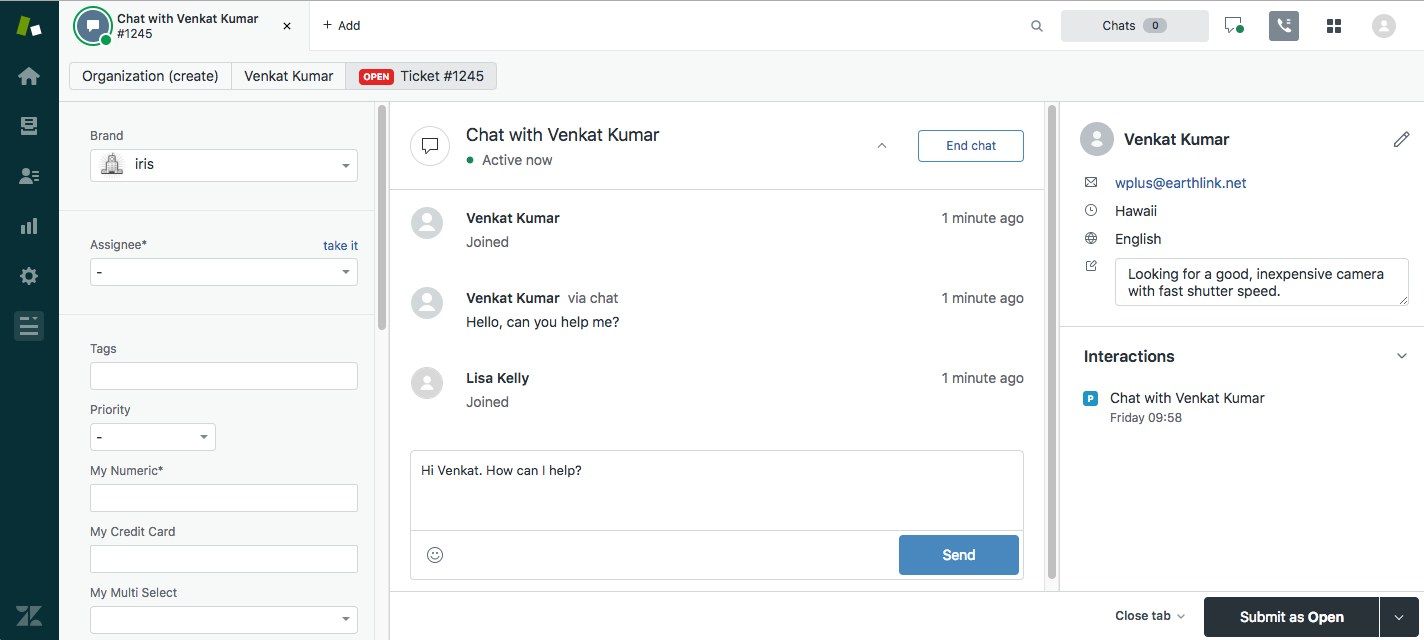
Zendesk Suite is the enterprise default. And while it’s the most expensive option on this list once AI is turned on, its strengths are also the real deal. You get a deep ticketing model, mature reporting, HIPAA support on Professional and above, skills-based routing, and a compliance posture that gets through enterprise procurement comfortably.
This solution works very well for a 50-plus-agent support org with compliance requirements that go beyond standard DPAs, or for a team deeply embedded in the Zendesk ecosystem. You get SOC 2, ISO 27001, GDPR, DPA, and a vendor contract that any security team recognizes. But most teams aren’t at this level.
If you’re an SMB, this is almost certainly not for you. This product is built for support orgs with dedicated tooling owners, and its setup time is far too long for teams with well under 50 headcounts.
How to Actually Pick a LiveChat Alternative
Addressing these four questions makes for excellent guidelines in making the right choice for your live chat tooling needs:
What is your real total cost after six months? Consider all the fees for you to get the total package you actually need. Compare that to your current LiveChat bill, and you’ll know the true value of the initial headline price.
Is AI included in the base price of a service, or is it an add-on? Always consider the extra cost for AI. You’re paying for what you need, so price it accordingly.
How many tools does this solution replace? If you’re only getting a one-for-one replacement for LiveChat, you’ll also be paying extra for a knowledge base, a product tour tool, and other features. A unified solution pays for itself.
How much time do you need to get it running? A transition that takes weeks to complete costs you. Pick the tool that sets up fast.
The Simple Test Before You Commit
In 2026, simply having live chat isn't enough. What matters now is how much of your support volume AI can quietly deflect, all while improving the customer experience rather than degrading it, and also, how much of your stack you can collapse into a single inbox.
Try Yaplet’s free plan and point Vex to your current knowledge base, then run your last week of support questions against it. You can set up in an hour for free, and it lets you confirm the tooling math actually works.