Shoprenter live chat with an AI chatbot that answers shoppers, even at night
Yaplet answers your shoppers' questions about shipping, returns and products from your own shop pages. When a person is needed, it hands the chat to your team. To install, paste the Yaplet code in your Shoprenter admin under Megjelenés → Téma testreszabás → Egyedi scriptek (Appearance → Theme customization → Custom scripts) and save. No app and no Shoprenter fee.
- Free forever
- No card needed

 5.0/5 on G2 and Capterra
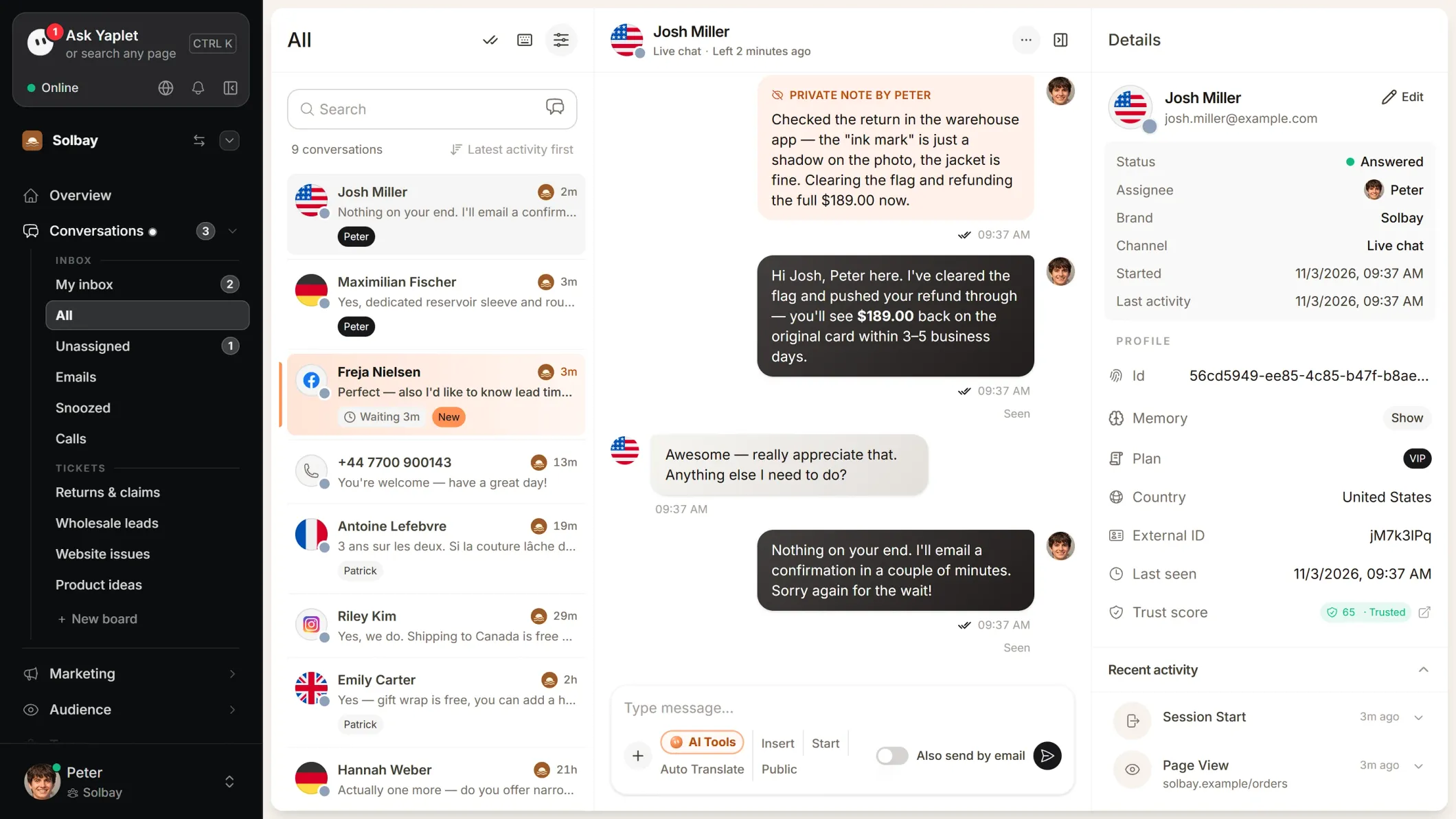
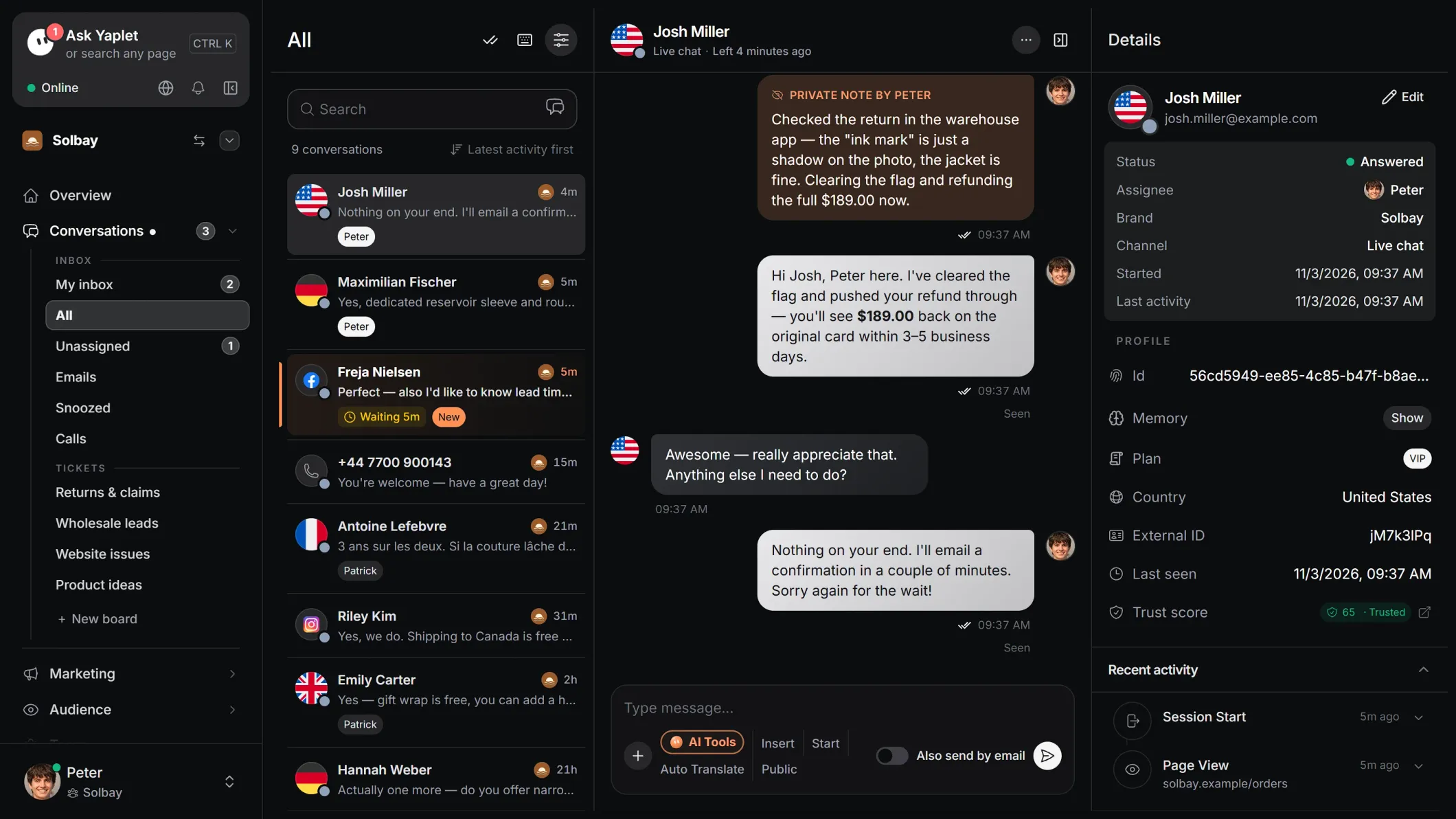 Yaplet + Shoprenter
What Yaplet does on your Shoprenter shop.
Answers day and night
Yaplet answers shipping, returns and product questions from your own pages and help articles, including when your team is offline.
Product recommendations
Connect your catalog as a CSV feed or through the Product API, and Yaplet suggests products in the chat on cards with price, stock and a link.
One inbox for your team
Website chats, Messenger, Instagram and email land in one inbox, with a phone app for replies on the go.
Proactive chat messages
Send visitors a chat message based on what they do in your shop, so they ask their question before they leave.
Answers in the shopper's language
Yaplet replies in the language the shopper writes in, so the same shop can serve buyers from abroad.
Help articles in the chat
Write your shipping and returns rules once as help articles. Shoppers read them in the chat widget, and Yaplet answers from them.
igitems: in more than half of this year's chats, the team didn't have to reply
"The repetitive questions are gone. The team now handles the less common cases, the ones we haven't automated yet."
Daniel
Head of Marketing, igitems
Install Yaplet on Shoprenter in four steps.
- 1
Copy your code
Sign up free, then in Yaplet open Brand → Chat widget → Install, choose Shoprenter and copy the code.
- 2
Open the custom scripts tab
In your Shoprenter admin, go to Megjelenés → Téma testreszabás (Appearance → Theme customization) and open the Egyedi scriptek (Custom scripts) tab.
- 3
Paste the code and save
Paste the code into the Body részbe illeszthető scriptek box, on an empty line after any scripts already there, and click Mentés (Save).
- 4
Check your shop
Reload your shop. The chat button appears in the bottom-right corner. Click it to check that the chat opens.
The Shoprenter admin is in Hungarian, so menu names appear here as Shoprenter writes them, with the English in brackets. In a 14-day trial shop, the custom scripts tab can stay locked until you subscribe.
What works, and how to set it up.
| What you want | Status | How it works |
|---|---|---|
| Chat widget on every page | Works after install | One script on the theme's Egyedi scriptek tab puts it on the whole shop. |
| AI answers from your shop pages | Set up in Yaplet | Add pages one by one, by sitemap, or with Smart import, which picks the useful pages for you. |
| Product recommendations with cards | Set up in Yaplet | Connect a Google Shopping style CSV feed or Yaplet's Product API. Prices and stock come from your latest feed. |
| Handoff to your team | Set up in Yaplet | When a question needs a person, the chat goes to your inbox and the phone app. |
| Help articles in the chat | Set up in Yaplet | Write them in Yaplet's knowledge base. Shoppers read them in the widget, and Yaplet answers from them. |
| Answers in the shopper's language | Works after install | Yaplet replies in the language the shopper writes in. The widget itself is available in 38 languages. |
| Order status in the chat | Needs a developer | No built-in Shoprenter order connection. If your developer offers an order-status endpoint, add it as an API tool and Yaplet can call it. |
| App in the Shoprenter admin | Not available | There is no Yaplet app for Shoprenter. You install with the theme script instead. |
Questions about Yaplet on Shoprenter
Do I need a Shoprenter app, or pay Shoprenter a fee?
No to both. Yaplet installs with one script on the Egyedi scriptek (Custom scripts) tab of Shoprenter's theme settings. There is no Yaplet app to install, and Shoprenter charges nothing for adding the code.
Do I need a developer to install it?
No. You copy the code from Yaplet, paste it on the Egyedi scriptek tab and save. Only an order-status lookup needs a developer.
Will the chat slow down my shop?
No. The script loads in the background, so your pages don't wait for it before they show.
Can the AI recommend products from my shop?
Yes, once you connect your catalog as a Google Shopping style CSV feed or through Yaplet's Product API. The AI then suggests products in the chat and shows cards with price, stock and a link to the product.
Can Yaplet look up a customer's order?
Not on its own: there is no built-in Shoprenter order connection. If your developer provides an endpoint that returns order status, you can add it as an API tool and the AI calls it during the chat. Otherwise the AI passes order questions to your team.
Does it work in a Shoprenter trial shop?
Not always. In a 14-day trial shop, Shoprenter can keep the custom scripts tab locked until you subscribe. Once the shop has a paid plan, the tab opens and you can paste the code.
How do I switch off my old chat?
Remove it so shoppers don't see two chat buttons. A chat installed as a Shoprenter app is managed under Alkalmazások (Apps). A chat added as code sits on the same Egyedi scriptek tab as Yaplet, where you can delete its code.
The code shows up as text on my shop's pages.
The script tags around the code are missing. Add a line with the opening script tag before the code and a line with the closing script tag after it, then save again.
I changed my theme and the chat is gone.
The custom scripts tab belongs to the theme. Open Egyedi scriptek on the new theme and paste the code again if it isn't there.
Is there a free plan?
Yes. Your Yaplet account is free forever with no credit card: the chat on your site, the shared inbox and the phone app. You can try the paid tools free for 14 days, with free AI credits. After that, the AI is pay as you go from your credit; with no credit, new chats go to your team.
Still have a question?
Let Yaplet answer your Shoprenter shoppers.
Sign up free, paste one script on the Egyedi scriptek tab, and the chat goes live on every page of your shop.
- Free forever
- No card needed
Related pages
- Shoprenter install guide Every step in detail, plus what to check if the chat does not show up.
- Yaplet AI agent How the AI answers, what it learns from, and when it hands over.
- Live chat The inbox your team answers from, on the web and on the phone app.
- Pricing Start on the free plan and upgrade when you need more.