Show it based on what visitors do
Combine who the visitor is with the page they're on, time on page or a custom event.
Show surveys, banners, messages and tours based on what each visitor does. Set it up once and it runs on its own.

 5.0/5 on G2 and Capterra
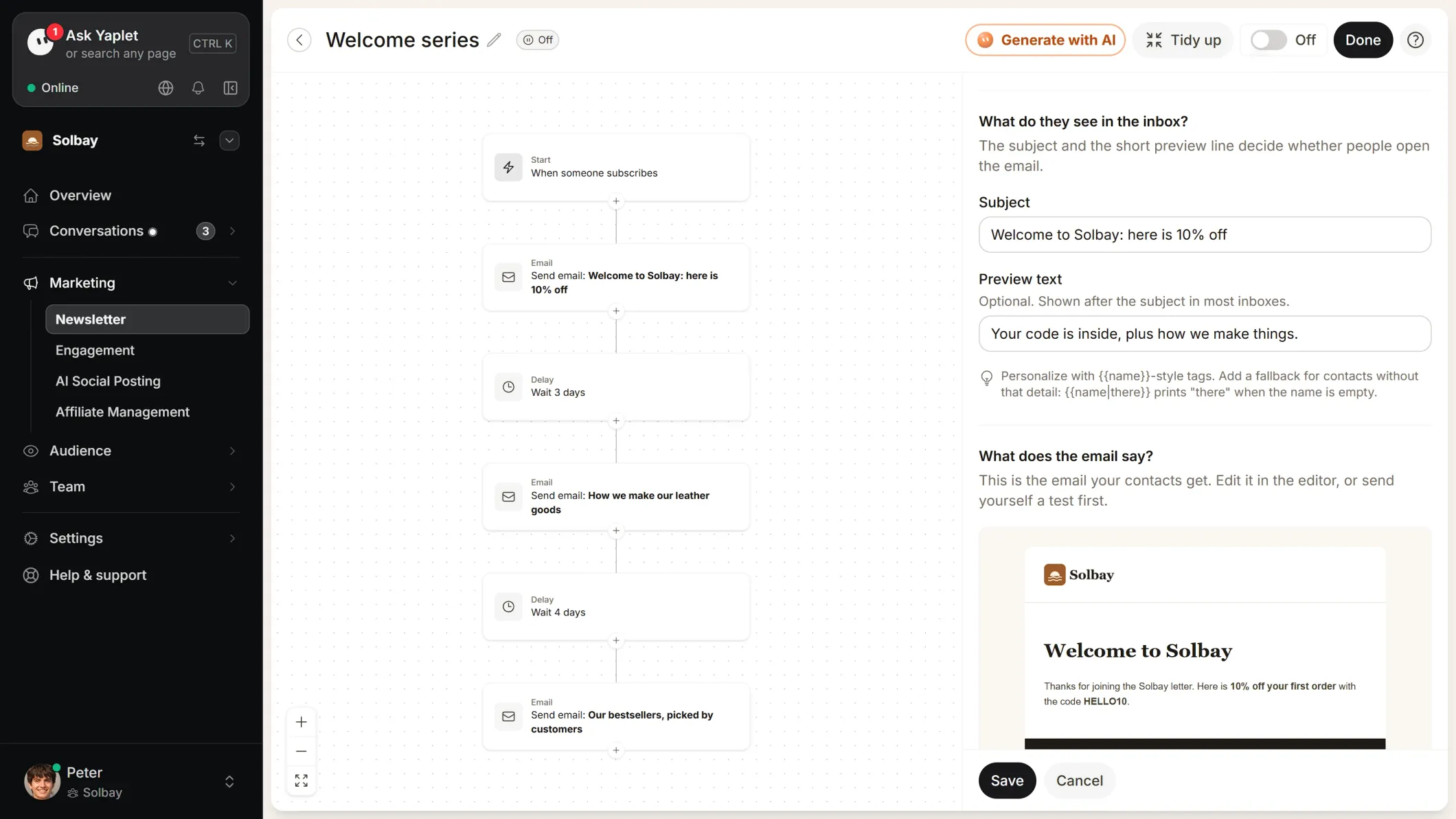
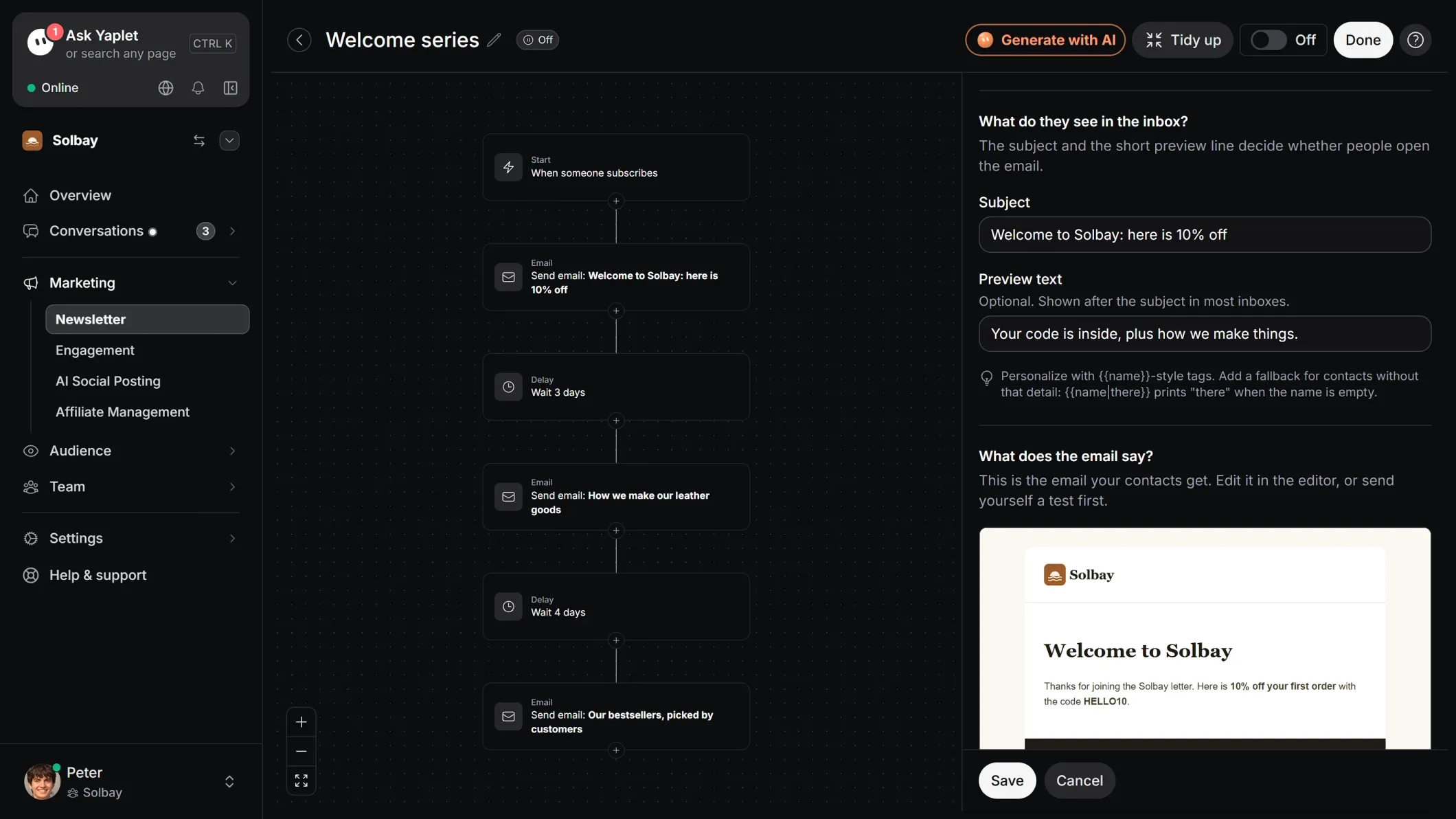
Same trigger rules, same reports and the same inbox as your live chat.
Combine who the visitor is with the page they're on, time on page or a custom event.
Multi-step surveys with ratings, choices and free text, shown right on your site.
Announcement bars on your website, without touching your site's code.
A chat message when someone hesitates on a key page. It opens a real conversation.
Walk visitors through your app step by step, with no code.
Post release notes to the widget's News tab for returning visitors.
Once per visitor, every few days or up to a set number of times.
Replies land in the same Yaplet inbox as your live chat.
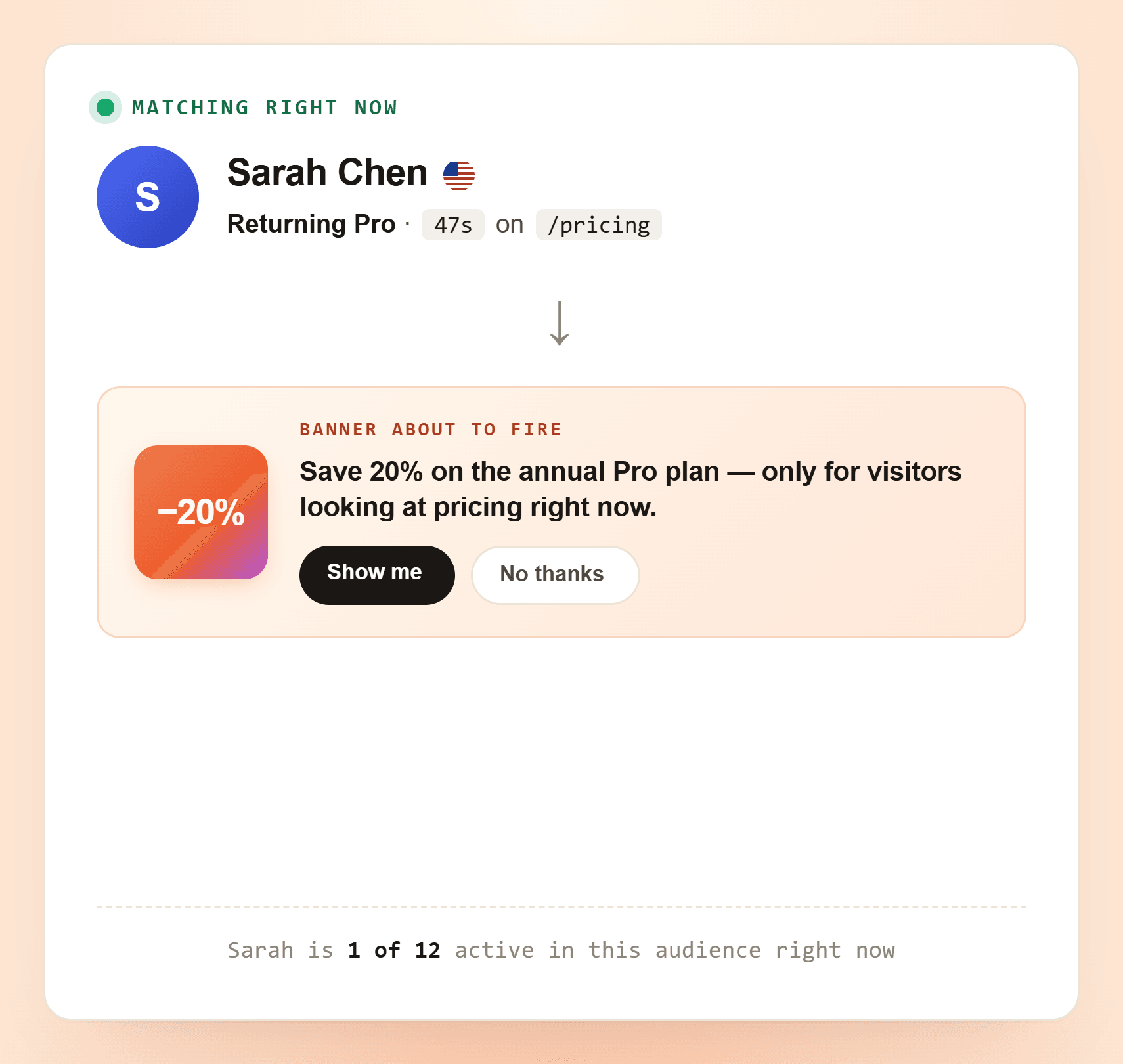
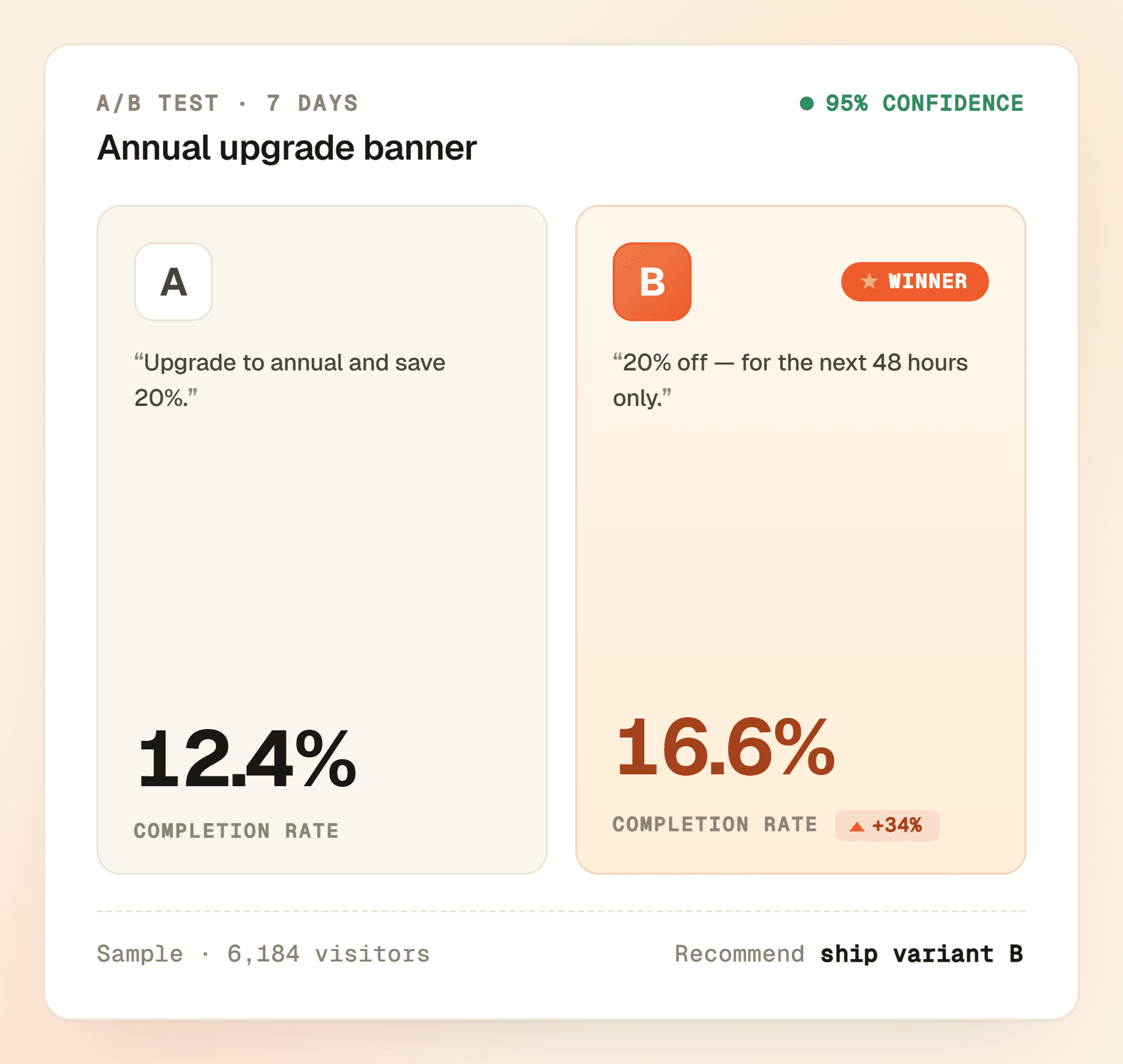
Collect feedback, promote an offer or welcome new sign-ups.
Visitor details plus live behavior, combined with AND / OR.
Banner, message, survey, tour or news post. Set how often it shows.
Five things: banners (inline, full-width or pill), proactive chat messages in the widget, multi-step surveys and NPS, product tours, and news posts. They all share the same trigger rules and reports.
You combine three layers: who the visitor is (country, plan, last seen, sign-up date and more), what page or event they hit (URL match, glob, regex, time on page, custom event), and how often they should see it. Rules use simple AND / OR, with no code.
Yes. Each campaign has a frequency setting: once per visitor, every few days, or up to a set number of times. Nobody sees your promo banner five times in one visit.
Yes. Tours highlight elements on your site and walk the visitor through them with tips, step by step. They use the same audience and page rules as banners and surveys.
Not for the basics. Banners, messages and surveys are point-and-click. You only need a developer to send a custom event from your own app, and that's a one-line call.
Your account is free, with no credit card. Marketing automation (banners, messages, surveys and news) is included in Growth, or $19 a month on any other plan. Product tours are included in Growth too, or $15 a month.
Yes. Describe it in your dashboard and Yaplet creates the banner, chat message, survey, tour or news post. It's saved unpublished, so nothing goes live until you switch it on.
Still have a question?
All of them live in one Yaplet account. Compare plans and pricing
Start free, no card. Build your first survey or banner with no code.