Requests from the widget
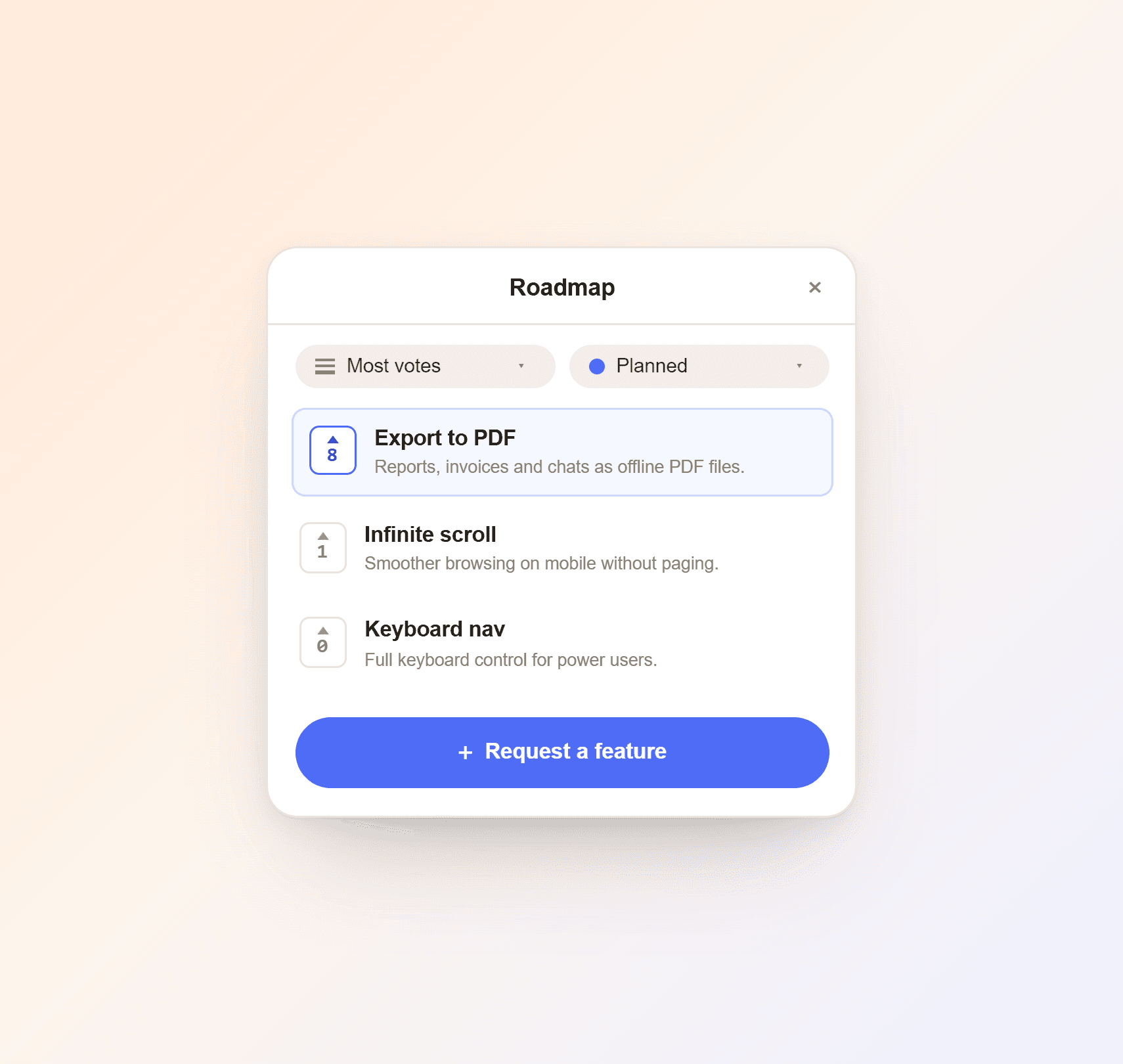
Customers open the roadmap tab in your chat widget and send a request through your own form.
Customers suggest and vote on features right in your chat widget, so you know what to build next.

 5.0/5 on G2 and Capterra
No extra login for your customers. Included in the Starter and Growth plans, or as an add-on on the free plan.
Customers open the roadmap tab in your chat widget and send a request through your own form.
Customers sort by most votes or most recent, so the top requests stand out.
Planned, In progress, Shipped, Won't do, or whatever fits. Drag tickets between them.
Pick which columns customers see and which stay internal.
Ask the right follow-up questions: use case, screenshots, browser.
Separate boards for product, support or mobile, each with its own columns and forms.
Each request shows who sent it, with a link to their chat, so you have the context.
Email the person who sent a request straight from the ticket.
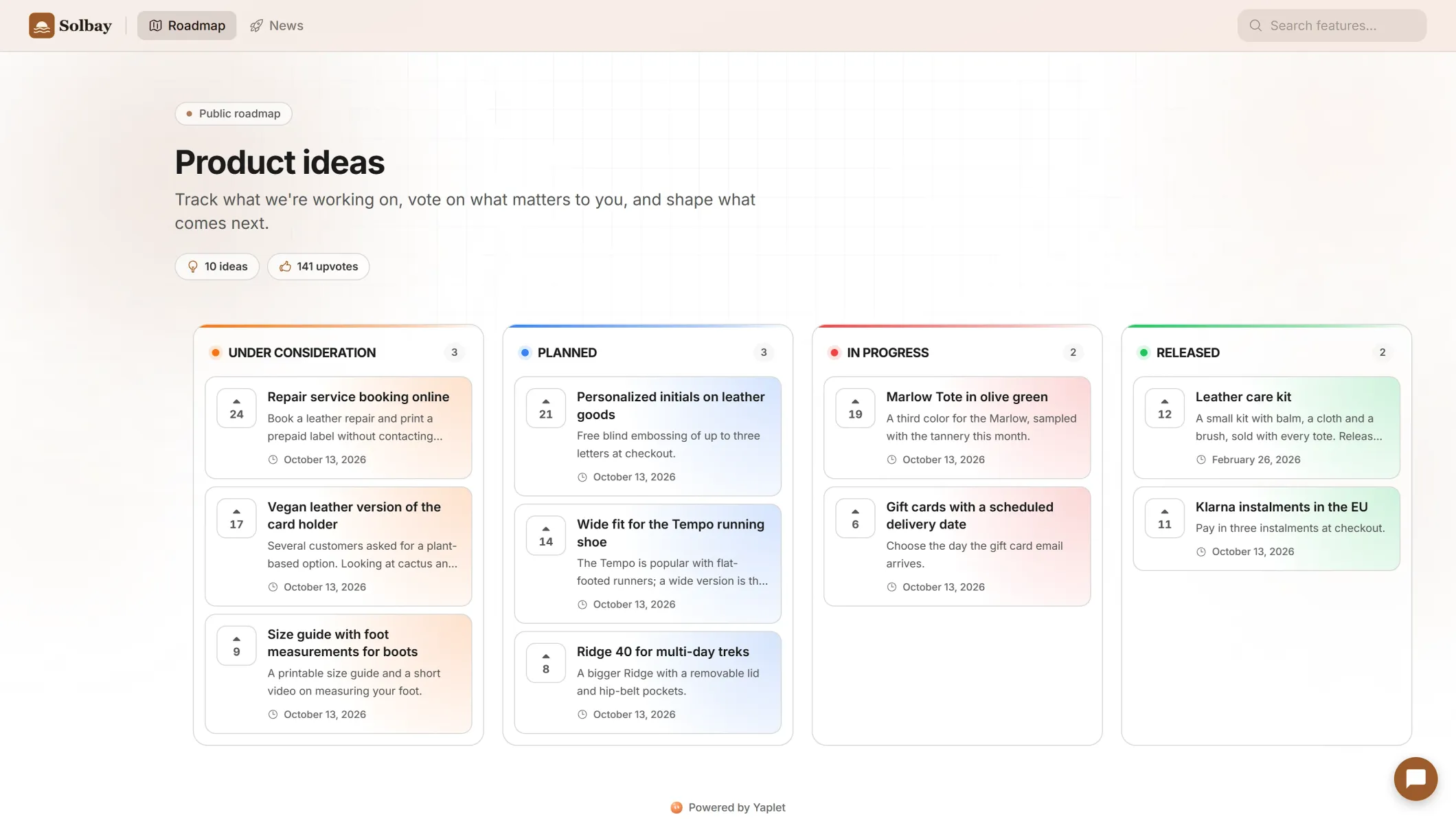
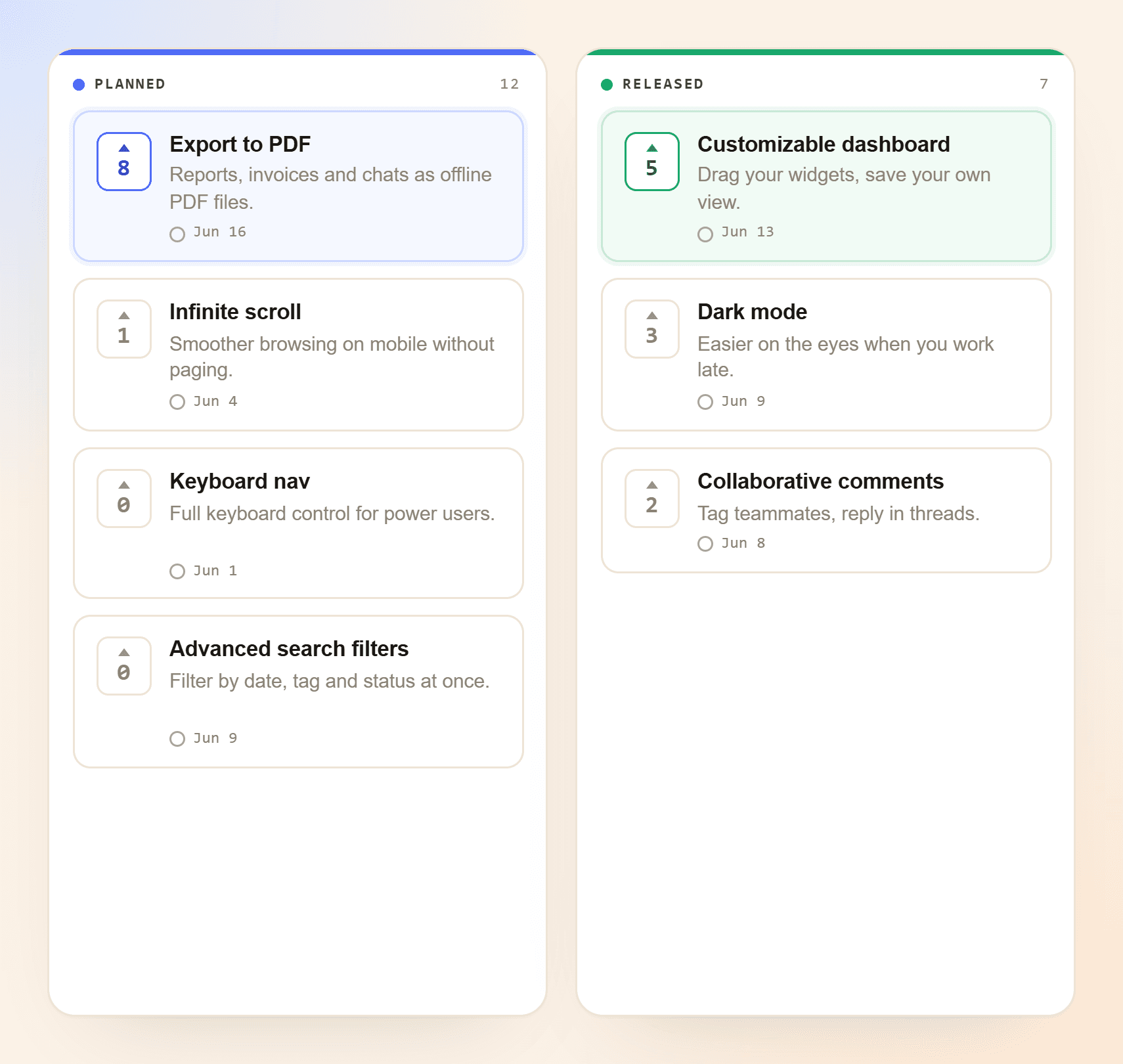
Customers see what's planned, what's in progress and what just shipped.
Planned
In progress
Shipped
Pick a board in your widget settings and switch the tab on.
They browse and vote in one click. Email is all they share.
Move the ticket to Shipped. Voters see it, and you can email the requester.
Inside your Yaplet chat widget, as its own tab, and on a public roadmap page at your Yaplet address. Customers don't sign up. They open the roadmap, browse and vote.
One click on the upvote arrow. The first time, they enter their email, so each person's vote counts once.
Yes. You choose the column names, colors and order, and which columns customers see and which stay internal.
Yes. A request sent from the widget is tied to the customer who sent it, and you can open their chats from the ticket for context.
They see it. Move a request to Shipped and everyone who opens your roadmap sees the new status. You can also email the person who sent the request straight from the ticket. Yaplet doesn't email every voter.
Yes. Run separate boards for product, support, mobile or anything else, each with its own columns, request forms and permissions.
The Starter and Growth plans include the public roadmap and feature requests, with multiple boards, board permissions and custom request forms. On the free plan you can add them as the Feedback boards & bug tracker add-on.
Yes. Ask Yaplet in your dashboard to file a request, move it to another column, change its priority, add a note or email the person who asked. It waits for your Confirm each time.
Still have a question?
All of them live in one Yaplet account. Compare plans and pricing
Start free, no credit card. Add the public roadmap with Starter, Growth or the add-on.