Answers from your content
It reads your help articles, FAQs, website pages and files, and answers from what you wrote.
It replies in your customer's language at any hour and brings in your team when a person is needed.

 4.9/5 on G2 and Capterra
You start with free AI credits for your free 14 days; after that, add credit from $5 to keep Yaplet answering.
It reads your help articles, FAQs, website pages and files, and answers from what you wrote.
It links the help article or page an answer came from, so customers can read on.
It replies in the language your customer writes in, even when your help content is in another one.
Describe its tone and rules in plain words.
When a customer wants a person, it passes the chat to your team with the whole conversation and a push alert on their phones.
Website chat, email, Instagram and Facebook Messenger, in one inbox. You choose where it answers.
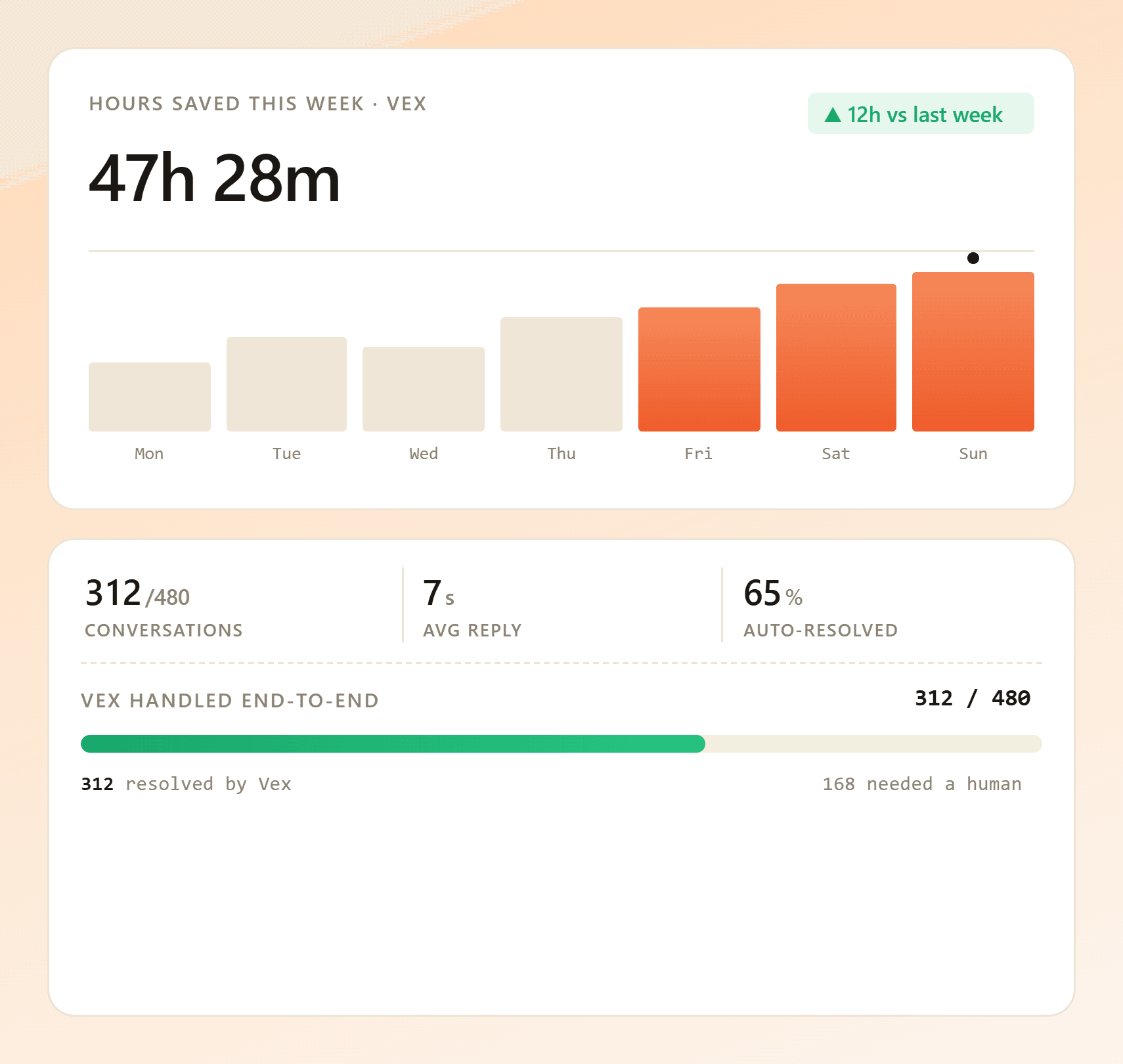
It collects the questions it couldn't answer, so you know which article to write next.
Yaplet keeps your conversations and files on servers in Germany and Finland and doesn't train AI models on them.
Connect the help content you already have, and it answers from that. You don't need prompt-writing skills or an AI engineer.
Connected sources
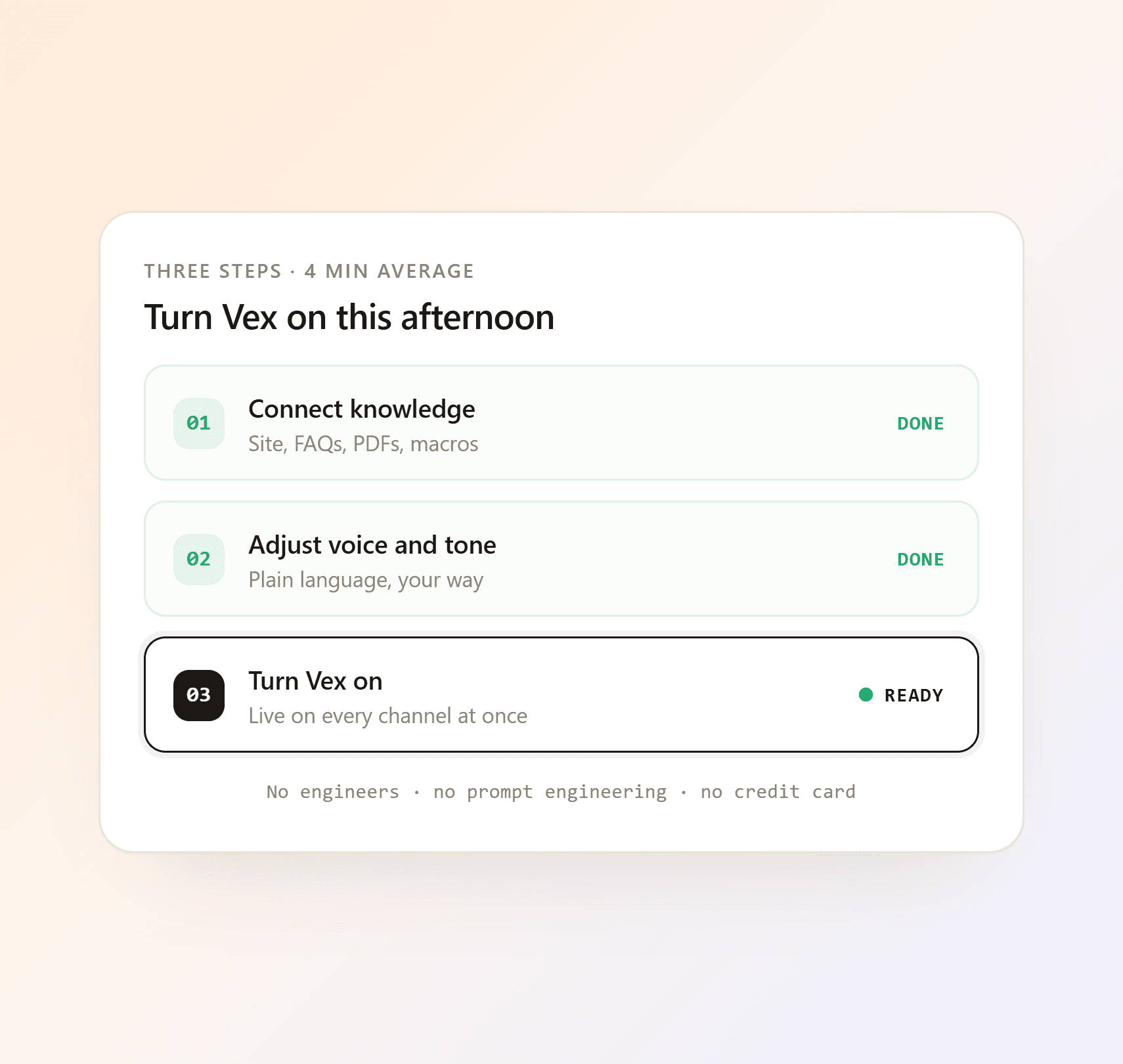
Add your knowledge base, a website address, a document or an FAQ.
Describe its tone in plain words and choose when it hands a chat to a person.
It starts answering on the channels you switch on.
It reads the conversation, searches the content you've connected and answers the customer, with a link to the article or page when there is one. When the customer wants a person, it hands the chat to your team with the full conversation.
Only from sources you connect: your Yaplet knowledge base, FAQ entries, website pages you point it at, and documents or text you upload. It doesn't pull answers from the open internet.
It doesn't guess. It tells the customer it has no information on that, or, if you prefer, connects them to someone on your team who's online. Unanswered questions are counted in your reports, and Yaplet in your dashboard can show you why it answered a message the way it did.
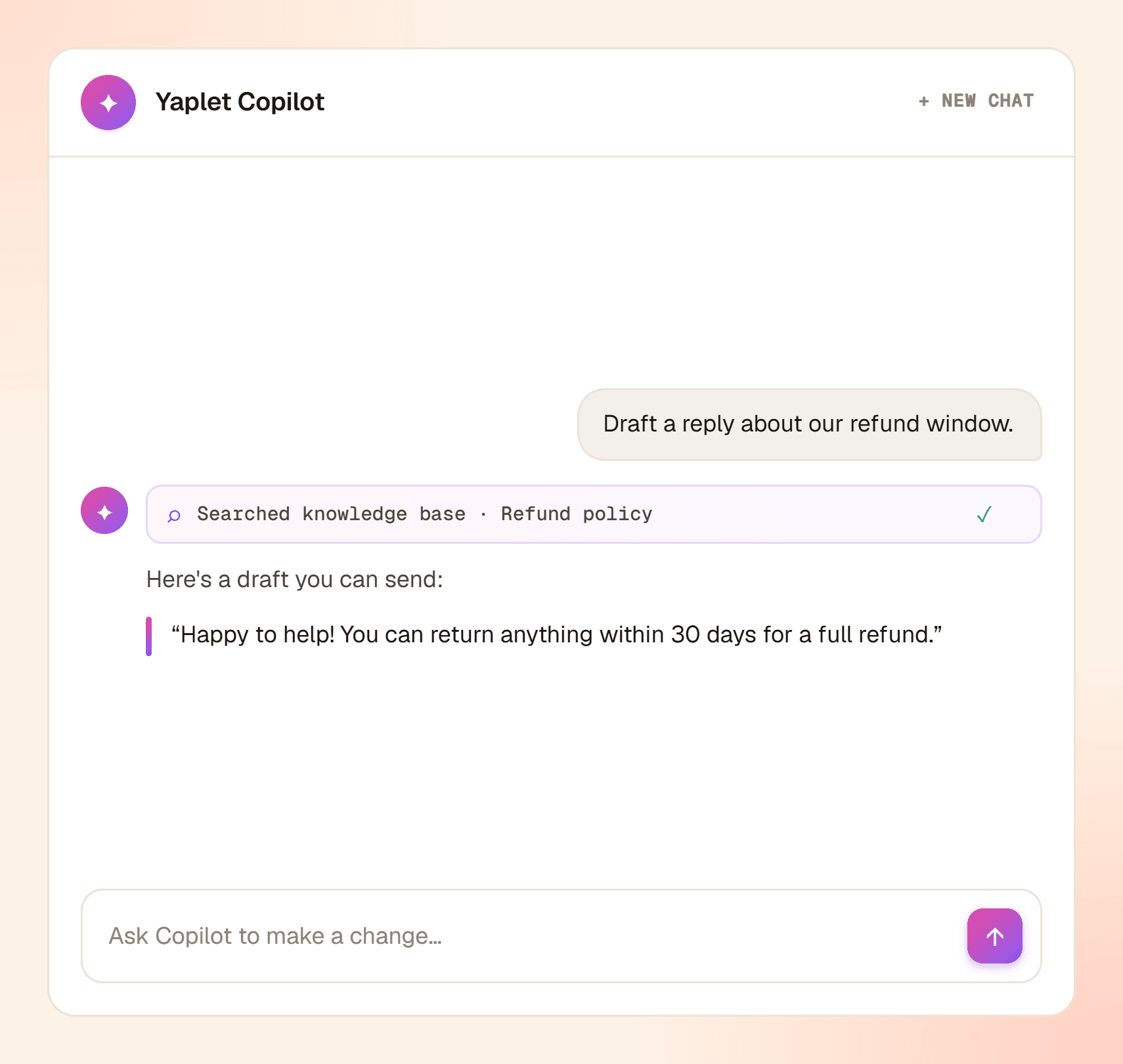
Yes. Ask Yaplet in your dashboard why it answered a message the way it did. It shows what it based the answer on and offers to add the missing fact to what it knows, once you confirm.
Yes. It replies in the language of the customer's last message, in over 100 languages, even when your help content is written in another one.
Yes. Choose the channels it answers on (website chat, email, Messenger and Instagram; phone calls have their own phone agent), decide how visitors can ask for a person, and switch it off whenever you like.
Yes. In your dashboard, the same Yaplet sets up your chat, writes help articles, drafts newsletters, builds chat flows and replies to tickets when you ask. It shows you each change and waits for your Confirm.
It comes with every Yaplet account. You start with free AI credits for your free 14 days, then answers are paid from prepaid credit. On a paid plan every answer costs less, from the first one. There's no per-resolution fee.
They last for your free 14 days. Once they're used up or the 14 days end, Yaplet stops answering and new chats go to your team (or to the leave-a-message form when nobody is online). Add credit from $5 and it answers again right away, pay-as-you-go: no subscription, and credit you buy never expires. A paid plan makes the same credit go further.
Yes. The transparency rules for chatbots (Article 50) are built in. Visitors see a plain AI notice, each AI message shows the words "AI assistant" next to its name, and the header switches to the person when someone from your team takes over. You don't have to set anything up.
Still have a question?
Start with free AI credits. Connect your content in minutes.