A visitor lands on your WordPress site with a question in mind, but leaves after not being able to find the answer. Live chat fixes that issue, and these days, you can even get one for free!
Here’s what you'll need
A WordPress site with admin access
A Free live chat tool (we'll be comparing the best ones below)
Just five minutes
The 5-minute how it works
Here’s the quick rundown on how to get it working.
Choose a free live chat plugin.
Install through the plugin directory or by adding a line of code.
Customize your widget’s colors, greeting, and office hours, then go live.
Step 1: Pick a live chat plugin for free
Before everything else, note that the word “Free” is doing a lot of work here, so make sure to read through each carefully before committing to a widget.
This is worth taking time with, since some tools are really free, while others call themselves free, but actually require a monthly subscription to use!
Let’s go through the options that are available to us as of 2026:
tawk.to is free with unlimited agents and chats, but has a watermark that you can pay to remove: “Powered by Tawk.to”.
3CX Live Chat is also another free, zero-cost plugin with over 100,000+ active installs on WordPress.
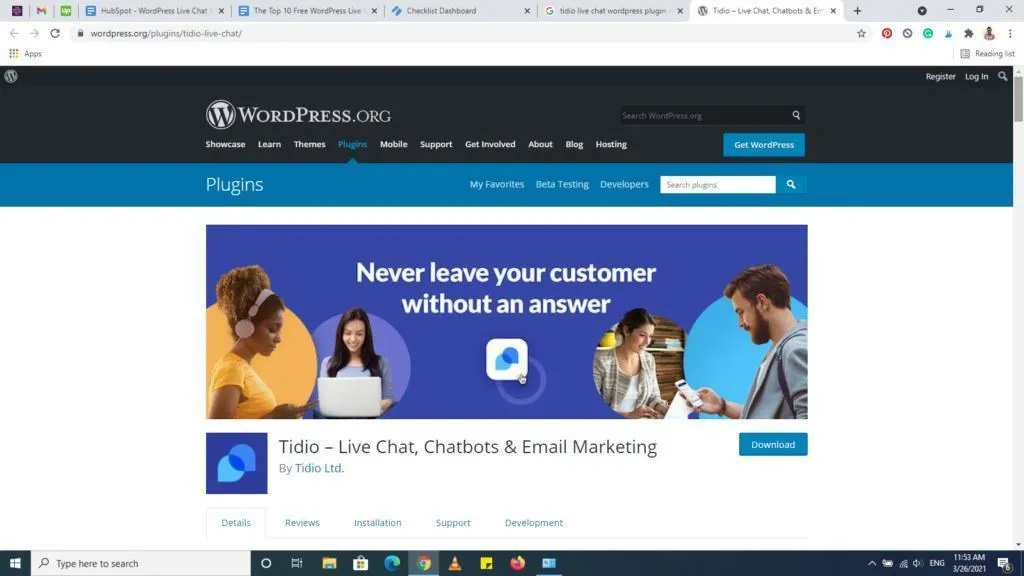
Tidio, with its paid add-on Lyro AI, offers a free plan capped at 50 conversations per month.
HubSpot offers free live chat (no credit card required) tied to its free CRM.
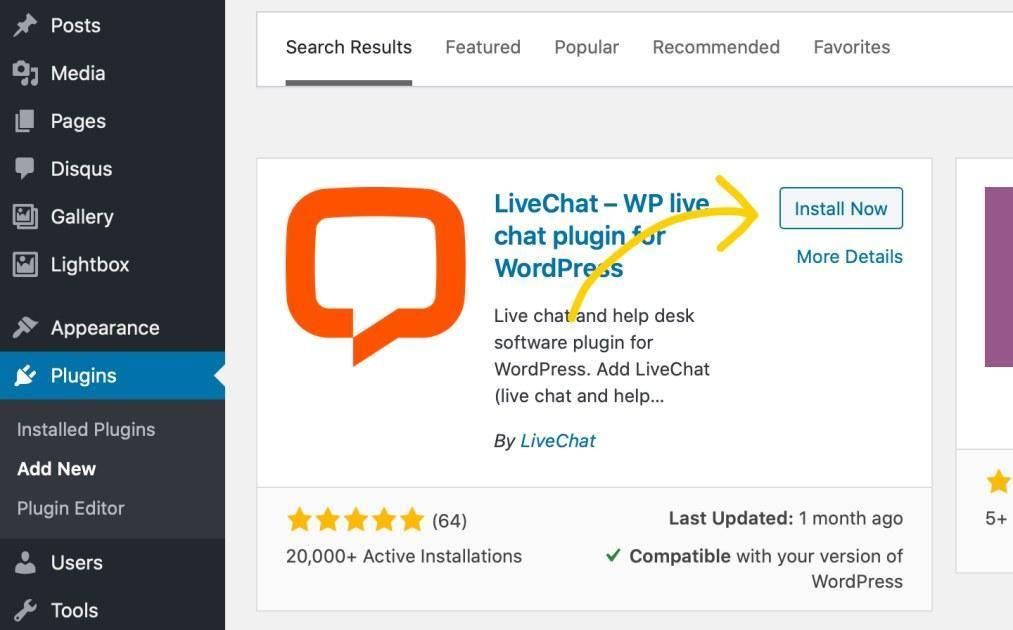
LiveChat offers only a 14-day trial; after that, the per-agent monthly cost is $19, billed annually. They have no free plan.
Yaplet offers an entirely free plan that includes their AI agent, which handles answering, along with 100 AI answers per month.
There are also old favorites, such as Pure Chat, that have quietly discontinued their free tiers, so make sure you check the current terms and offers before you build on one.
Step 2: Install the chat widget on WordPress
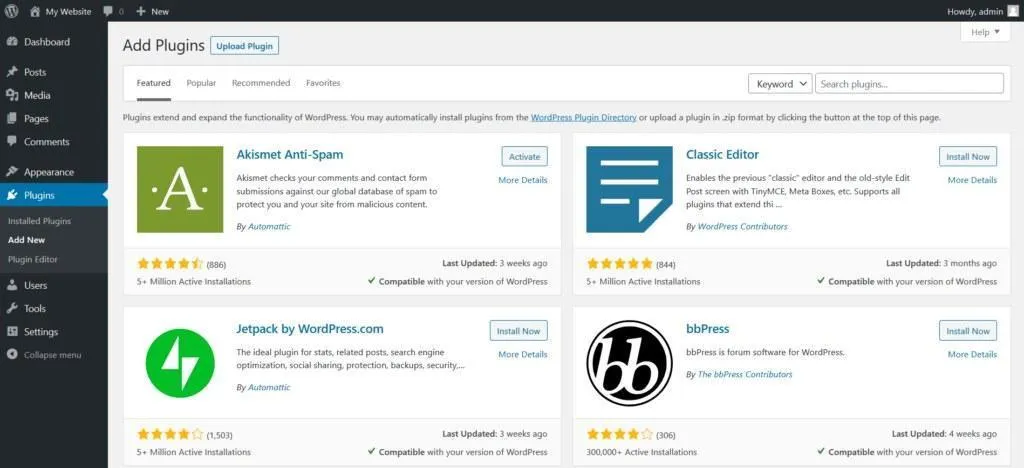
There are two ways that you can get these live on your WordPress site.
Option A: Install the plugin from the directory
In the WordPress dashboard, open Plugins, then Add New. Search the tool’s name (“Tidio”, "Yaplet", etc). Click Install Now and Activate. Once installed, go to the plugin’s settings, log in to your account, and connect it to your site.
Option B: Paste a line of code
Most chat tools provide a small script you can paste. In Yaplet, it looks like the following:
<script src="https://yaplet.com/api/sdk/loader?widgetId=YOUR_WIDGET_ID" async></script>You only need to enter the code once, and it will load on every page. You don’t have to edit your website’s theme files by hand. Instead, you can install a free code snippet plugin, such as WPCode, paste the snippet into the header section, and then save.
The async attribute means the script loads in the background, so it won’t noticeably slow down your site.
If you’re using WoodCommerce, Yaplet offers a one-click install, the same as Shopify, which is great when you’re running a store and want to skip the copy-paste.
Step 3: Customize the widget and go live
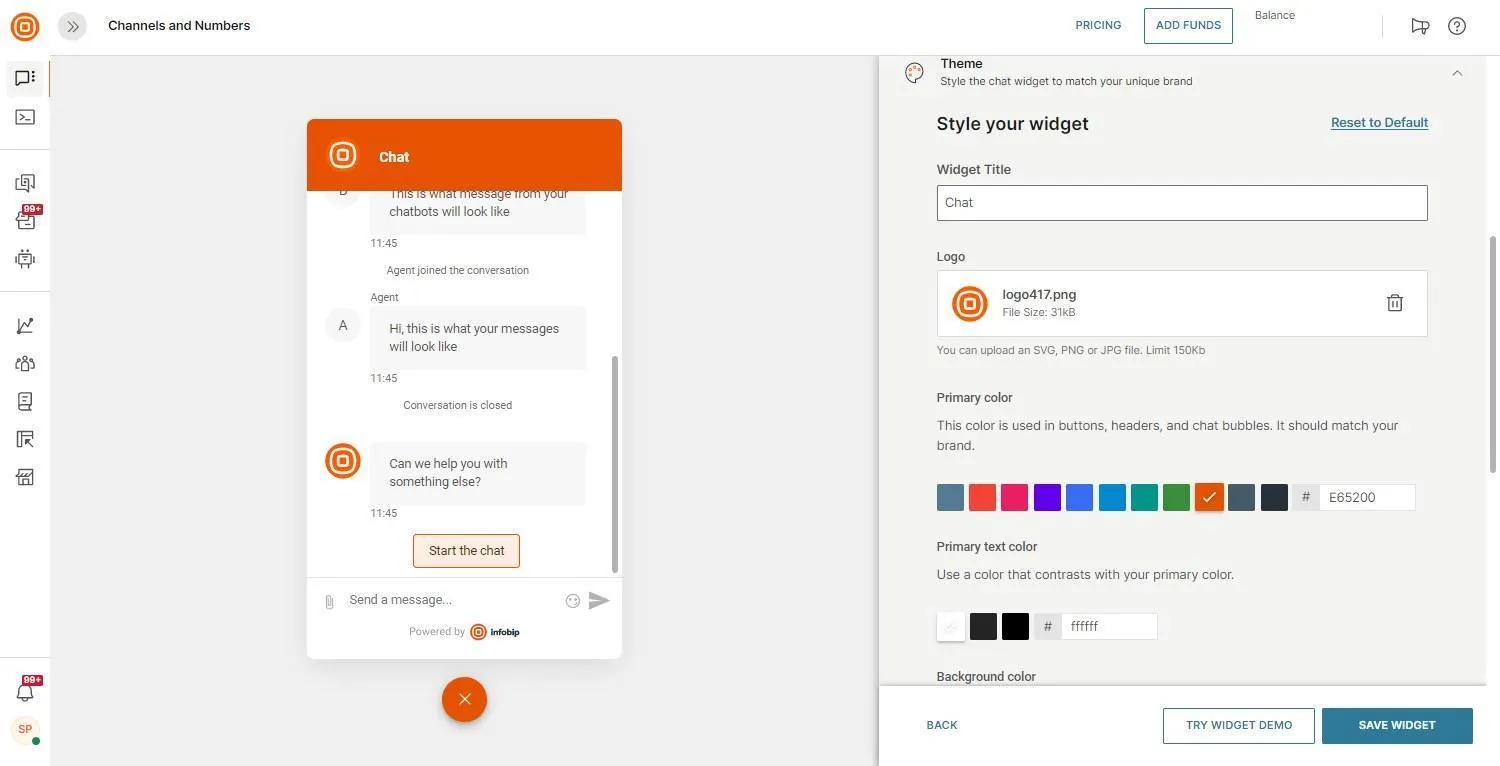
A default look makes your chat appear boring and identical to others. Even a small tweak here and there will do, so show some personality!
Here’s how you can best customize your live chat widget.
Colors and Avatar: Make sure your design matches your brand so the widget doesn’t appear out of place.
Greetings: Just as you greet a visitor at your door, you’d also want to set people coming to your internet door up for success. People visit because they have an intention, so meet them by adding automated greetings like: “Hey! Do you have questions about shipping or sizing?”
Office Hours: Let visitors know your availability, or use an AI agent to answer messages for you.
To confirm your widget is live and hopefully working, open an incognito window and send a test message on your website.
Comparison of the Best Free Live Chat Plugins for WordPress
Here’s a glance at the top picks and their limitations, ours included:
Tool | Free plan | Best for | Key feature | Honest limitation |
|---|---|---|---|---|
Yaplet | Free (1 widget, 100 AI answers/mo) | Teams that want chat plus AI that answers for them | Vex AI resolves about 75% of chats; six channels in one inbox | One seat and one widget are free; 100 AI answers/mo, then pay-as-you-go |
Free forever (unlimited agents) | Tight budgets and high chat volume | Truly unlimited agents and chats at $0 | "Powered by tawk.to" badge unless you pay a small add-on to remove it | |
3CX Live Chat | Free forever (unlimited agents) | WordPress sites that also want calls and messaging | 100,000+ installs; ties chat to a phone system | Most value only if you adopt 3CX's wider comms system |
Tidio | Free (50 conversations/mo) | Small stores that want a polished widget and bots | Clean widget, easy WooCommerce setup | 50-conversation cap is low; Lyro AI runs from about $32.50/mo extra |
HubSpot | Free (with HubSpot CRM) | Teams already living in HubSpot | Chat logs into a full free CRM timeline | Free bot is rule-based and nudges you toward paid Hubs |
Need more details before choosing?
Considering Tidio? You should read our guide to Tidio alternatives.
Looking at LiveChat? We have published a list of LiveChat alternatives.
Why Yaplet's Free plan

If your goal is to add live chat without adding another mundane workload, the difference is worth paying attention to.
Sure, tawk.to and 3CX offer a free inbox, but someone still has to type all the replies. With Yaplet’s free plan, not only do you get the live chat widget, but you’ll also have Vex, an AI agent that answers your visitors for you.
Vex learns from your content (FAQs, pages, and help documents), citing every reply to its source and never making up answers or pretending to know them. Our development team reported that it resolves 75% of support chats across 100+ languages!
The free plan includes a widget, a seat, and 100 AI answers per month, and with pay-as-you-go credits starting at $5, it’s a great deal.
And for the setup? The same as the rest. Five minutes installing the code snippet or installing the app, and customizing your colors and greeting. Simple!
The honest catch, however, is that the free plan covers a small site. For busy stores, you’ll probably want a paid plan at $29 per month.
Common mistakes (and quick fixes)
Turning on chat with no one to answer it. It’s important to indicate office hours or use AI agents on your widget, so you don’t give a bad impression.
Leaving the default greeting. Greetings are what people first see, aside from the colors you use. Make sure to assign specific questions that are related to what you sell.
Forgetting mobile usage. A lot of the traffic your site will receive will come from phones. Make sure that the widget on the mobile interface is functioning and visible.
Ignoring the branding line. Free tools usually add their own branding to your widgets; it may be worth considering whether to pay a fee to remove it.
Bloat on your site. Use widgets that load in your site's background (like all tools mentioned here). This keeps your site fast and protects its Core Web Vitals.
FAQ
Can I add live chat to WordPress for free?
Yes, you can install any of them through the WordPress plugin directory or with a single code snippet.
Do I need a developer or any coding to add a chat widget?
No, most plugins are installed directly from the WordPress dashboard, with little to no code involved.
Is Yaplet really free?
Yes, the Basic plan is free. No credit card, and no plan expiry. If you need more to fit your busy needs, more answers, more seats, more widgets, then a paid plan starts at $29 a month.
What's the best free live chat plugin for WordPress?
For zero-cost manual chats, tawk.to or 3CX Live Chat. For a free plan that includes AI agents to answer questions, start with Yaplet.
Does live chat slow down my WordPress site?
A poorly built widget can slow down your site; however, the tools listed here load in the background to protect site speed.
You can have this live before your coffee's cold.
Live chats used to be hard to get on your own. But now? In less than five minutes, and with almost no cost, you can enjoy and launch it to your own WordPress site. Pick a plugin of choice, and let the live chat come alive!