Forms inside conversations

Forms that reply in your inbox, not a spreadsheet.

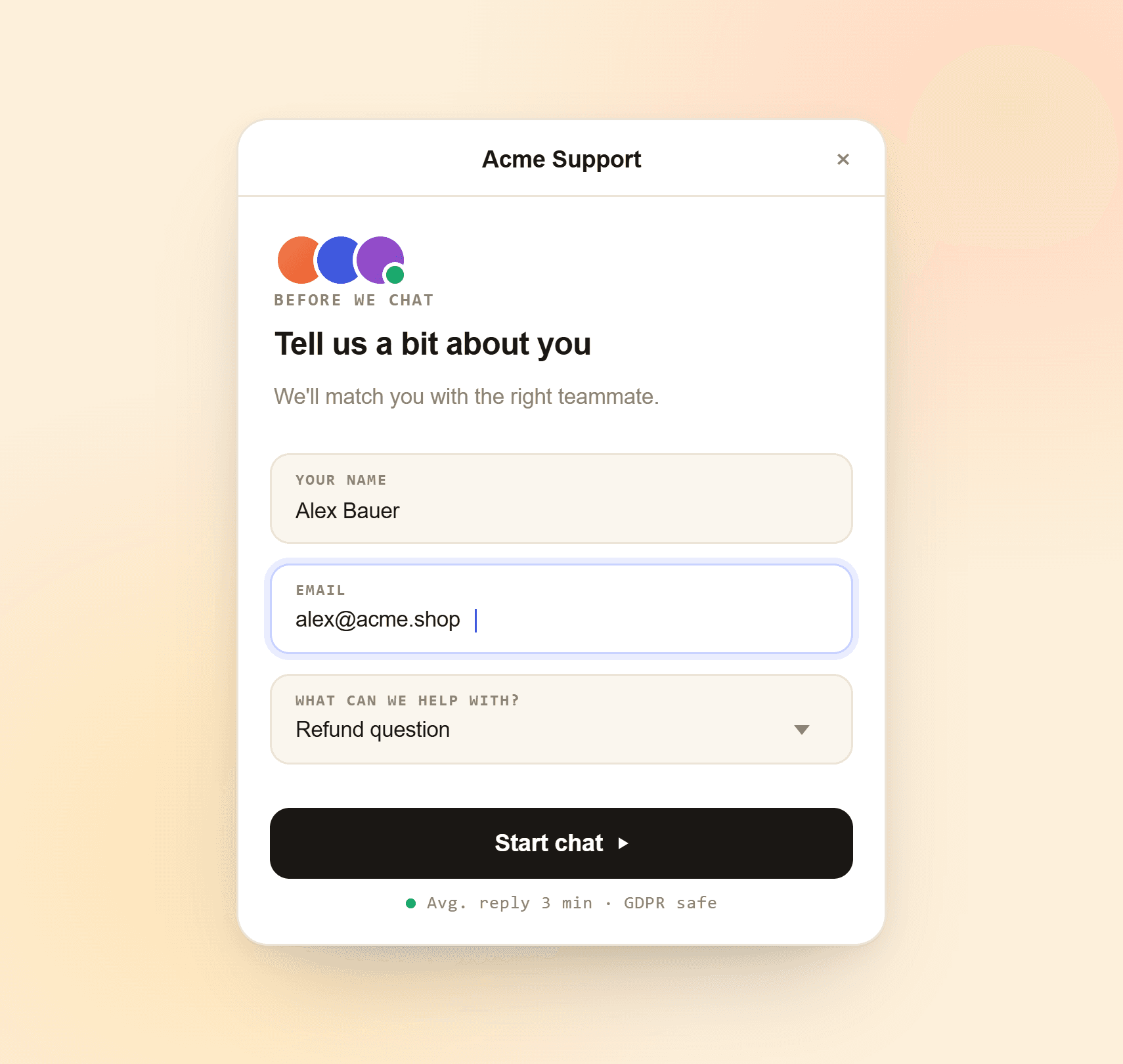
Build a form in minutes with drag-and-drop. Drop it into a chat, share it as a link, or hand it to your AI chatbot. Every reply lands in the same inbox as your chats, not a separate spreadsheet.

  • Drag-and-drop builder with six field types
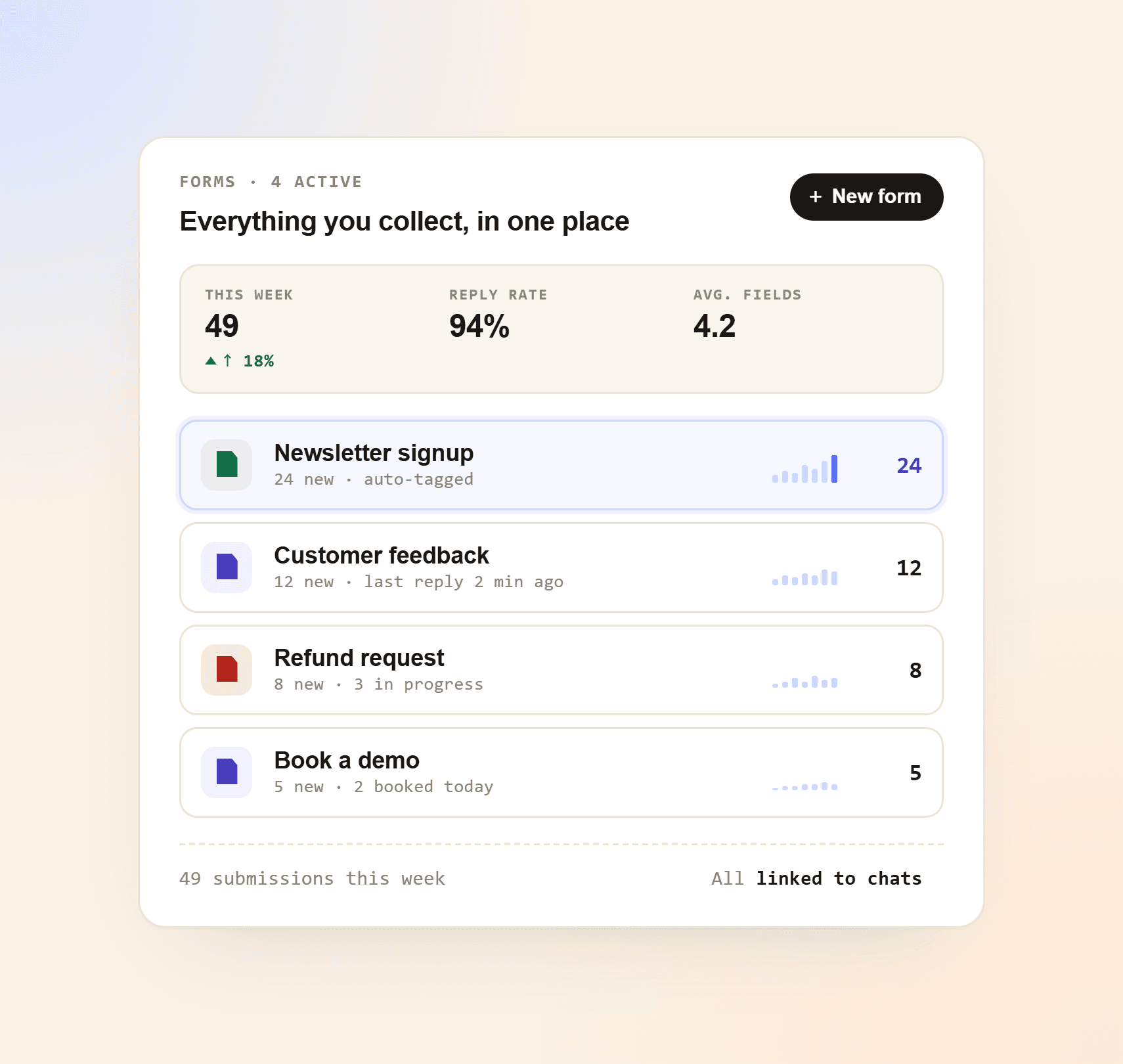
  • Replies land in your inbox next to the chat, not in a spreadsheet
  • Trigger automations on submit: assign, tag, email or hand off to Vex AI
  • Free plan forever, no credit card to start
4.9 average rating
G2Capterra on G2 & Capterra GDPR · EU-hosted

Contact us

We reply within minutes

Live
Sara Patel
SalesSupportOther
Hi! I'd love a quick demo of
Submitted · just now128 Responses today

Built for real conversations

Everything you need to ask the right questions.

The field types and flows your team uses, included on every plan. No add-ons, no upgrade walls.

Visual drag-and-drop builder

Add fields, reorder them, write the question and you're done. No code, no formulas.

Six field types

Short text, long text, single choice, multiple choice, numeric scale and file upload. Enough for almost any form.

Required or optional

Mark each field as required or leave it optional. Yaplet checks the answers before the form can be submitted.

Star and scale ratings

Use the numeric scale field for 1-5 stars, NPS-style 0-10 questions or any range you choose. Custom labels for both ends.

File and screenshot upload

Visitors attach images, videos or PDFs up to 25MB. Useful for bug reports, design feedback or document submissions.

Welcome and thank-you screens

Set the tone with a friendly intro and close with a thank-you message. No extra tools needed.

Built for chat

Forms that fit the conversation

Most form tools send visitors to a separate page, and most visitors never come back. Yaplet keeps the form inside the chat, so they finish it. Drop a form mid-conversation, qualify a lead before assigning, or let your chatbot collect details on its own.

  • Drop a form into a live chat with one click
  • Use forms as a chat starter to collect details before assigning an agent
  • Embed inside chatbot flows so Vex AI fills in fields step by step
Built for chat

Stay organised

Replies stay tied to the chat

Every submission stays attached to the visitor's conversation, so you see who said what and what they answered, side by side. Group related forms into boards, triage them like a kanban, and stop losing responses to spreadsheets.

  • Form answers appear inline in the chat thread
  • Group submissions on boards and move them through statuses
  • Reply to the visitor from the same inbox
Stay organised

Live in minutes

Three steps from idea to first response

No designer, no formulas, no project plan. Build a form, drop it into a chat or page, watch the replies roll into your inbox.

1

Build your form

Open the builder, add fields by clicking, write the questions and mark what's required. It saves automatically.

2

Drop it into a chat or page

Send it to a visitor mid-conversation, attach it to a chatbot flow, or share it as a standalone link.

3

See responses in your inbox

Every submission shows up in the chat thread and on the form's board. Reply, sort or follow up in one place.

Ask better questions. Get better answers.

Build your first form in minutes. Keep the free plan forever. No card, no contract, nothing to cancel.

No credit card Free plan forever Cancel anytime

Common questions

Answers before you ask

Short, honest answers. Still stuck? Open a chat and we'll reply ourselves.

Talk to a real person

We use Yaplet too. Try it on us.

Six field types out of the box: short text, long text, single choice, multiple choice, numeric scale and file upload. You can mark any field as required and add a placeholder or a help subtitle.

Yes. Every form has its own shareable link, so you can use it anywhere: on its own, in an email, or behind a button. Submissions still land in your Yaplet inbox.

Yes. While chatting with a visitor you can launch any of your forms. It appears inside the chat, the visitor fills it in there, and the answers stay attached to the conversation.

Yes. Vex, our AI chatbot, can collect data field by field as part of a conversation (name, email, ticket details) using the same field types as a regular form.

Yes. Use the numeric scale field. Set the range (1-5 for stars, 0-10 for NPS, or anything you like) and add custom labels for the lowest and highest values.

Yes. The file upload field accepts images, videos and PDF documents up to 25MB. Useful for bug reports, design feedback or sending us documents.

Straight to your Yaplet inbox: in the chat thread they came from and on the form's board, where you sort, triage and reply. No separate spreadsheet, no export, no second tool.

Reviews

People love us

Loved by people and teams that care about making every customer interaction more insightful and efficient.

G2G2
4.9/ 5
Excellent
CapterraCapterra
4.9/ 5
Excellent
"We replaced three tools with Yaplet and our response time dropped from 4 hours to 2 minutes. The AI gets it right almost every single time."
MK

Maya K.

Head of Support, SaaS company

"The setup was honestly the easiest I've done in 10 years. We were live on Monday morning and answering tickets by lunch."
JD

James D.

Founder, small business

"Vex AI handles around 80% of our questions on its own. My team finally gets to focus on the conversations that actually need a human."
SP

Sara P.

Customer Success Lead