Most company help centers fail to stop support tickets. While a static FAQ page deflects only 10% to 30% of incoming customer queries, integrating your knowledge base with modern AI and keeping the content updated in real time can push the deflection rate to 30% to 50%.
Choosing the right software impacts your bottom line, and it makes high-performing tools actively pay for themselves by shrinking your support bill.
What "deflect tickets" actually means
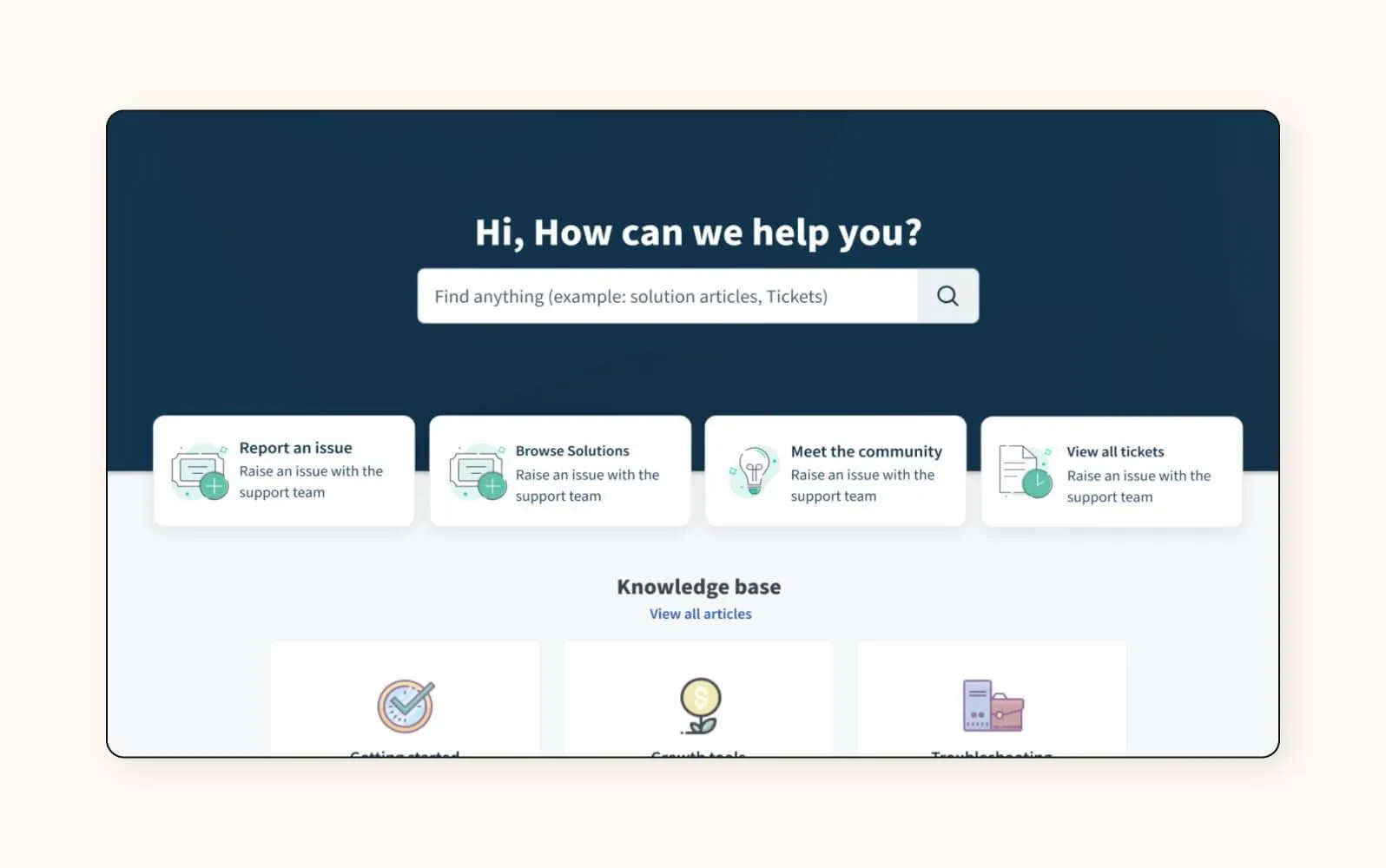
True deflection occurs when a customer finds their answer and closes their support request. Because vendor marketing numbers often include unresolved views, realistic deflection rates are much lower and are strictly capped by the types of questions a customer might ask.
A simple password reset can be automated and deflected up to 70% of the time, but something like technical troubleshooting might deflect it less often.
Four traits of a knowledge base that deflects
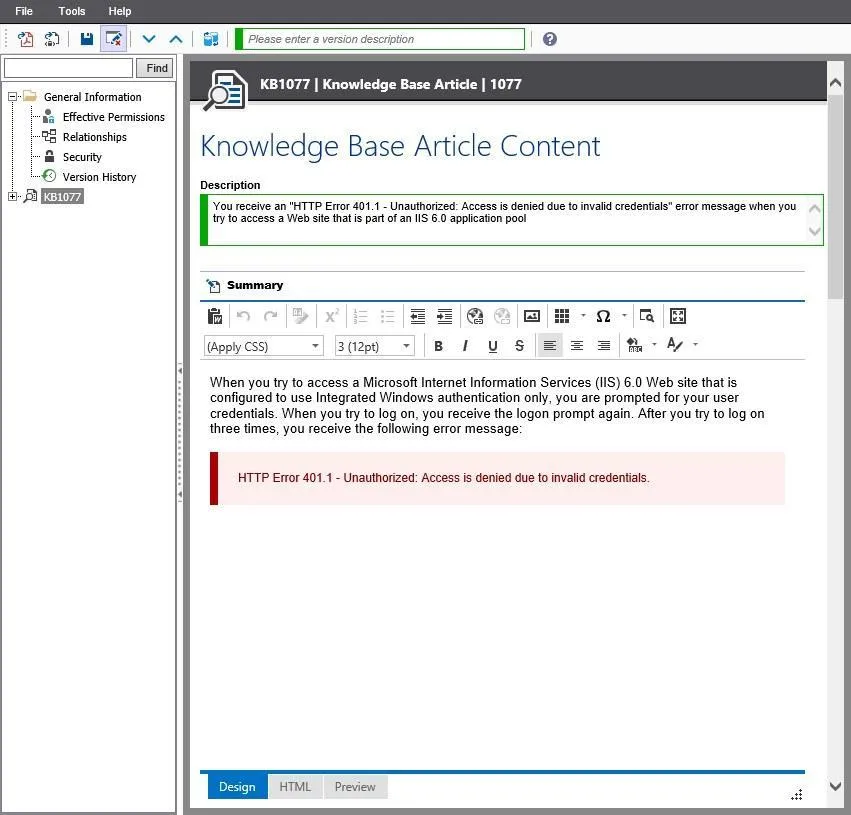
A great knowledge base depends on four critical factors:
- Findable: Delivers accurate search results on the first try inside active chat widgets.
- Answer-shaped: Uses AI to generate answers with the source articles linked.
- Fresh: Flags failed searches and outdated articles before the help center decays.
- Everywhere: Syncs a single piece of content across public help centers, apps, and AI bots.
The 5 best knowledge base tools that actually deflect tickets
1. Yaplet: the best all-in-one knowledge base built for deflection
Starting price: Free to test the AI (100 AI answers a month). The knowledge base starts on the Starter plan at $29/month ($23 billed annually). Growth, the most popular tier, is $99/month.
Yaplet is the ideal choice for small support and product teams looking to replace multiple subscriptions with a single platform that bundles a knowledge base, live chat, and AI capabilities.
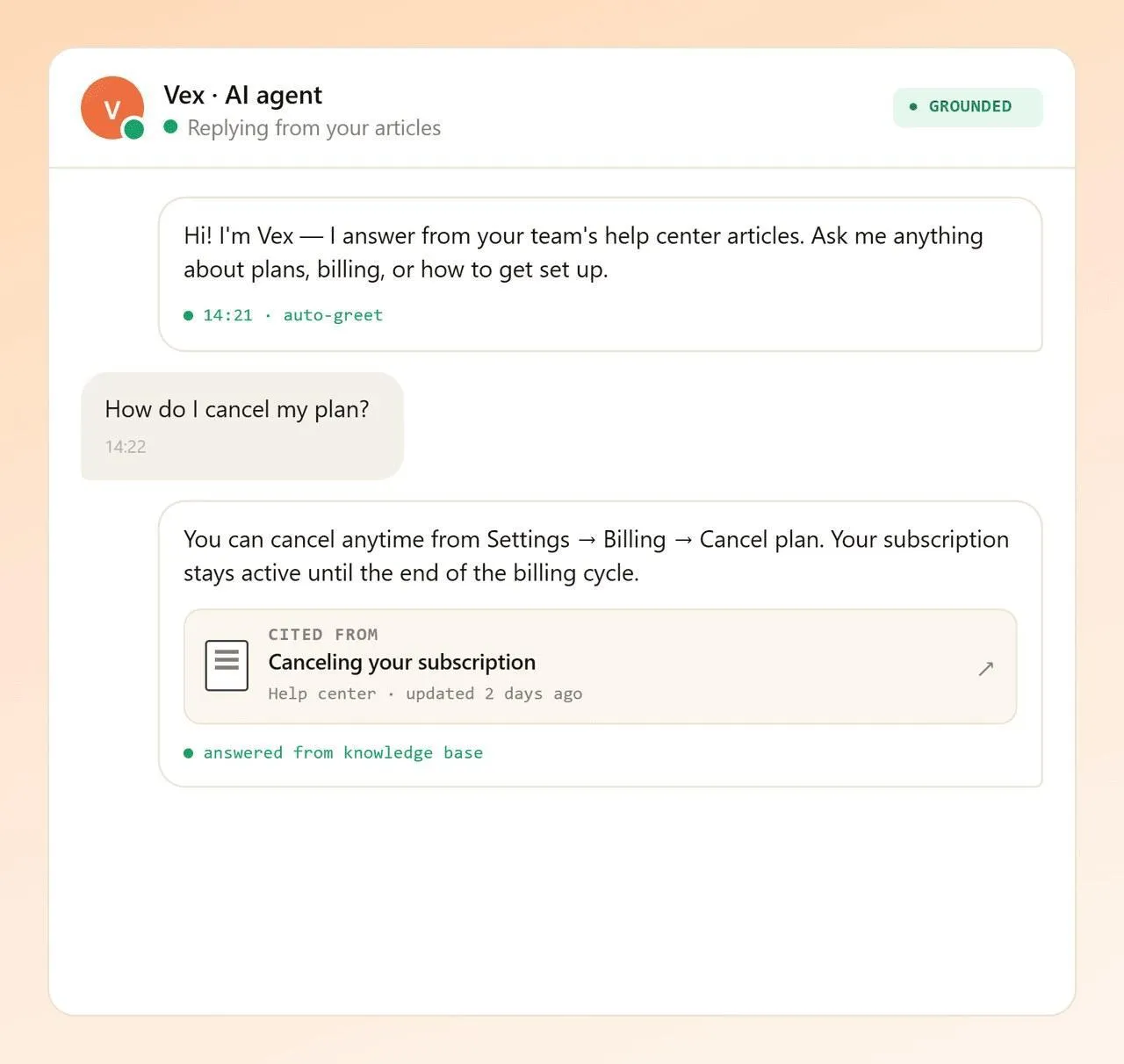
The Vex AI Agent effectively resolves up to 75% of customer chats in over 100 languages using only your content.
The catch: Yaplet's hosted knowledge base isn't on the free tier, and its integration ecosystem is younger than Zendesk's or Intercom's.
2. Intercom: the most solid AI resolution, if budget allows
Starting price: $29 to $132 per seat/month (Essential to Expert, annual), plus Fin AI at $0.99 per resolution.
It’s great for teams that want the market’s most capable AI agent and have the budget to feed it.
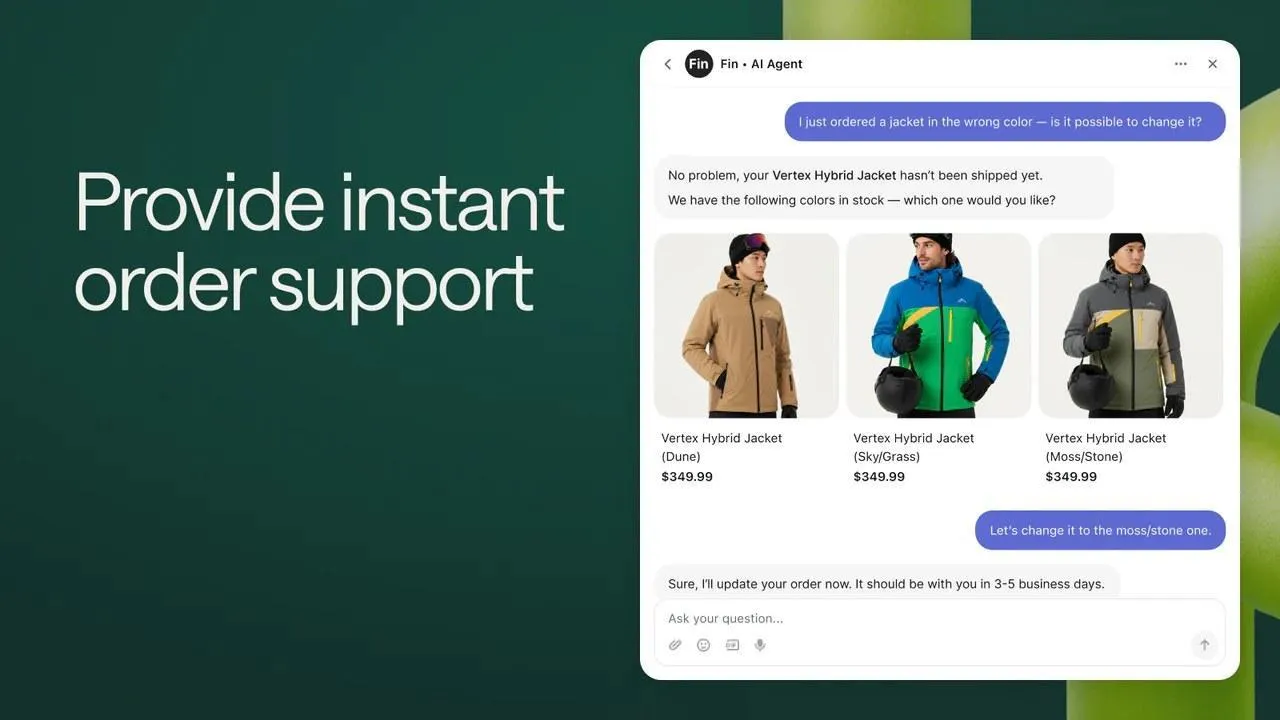
With its help center included on every plan and Fin (their AI Agent), it’s the best at closing tickets end-to-end. If deflection is a priority and money isn’t the constraint, it’s a serious option, and the Intercom vs Zendesk comparison can provide a deeper breakdown.
The catch, though, is that billing is two layers. With seats plus $0.99 for every resolution Fin closes. Salesforce also signed a deal to acquire Intercom (now renamed Fin) for $3.6 billion in June 2026, so expect product churn while that closes.
3. Zendesk: the enterprise knowledge base with the deepest ecosystem
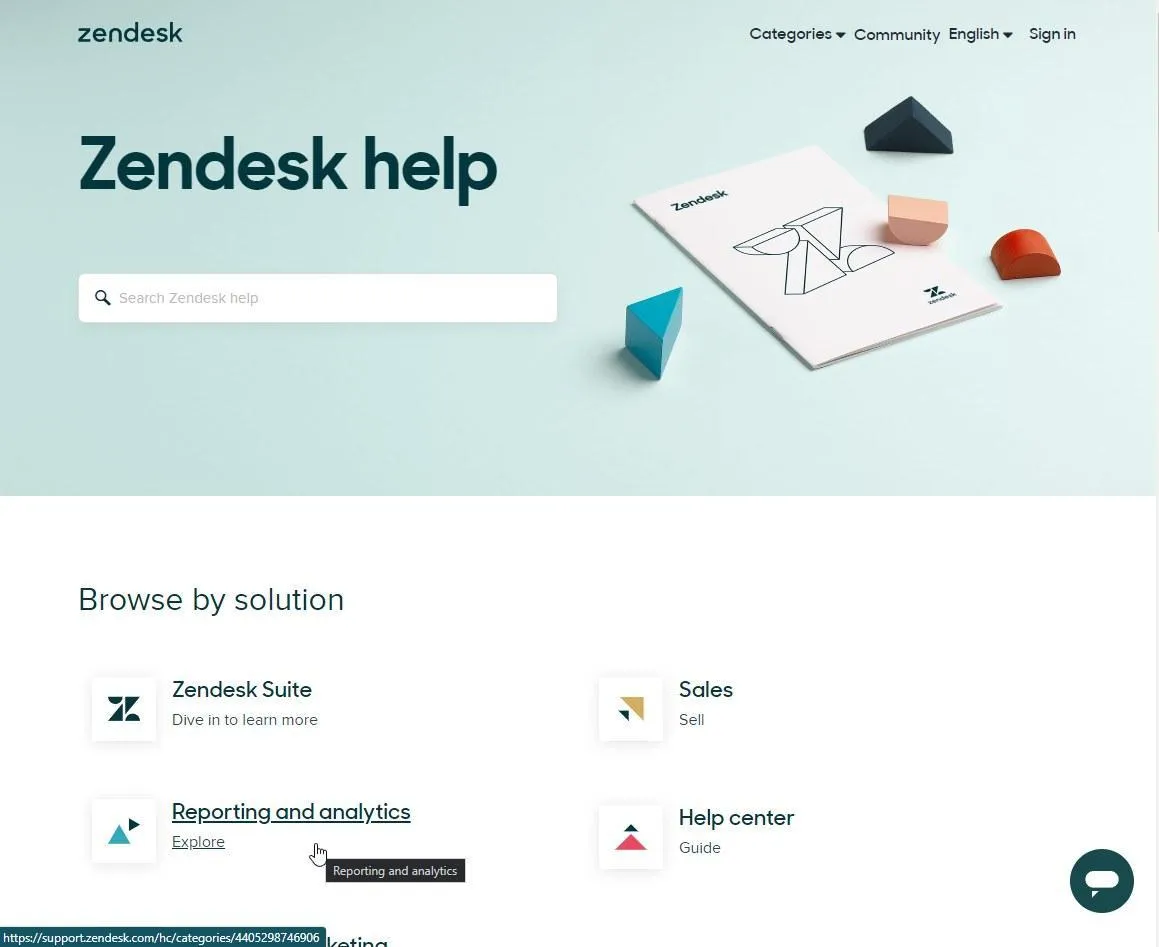
Starting price: Suite Team at $55 per agent/month (annual), up to Professional at $115, with Enterprise on a custom quote.
Zendesk is for larger support teams with complex workflows and deep integration needs, and it usually takes a dedicated admin to run.
Zendesk is the category's enterprise workhorse: a mature knowledge platform (Guide), a huge app marketplace, and serious analytics. Scaling teams rarely outgrow it.
As of 2026, native AI agents are built into every plan tier, with a set number of automated resolutions included and a per-resolution fee once you pass that cap.
The limitation: Zendesk is built for enterprise scale. A five-person team ends up paying for configuration it will rarely touch, and setup takes longer than with any other tool on this list.
4. Help Scout: the simplest customer-facing knowledge base
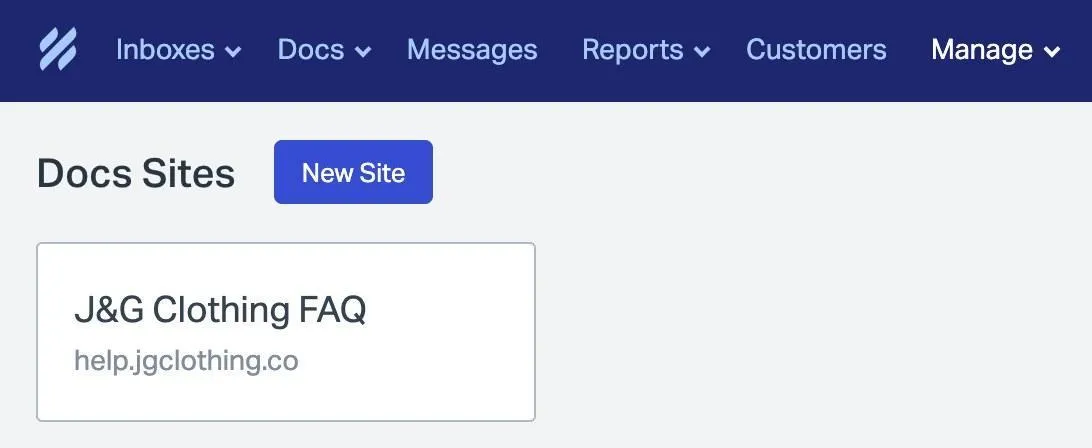
Starting price: Free for up to 5 users with one Docs site, then Standard at $25/user/month, Plus at $45, and Pro at $75 (annual). AI Answers is a separate $0.75 per resolution.
Help Scout is good for small teams that use a shared inbox and want a clean, easy-to-use knowledge base without complicated setup.
It’s one of the most user-friendly options for email-focused support teams. Help Scout features a minimalist editor and an intuitive knowledge base ("Docs"), included in every subscription, even on the free one. With Docs paired with their native shared inbox, it allows for building an active self-service help center in an afternoon, all while their conversational AI Answers bot includes a three-month free trial for testing.
But the catch is that the software is intentionally streamlined. This means scaling operations will eventually outgrow its basic formatting due to the lack of granular article permissions and document version control. Lastly, if a team chooses Help Scout, it's best to map out long-term budgeting, as it scales rapidly with AI answers billed per resolution.
5. Document360: the dedicated knowledge base platform for docs-heavy teams
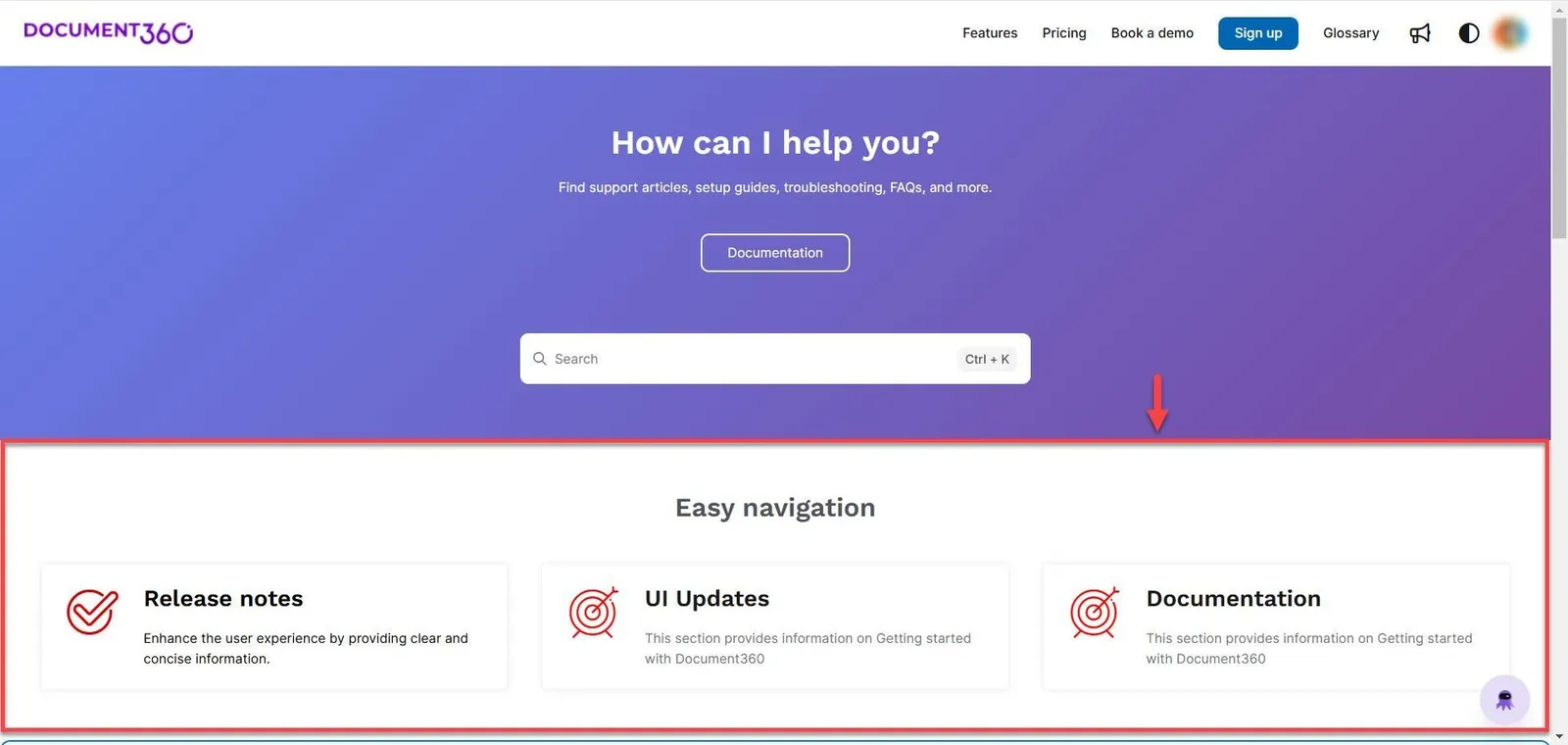
Starting price: Quote-only. Document360 dropped public pricing, so you get a custom number based on projects, languages, and add-ons. Before the switch, Professional listed at $149/month and Business at $299/month, and 2026 quotes reportedly land 30 to 40 percent higher. That being said, there's a 14-day trial.
Document360 is for teams whose knowledge base is the product. Think of technical documentation, developer docs, multi-version, and multilingual libraries, etc.
It’s great for a real knowledge management platform and when you’re looking for something that handles versioning and granular workflows, deep knowledge analytics, and a proper knowledge hub. There’s also Eddy (their AI) layered on for conversational search and AI answers.
The catch is that there's no chat or voice included, and pricing isn't really public. Because of those factors, it can be overkill if you’re only deflecting a few hundred tickets a month.
Knowledge base software platforms compared
Tool | Starting price | Best for | Standout feature | Honest limitation |
|---|---|---|---|---|
Yaplet | Free to test; KB from $29/mo | Small teams wanting one unified bill | Vex AI resolves ~75% of chats, cites the source article | KB not on the free plan; younger integration ecosystem |
Intercom | $29/seat/mo + $0.99 per resolution | Teams wanting top AI who can budget it | Fin AI agent, strong end-to-end resolution | Two-layer billing scales with volume; acquisition churn ahead |
Zendesk | $55/agent/mo (Suite Team) | Enterprise support with complex needs | Mature ecosystem, AI agents included in Suite | Pricey and heavy for small teams; per-resolution overages |
Help Scout | Free up to 5 users; $25/user/mo | Email-first teams wanting simple Docs | Cleanest KB to set up, included on every plan | Basic docs features; AI is a paid add-on |
Document360 | Quote-only (was ~$149/mo) | Docs-heavy, technical knowledge teams | Real KB platform: versioning, Eddy AI search | No inbox or chat; opaque pricing |
How to pick the right knowledge base tool for your team
Here’s a quick run-through to match the tool to your team and not the feature list.
- Small team, tight budget, all in one place: Easiest win is Yaplet.
- Already running Intercom and money isn’t the blocker: Stay, but make sure to watch and budget for the per-resolution line.
- Enterprise org with dedicated admin: Zendesk earns its price at scale here.
- Small, email-first team that hates setup: Help Scout gets you live fastest with its easy, intuitive UI, making it easier to focus and less about setup.
- Your documentation is the product: Document360.
Organizations often overlook a crucial distinction. It’s that internal knowledge management requires a different set of tools. For example, Notion or Confluence excel at capturing institutional knowledge and facilitating team collaboration. They'll never deflect incoming customer tickets or lower your external support volume.
FAQ
What’s the best knowledge base software for ticket deflection?
Yaplet bundles a knowledge base, the Vex AI agent, and live chat into one subscription starting at $29/month. Vex resolves around 75% of chats from your articles. Intercom’s Fin has the strongest raw AI resolution if budget isn’t a concern. And Zendesk is the enterprise standard.
Is Yaplet’s knowledge base free?
You can test Vex AI agent free with 100 AI answers a month. The Starter plan starts at $29/month, while the Growth plan is $99/month and includes more team members and knowledge bases.
Do I need AI to deflect tickets with a knowledge base?
No, but while an organized knowledge base deflects on its own, an AI-powered one that reads your articles and answers should be twice as good, if not more.