Most, if not all, customer service tickets are just the same five questions asked in many different ways. Harvard Business Review shows that 81% of customers try to fix problems on their own before even reaching out to a human.
But FAQ tools mostly fail to reduce ticket volume. They just rely on putting an unchanging help page on a hidden part of your website that no one even bothers looking at. This means questions as simple as "how do I reset my password" still have to be answered manually. Not ideal.
The five tools we've listed here will help you reduce the tickets, and we've reviewed the pricing for every plan and the features to help you choose the right option for each type of team.
Here’s the TLDR version
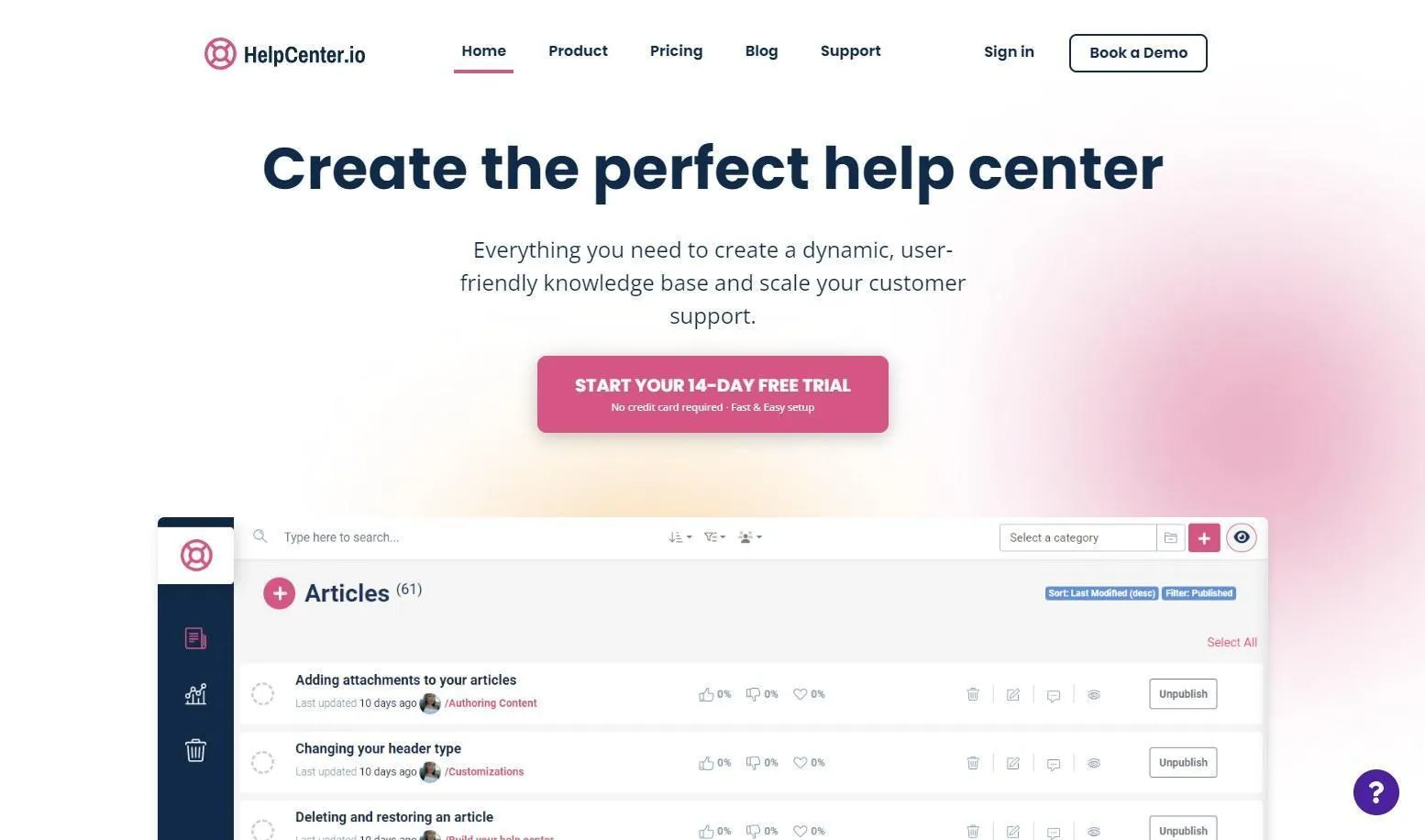
- Best all-in-one, and it's free to start: Yaplet.
- Best for large support orgs: Zendesk.
- Best for email-first small teams: Help Scout.
- Best standalone knowledge base: Document360.
- Best budget help desk with a knowledge base: Freshdesk.
Why most FAQ pages don't cut tickets
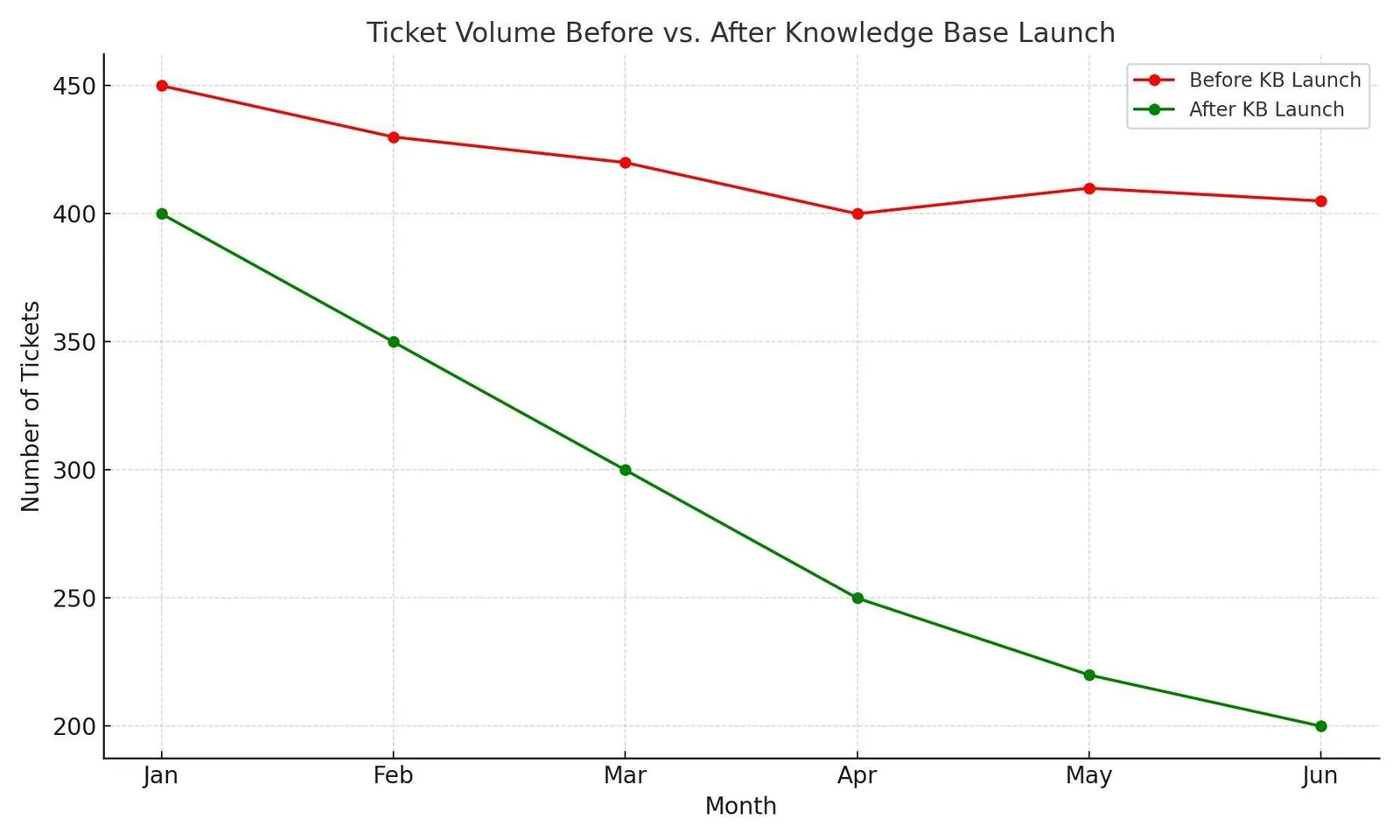
Just a regular FAQ page deflects only a few customer emails, as people have to actually find the page and then actually read it. Most won't even bother going that far. If the goal is to actually reduce tickets, then you'll need to answer customers at the exact moment they asked the question. An AI should use your articles and documentation to answer them instantly.
The best FAQ tools turn information into answers that appear in chats and search results, even before an agent is notified. And when it comes to choosing the right tool, it's best to keep three things in mind: does it use your articles and documentation to feed a live AI? Is the AI price included, or is it charged per answer? And, how quickly can you set it up?
The 5 best FAQ software tools for 2026
1. Yaplet: the best all-in-one FAQ tool (starts free)
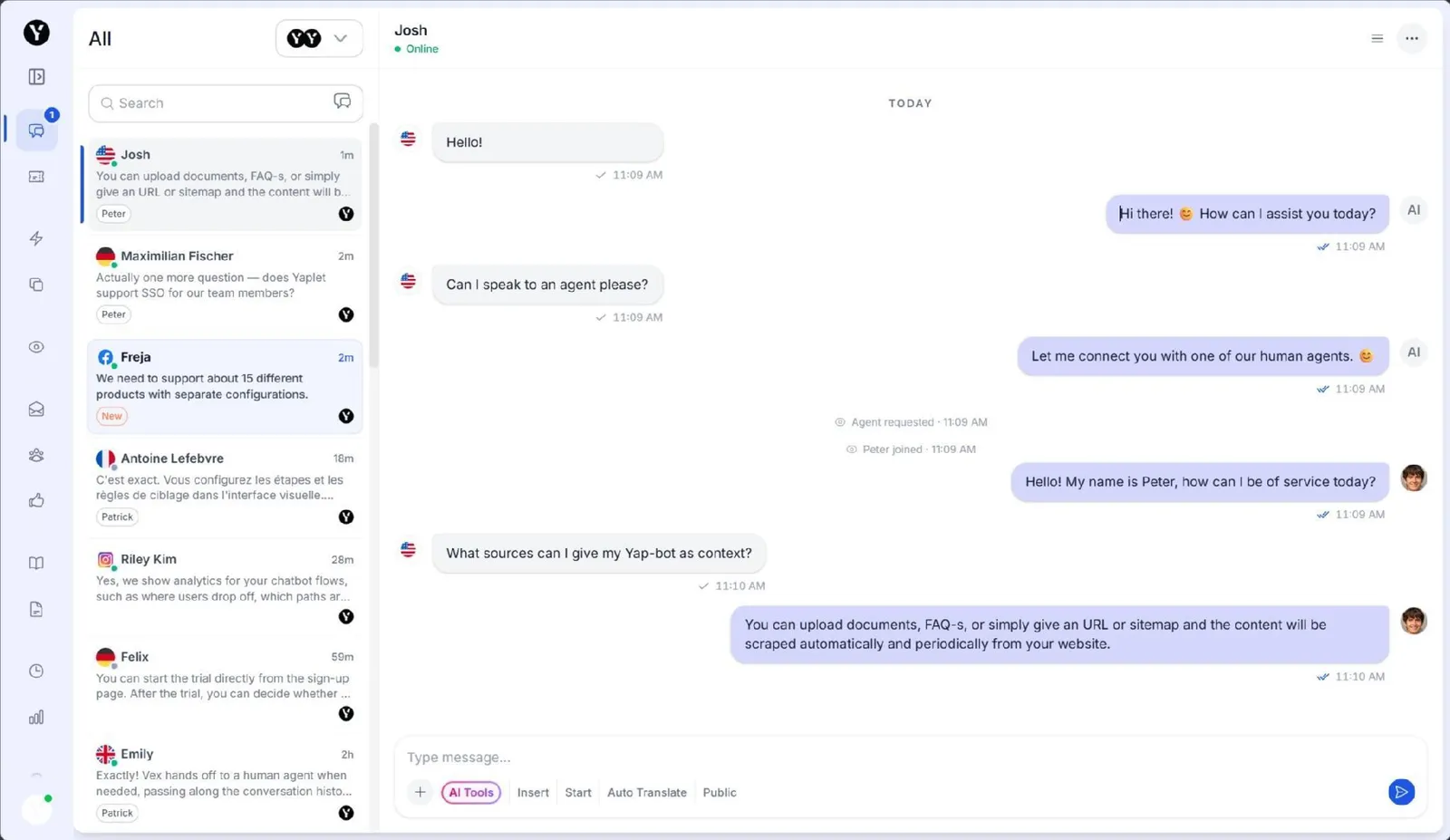
Starting price: Free on the Basic plan ($0, 100 AI answers a month, one widget, one seat). The hosted knowledge base is on the Starter plan for $29/month ($23 billed annually), and Growth is priced at $99/month.
Yaplet is best for SMB support teams who want a knowledge base and an AI agent that answers directly from it.
Your knowledge base (informational pages) is automatically shared in three places at once: your branded help center, a help tab inside your chat box, and directly within customer chats. Vex, Yaplet's AI assistant, reads these pages and handles 75% of customer questions on its own in over 100 languages. And Vex doesn't just make things up; it links to the resources where it got its answers. You don't need a software engineer to set everything up either.
A drawback worth considering is that Yaplet has a smaller integration marketplace compared to Zendesk and requires a paid plan starting at $29/month to host a branded knowledge base.
You can start with a free trial without a credit card to test the AI deflection capabilities using your existing content.
2. Zendesk: best for large support orgs
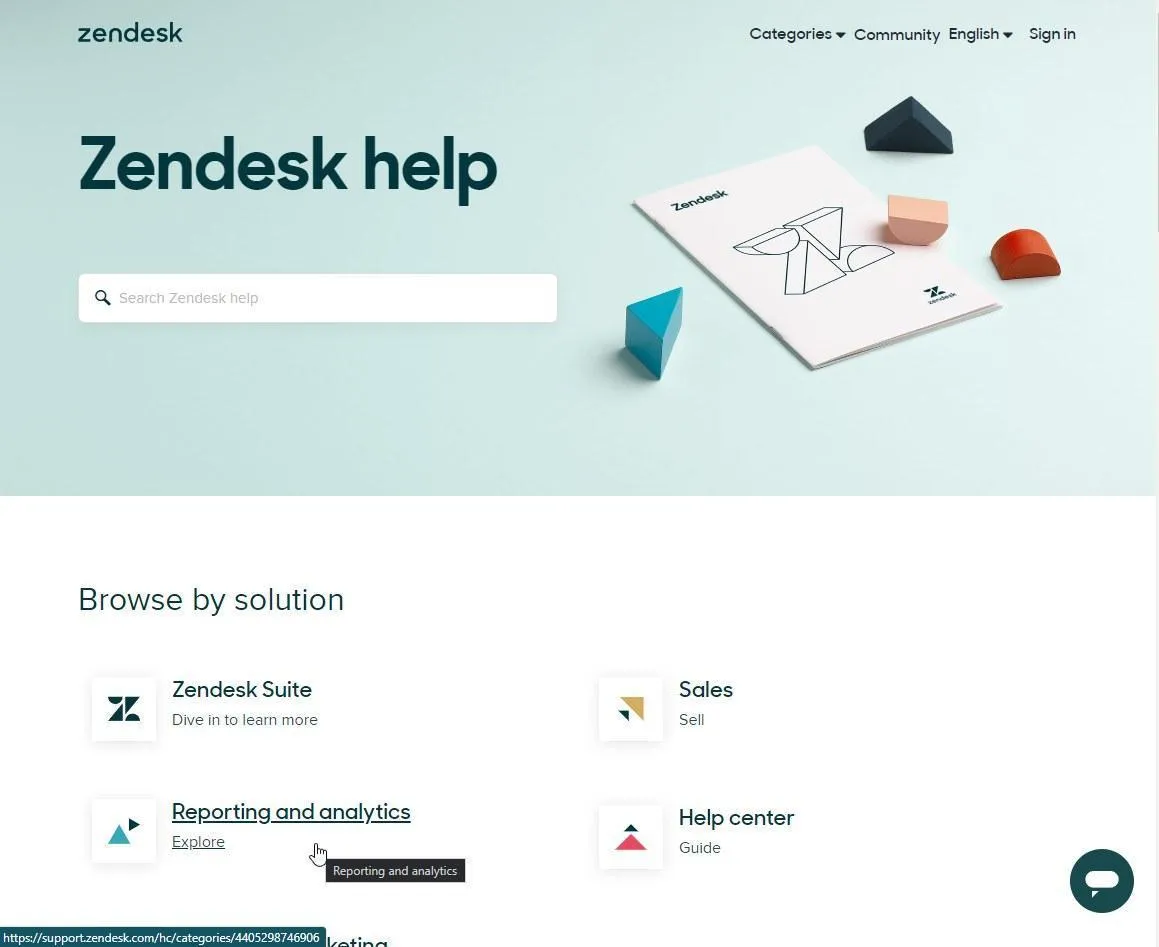
Starting price:$19/agent/month for Support Team (a bare help center), but a knowledge base worth using, Zendesk Guide (now being renamed Zendesk Knowledge), really starts with Suite Team at $55/agent/month, billed annually.
Zendesk is for bigger support teams and enterprises that need deep workflows and a help center that scales to hundreds of articles and agents.
Guide is an advanced, mature knowledge base with AI-powered search that tracks changes to your pages and text sections. All of this is built into the main Zendesk system, which keeps your customer tickets and saved replies in one place.
Zendesk's con is its total cost and how usage is tracked. The Copilot feature is a flat $50/agent/month add-on, and Zendesk's newer AI tools charge per resolution once you pass a small monthly allotment. You can read our comparison between Yaplet and Zendesk if paying per team member gives you budget worries.
3. Help Scout: best for email-first small teams
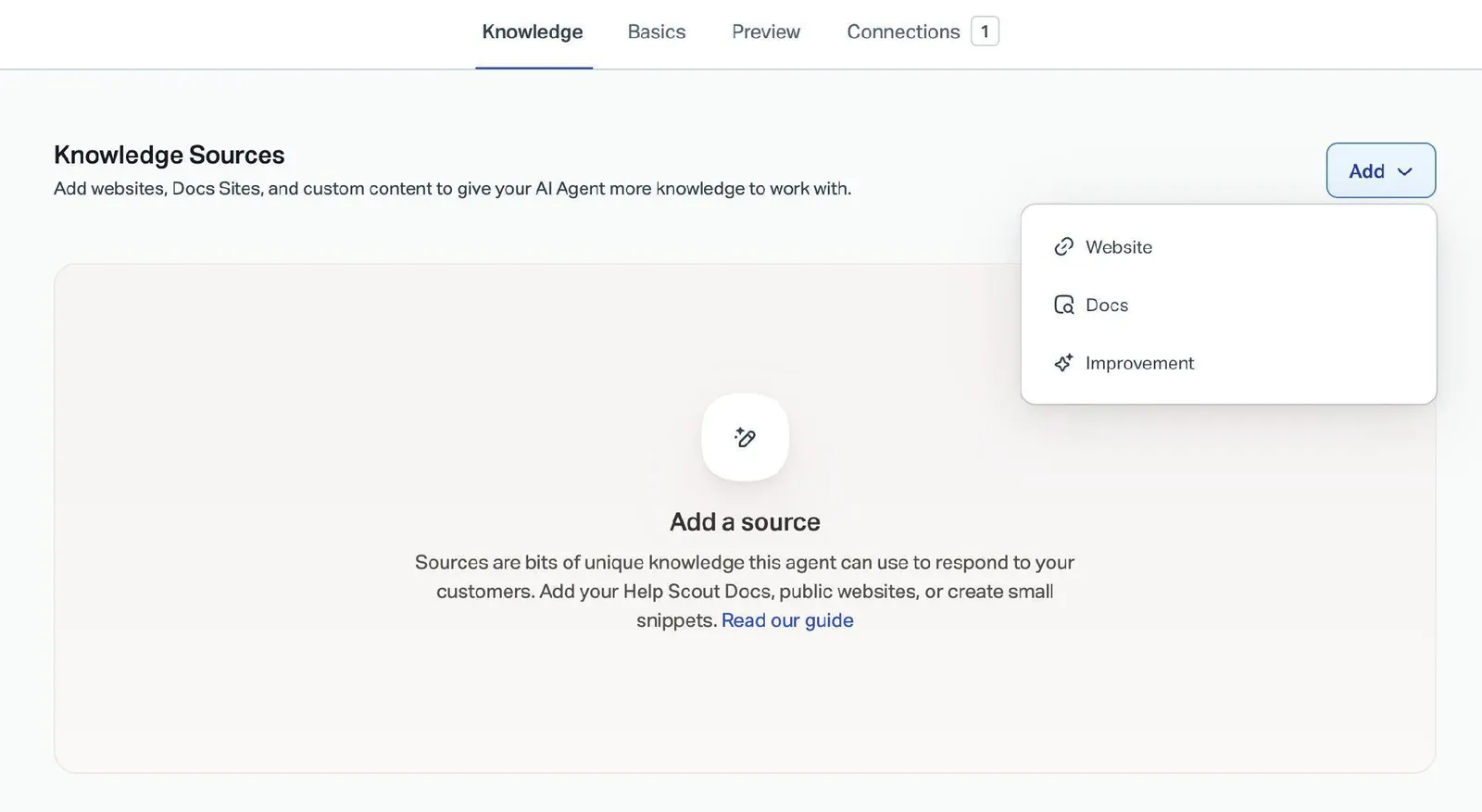
Starting price: Free for up to 5 users with one Docs knowledge base, then $25/user/month on Standard, or about $21 billed annually.
For small teams that run customer support from a shared inbox and want a low-fuss knowledge base, Help Scout is a great choice.
Help Scout's Docs is one of the easiest knowledge bases to write and create content in. Their Beacon widget is also great, and it shows help articles directly on your website or app before a customer starts a conversation.
Finding a free plan that includes a real help center is uncommon, and their AI Answers feature can resolve questions from customers using your content for $0.75 per successful answer.
The main drawback here is that you must pay for each user. This makes your total cost higher every time you hire more staff. The AI answering feature is also a separate extra charge rather than being included for free. Because of this, teams that need more automated tools usually opt for the Plus plan at $45 per user per month.
4. Document360: best standalone knowledge base
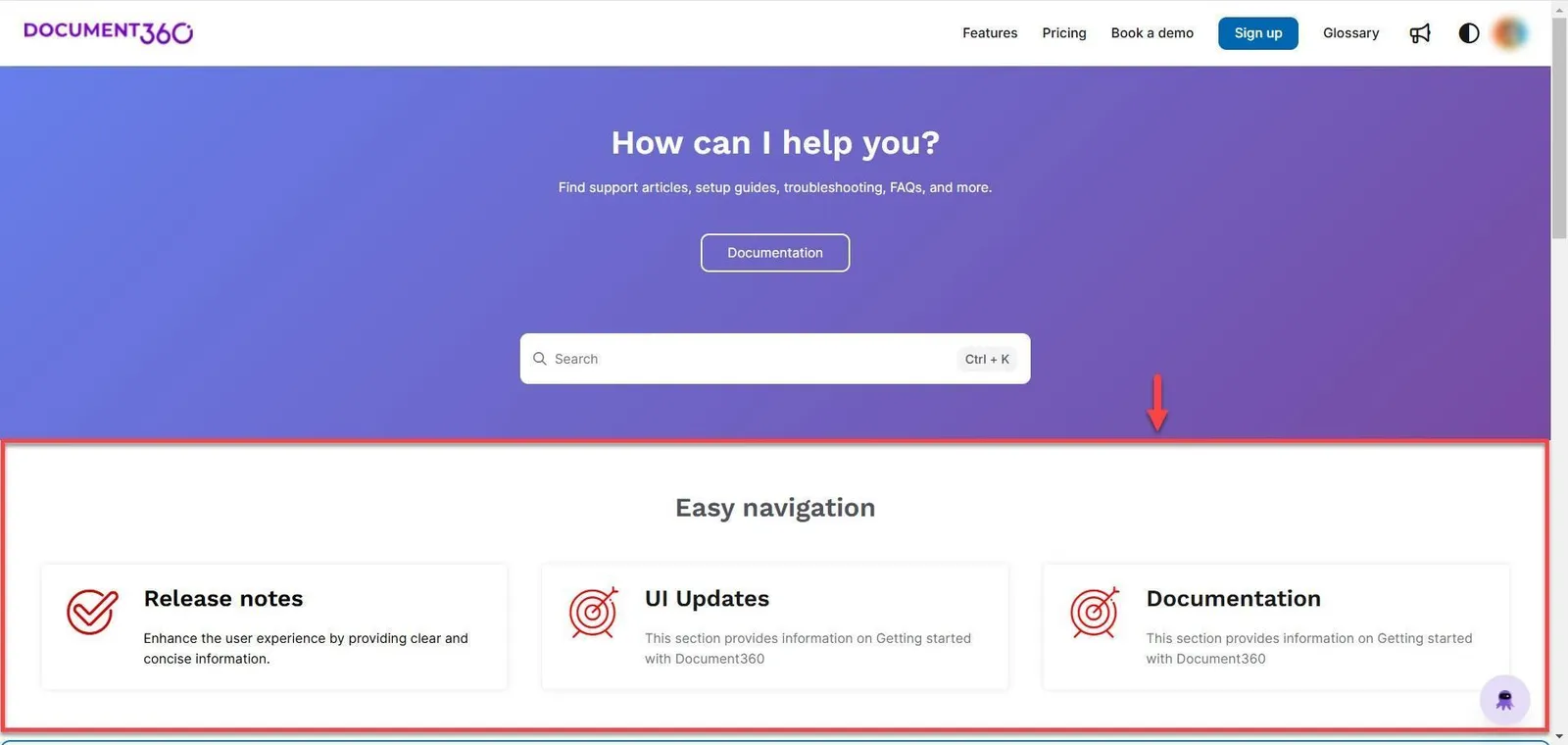
Starting price: Custom quote. Document360 moved to quote-only pricing in late 2024, so there's no public tier anymore. Historically, Document360's Professional plan started around $149 per project per month, and 2026 quotes tend to land higher.
Document360 is for product and documentation teams that want a polished knowledge base and FAQ site.
It's a dedicated platform for organizing information, letting you manage categories, track changes to your pages, view data reports, and use Eddy (their AI Assistant) to answer questions and write draft articles using your content. If you want a public help center for developer guides, Document360 is software that specializes in exactly that.
The catch is that it's strictly a knowledge base and not a system for managing customer tickets or live chat. For example, it cannot answer live chat conversations unless you connect it to another software tool, and the pricing can't really be viewed on the website without speaking to a sales representative first.
5. Freshdesk: best budget help desk with a knowledge base
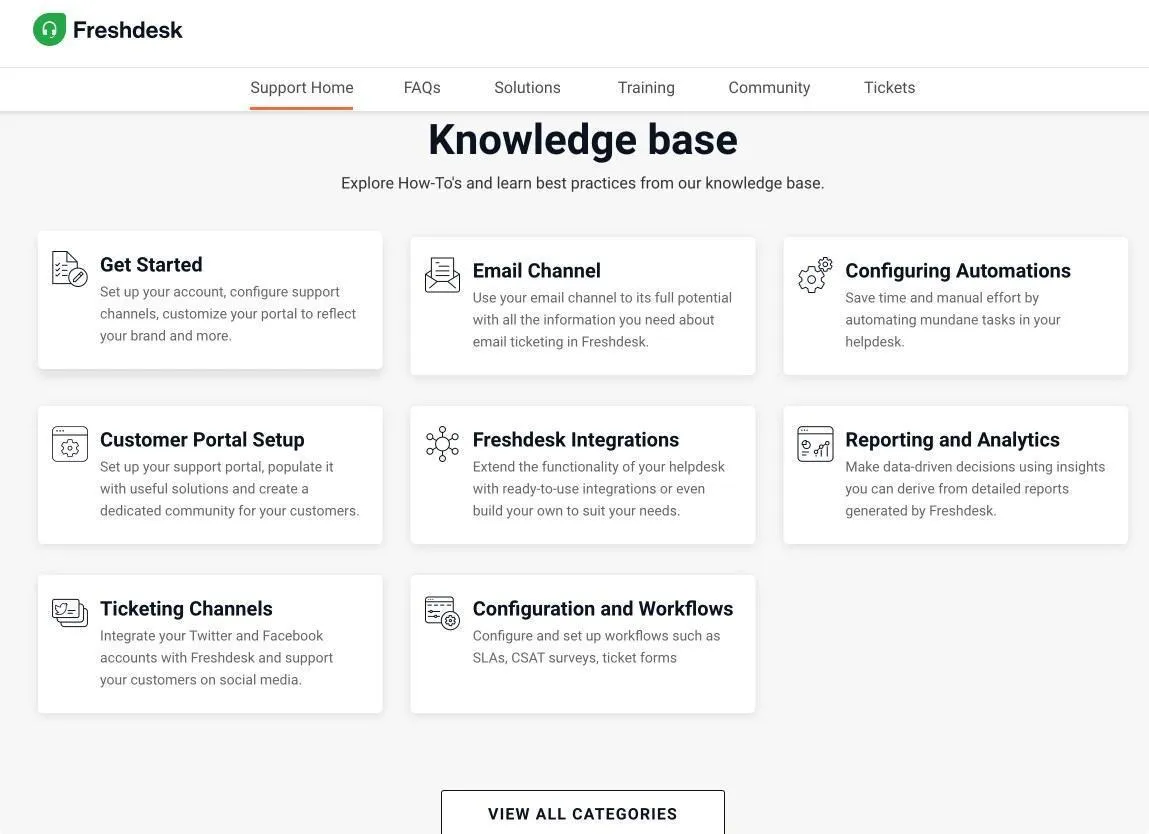
Starting price:$19/agent/month on Growth, billed annually. Freshdesk retired its long-standing free plan; today you get a 14-day trial.
If you're a team on a tight budget that wants a customer ticket system and a help center in one place without breaking the bank, Freshdesk is for you.
Every paid plan includes a website for customer help articles, and their Freddy AI Assistant can answer questions using your pages (with the first 500 conversations included for free).
The drawback here is that Freshdesk's permanent free plan is no longer available, and after the 14-day trial, the only free option left is a limited plan for two agents that ends after six months.
Also, to get a better AI helper and powerful automation tools, you need to upgrade to the Pro plan for $55 per agent each month. And because you pay for each person, the total costs grow as the team does.
The best FAQ software compared
Tool | Starting price | Best for | Standout feature | Honest limitation |
|---|---|---|---|---|
Yaplet | Free; knowledge base from $29/mo | All-in-one support and AI answers | AI agent answers from your KB and cites the article | Younger integration ecosystem; hosted KB on paid plans |
Zendesk | $19/agent/mo (usable KB from $55) | Large support orgs | Mature Guide KB inside a full help desk | Pricey; AI resolutions metered on top of seats |
Help Scout | Free (5 users); $25/user/mo | Email-first small teams | Clean Docs plus Beacon article suggestions | Per-user pricing; AI answers billed extra |
Document360 | Custom quote (historically ~$149/mo) | Standalone docs and FAQ sites | Polished docs platform with Eddy AI | Knowledge base only, no live chat; no public pricing |
Freshdesk | $19/agent/mo (no free plan) | Budget help desk plus KB | Knowledge base and Freddy AI in a cheap help desk | Free plan retired; cost climbs per agent |
How to choose the right FAQ software
Two questions to make this choice simpler:
Is the AI price charged per use?
If you're a small team and want to reduce customer emails without hiring more staff, choose a plan where the AI answers are already built into the flat price.
How many software tools are you actually buying?
A separate chat widget, a separate knowledge base, and a separate AI tool can cost you hundreds, if not thousands, of dollars each month. Yaplet combines those three tools into one bill.
Test deflection before you spend anything
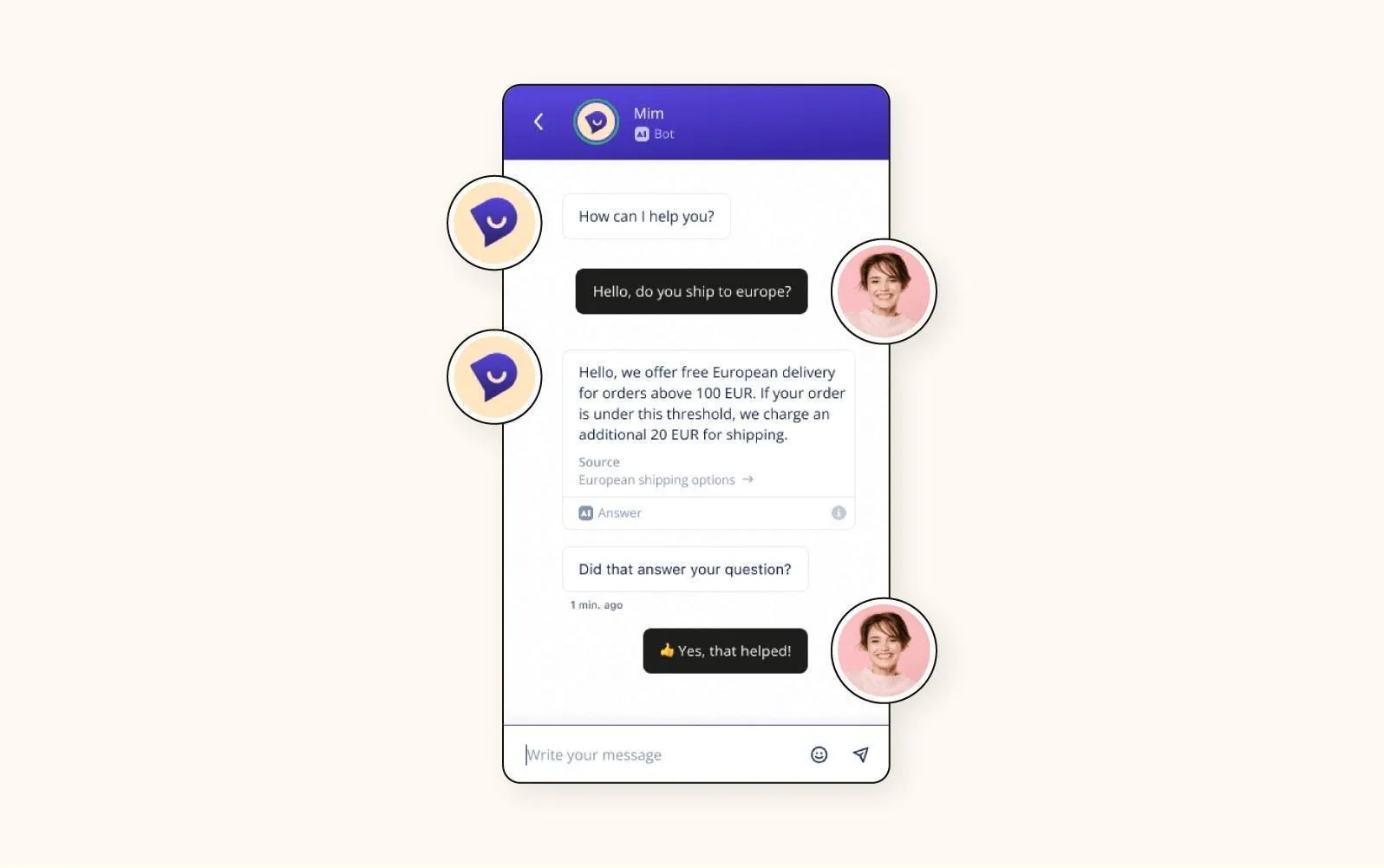
You can start with Yaplet this afternoon, with no risk at all. See for yourself how many conversations close even without human intervention; only when it finally earns its place should you consider an upgrade.
FAQ
What is FAQ software, and how does it reduce customer emails?
FAQ software shares your answers on a searchable help center. Tools that do best place an AI assistant in front of it. Every question the AI or an article fixes is a ticket your team never has to handle.
What is the best free FAQ software?
Help Scout's free plan gives you up to 5 agents and a hosted help center. Yaplet's free plan is the other strong pick if you want AI answers built in.
Is Yaplet really free?
Yes, the Basic plan costs $0 and doesn't require a credit card to sign up, but you can always upgrade to paid plans starting at $29 per month for a custom-branded help center and extra team accounts.
Do I still need a help center if I already have live chat?
Yes. They work best when used together. Without FAQ articles to feed the AI, every customer question will require a human agent to answer.