Yaplet answers for you
Answers from your website and help articles around the clock, and hands the chat to a person when it isn't sure.
Yaplet answers questions on your site day and night, from your own content, and brings in your team when a person is needed.

 5.0/5 on G2 and Capterra
Try the paid tools free for 14 days, with free AI credits. After that, add credit from $5 to keep Yaplet answering: no subscription, and credit you buy never expires.
Answers from your website and help articles around the clock, and hands the chat to a person when it isn't sure.
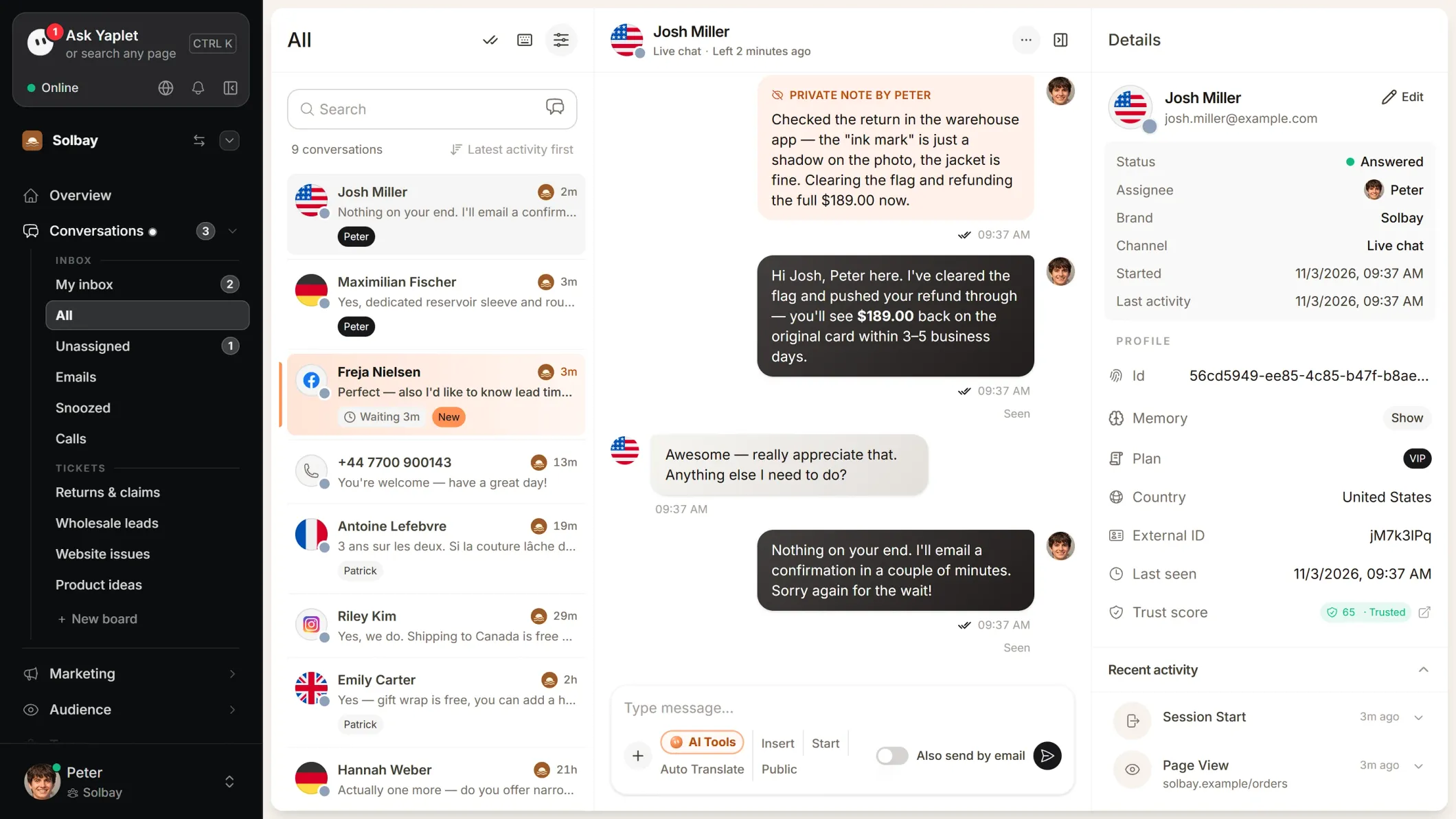
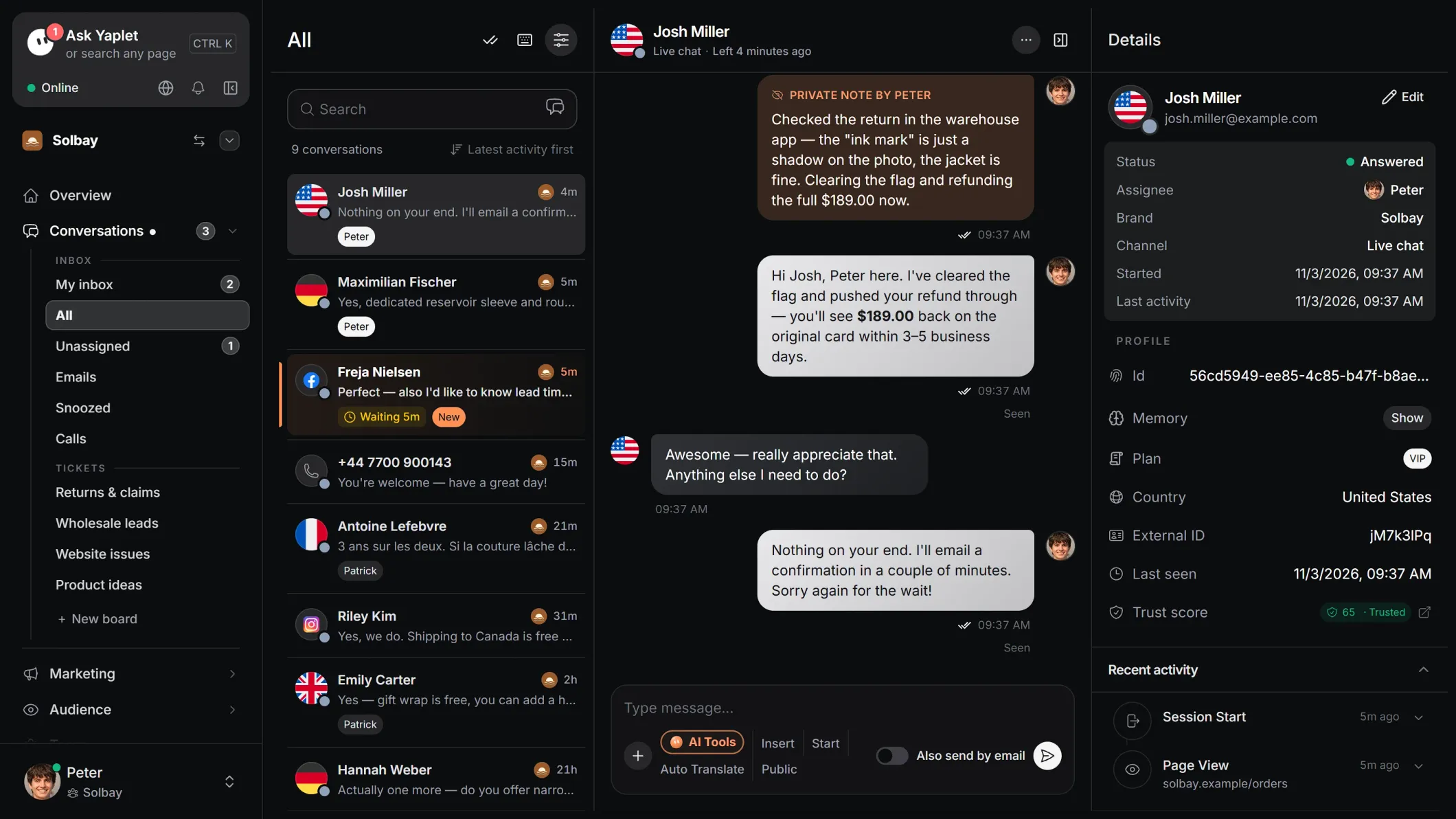
Website chat, email, Messenger and Instagram in one place.
Switch it on in a chat: you write in your language, the customer reads theirs.
Send the answers you give every day in one click. AI drafts come with Inbox AI, included on Growth.
Reply from iOS and Android. Alerts only when you're needed.
Colors, avatar, greeting and language that match your site.
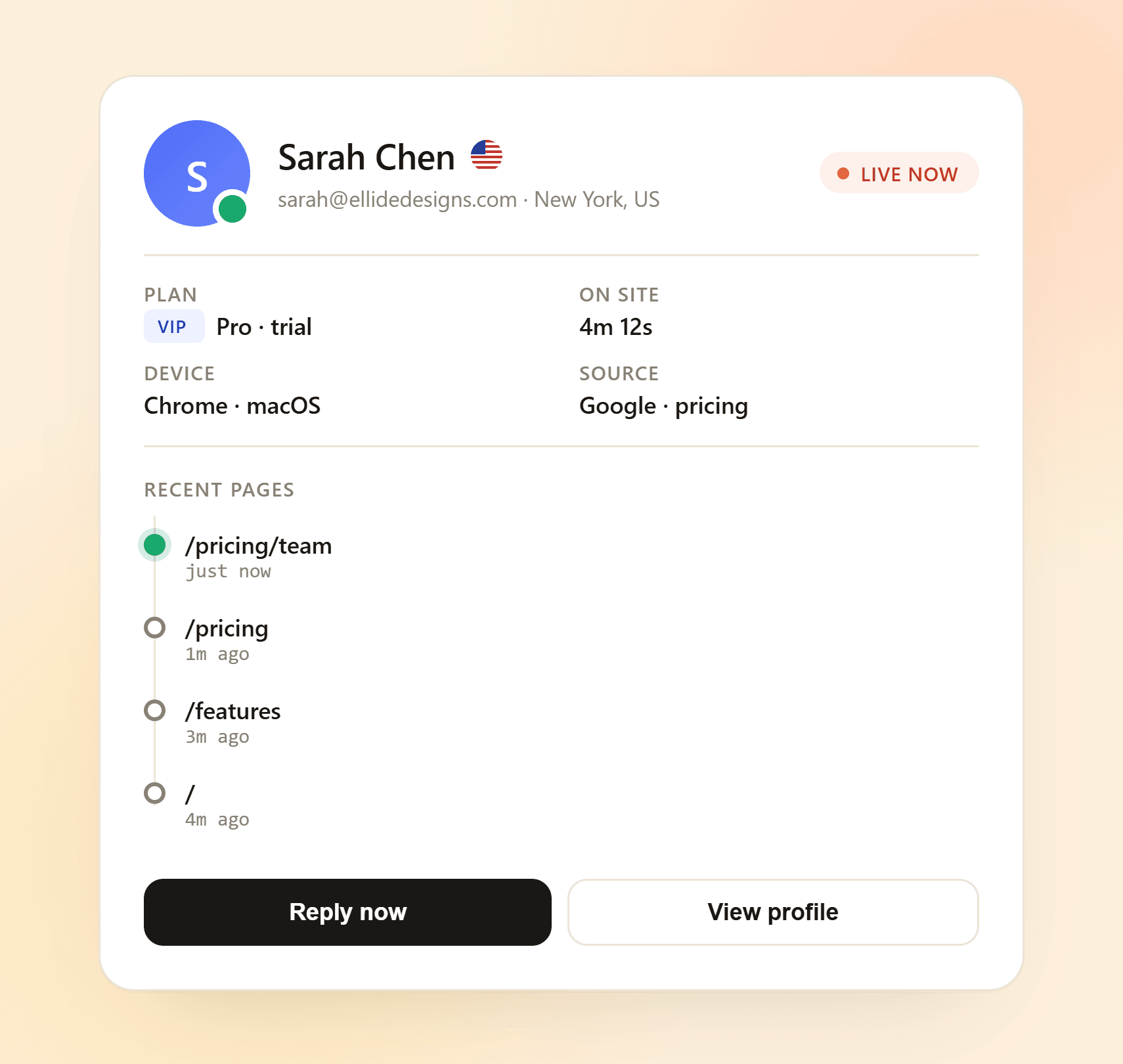
Every visitor gets a trust score, and bots are stopped before they reach your inbox.
Flags team replies that contradict your help articles. Included on Growth, $10 a month on other plans.
Every message lands in the same place, so nothing slips through and nobody checks five apps.

Scan with your phone's camera


Google Play and the Google Play logo are trademarks of Google LLC.
Under a minute. No credit card.
Paste one snippet, or install the WordPress plugin (WooCommerce included).
Yaplet answers from your content. Your team steps in whenever it's needed.
Yes, free forever with no credit card: the chat on your site, the shared inbox and the mobile app. You can also try the paid tools free for 14 days, with free AI credits. After that, the AI is pay as you go from your credit; when there's none, new chats go to your team until you add credit (from $5, no subscription, credit you buy never expires) or choose a plan.
About five minutes. Paste one snippet into your site, or install the WordPress plugin (WooCommerce included).
No. If you can copy and paste, you can install Yaplet. On WordPress, including WooCommerce shops, a plugin does it for you.
Yes. Tell Yaplet in your dashboard what you want: it changes the chat's colors, texts, buttons and settings, and gives you the code for your site with the steps to add it. Each change waits for your Confirm.
Website chat, email, Facebook Messenger and Instagram, plus phone calls with the AI phone agent. Every message lands in the same inbox.
Yaplet answers common questions 24/7 and takes the visitor's email when it can't help. Your team picks up the same conversation later.
Yaplet handles simple, repeated questions on its own and hands the chat to your team the moment it isn't sure. You can also take over any chat yourself.
Yes. On the Growth plan, every visitor gets a trust score: known bots are kept out of the chat, and visitors who behave like spammers are blocked automatically. On every plan, you can block any visitor in one click.
Yes. Turn on answer checks for a teammate and Yaplet compares their replies with your help articles, flagging mistakes in a private note the customer never sees. Included on Growth, $10 a month on other plans.
Still have a question?
All of them live in one Yaplet account. Compare plans and pricing
Start free. Yaplet can be answering on your site in about 5 minutes.