Standalone bug reporting tools used to be incredibly expensive; we’re talking hundreds of dollars per month. But luckily, those days are long gone. Now you can get the same button and tracking that lets users report bugs through your website for free!
In this guide, we’ll show you how to add real bug reporting to your SaaS app for free. The kind of tool that captures useful screenshots, console logs, and device data automatically.
The short how-to
If you're running a web app, paste a line of code to install Yaplet's free bug reporting. Every report includes annotated screenshots, session replays, console logs, and device data.
If shipping mobile apps, Firebase Crashlytics handles ANRs and crashes for free, with no usage cap. Pair that one up with an in-app report button, and you're good to go.
If everything is in one place,Jira and GitHub Issues are zero cost and keep reports where your developers already work.
What a useful bug report actually contains
Every report should carry:
Annoted screenshots so that instead of trying to explain a report, users can point to the actual problem.
The exact page URL, along with the actions that lead to the problem.
Console logs or stack traces that came from the browser.
Network logs, such as failed requests or response status codes.
Information about the user's device and browser.
Instead of relying on non-technical users, it's better for the reporting system to capture everything on its own. The moment someone clicks "Report a Bug," the system should begin the necessary diagnostics in the background.
The fastest free option: an in-app bug reporting widget
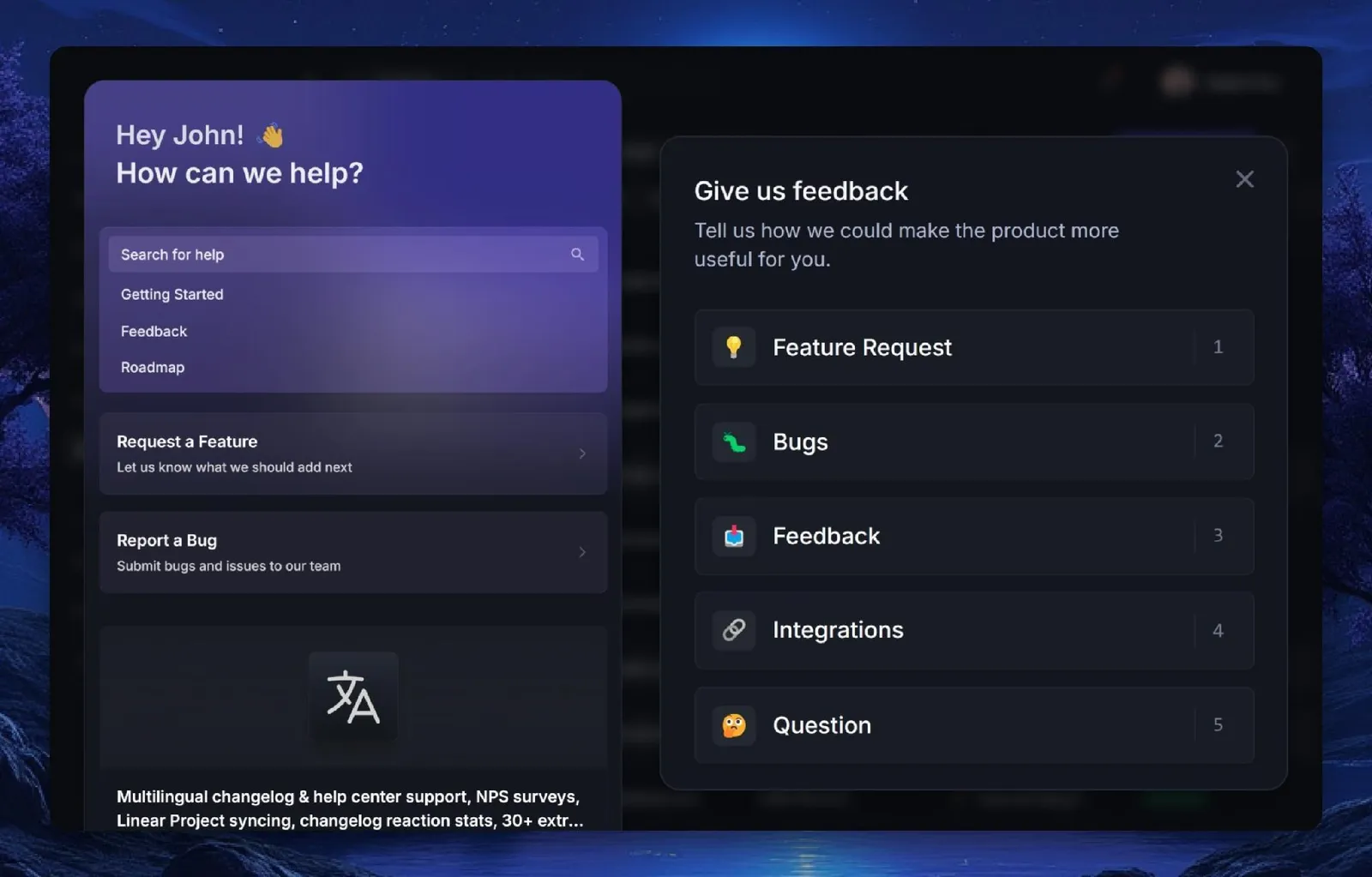
For a web SaaS, an in-app widget is the easiest free win.
Part of Yaplet's forever-free plan is bug reporting, which captures everything as stated above, leaving no extra work for your developers.
The reports come in complete with annotated screenshots, a 30-second session replay, console errors, failed network calls, and the exact browser and viewport.
How to set up free bug reporting with Yaplet (3 steps)
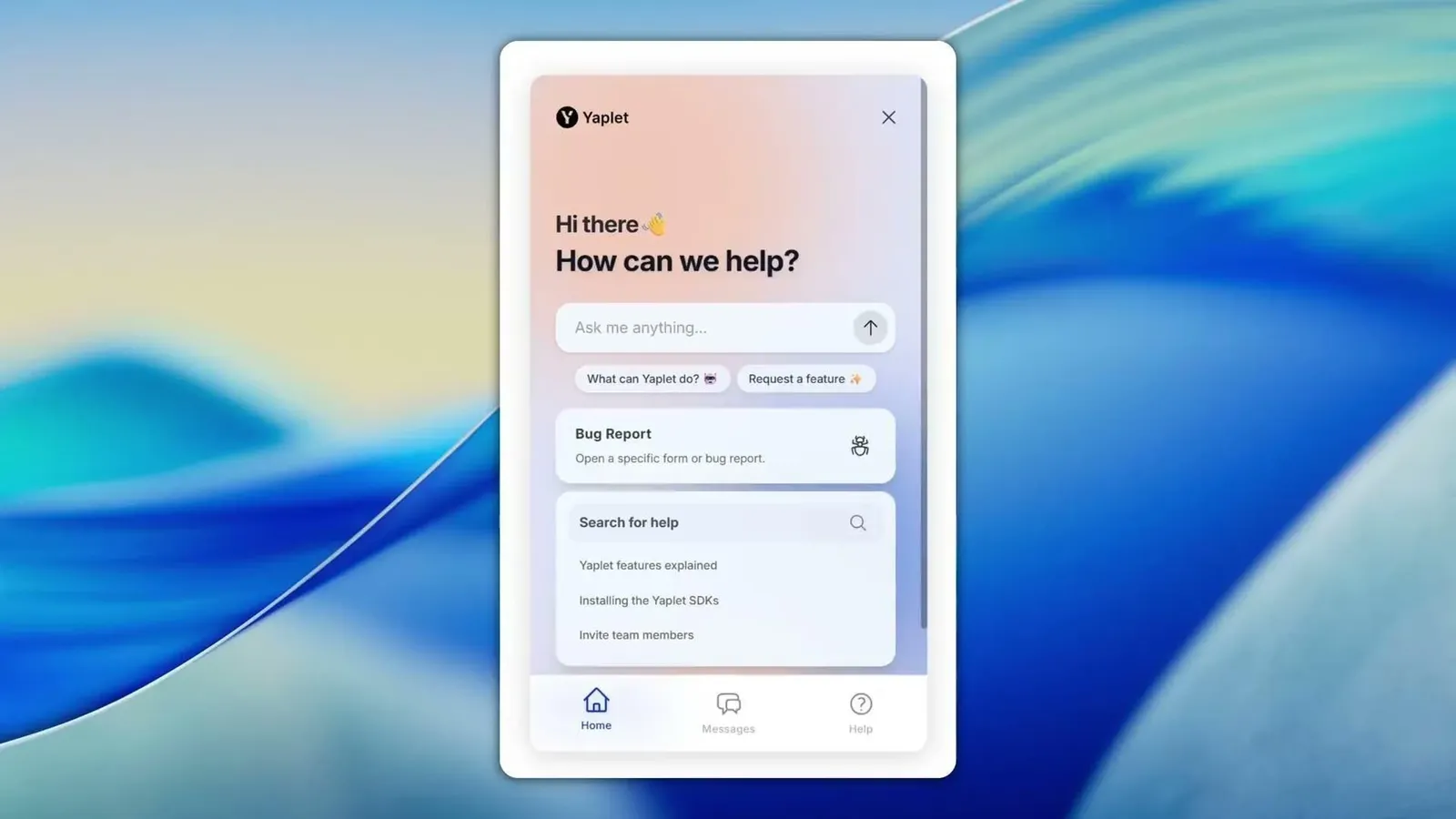
Create a free account without any payment information. You get a widget, a seat, and the bug reporting dashboard.
Paste the snippet into the app or tag manager to install the widget and tracking.
Visit your website and test the bug reporting widget to confirm everything is working as it should.
Free crash reporting for mobile apps
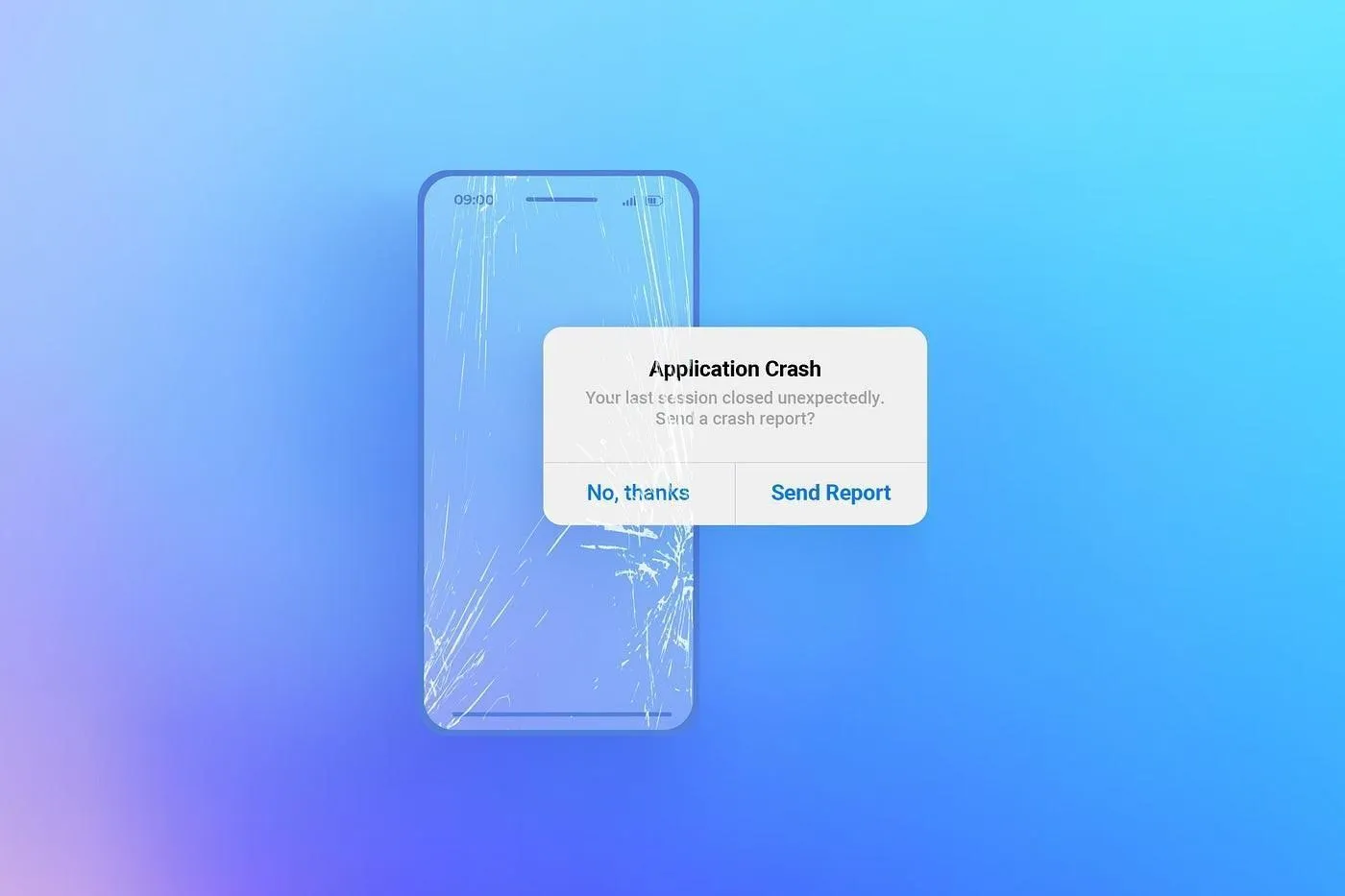
There's a difference between bug reporting and crash reporting, and most teams need both. Crash reports catch your app when it dies, especially when no one's writing on it.
For mobile, Firebase Crashlytics is the free standard. For something that has no usage cap, it logs crashes and ANRs on both IOS and Android with full stack trace and device state.
Google offers it for free because better software keeps you in the Firebase ecosystem. The trade-off is that it covers only crashes, not user reports, and it pulls you deeper into Firebase.
For web and backend errors, Sentry offers a free Developer tier that includes 5,000 errors and 50 session replays per user per month. It's also open source if you'd rather self-host. Keep in mind that it's for error monitoring, not a human bug-report tool, and that a busy app can quickly burn through the 5,000 errors.
Where the bugs go: free issue tracking
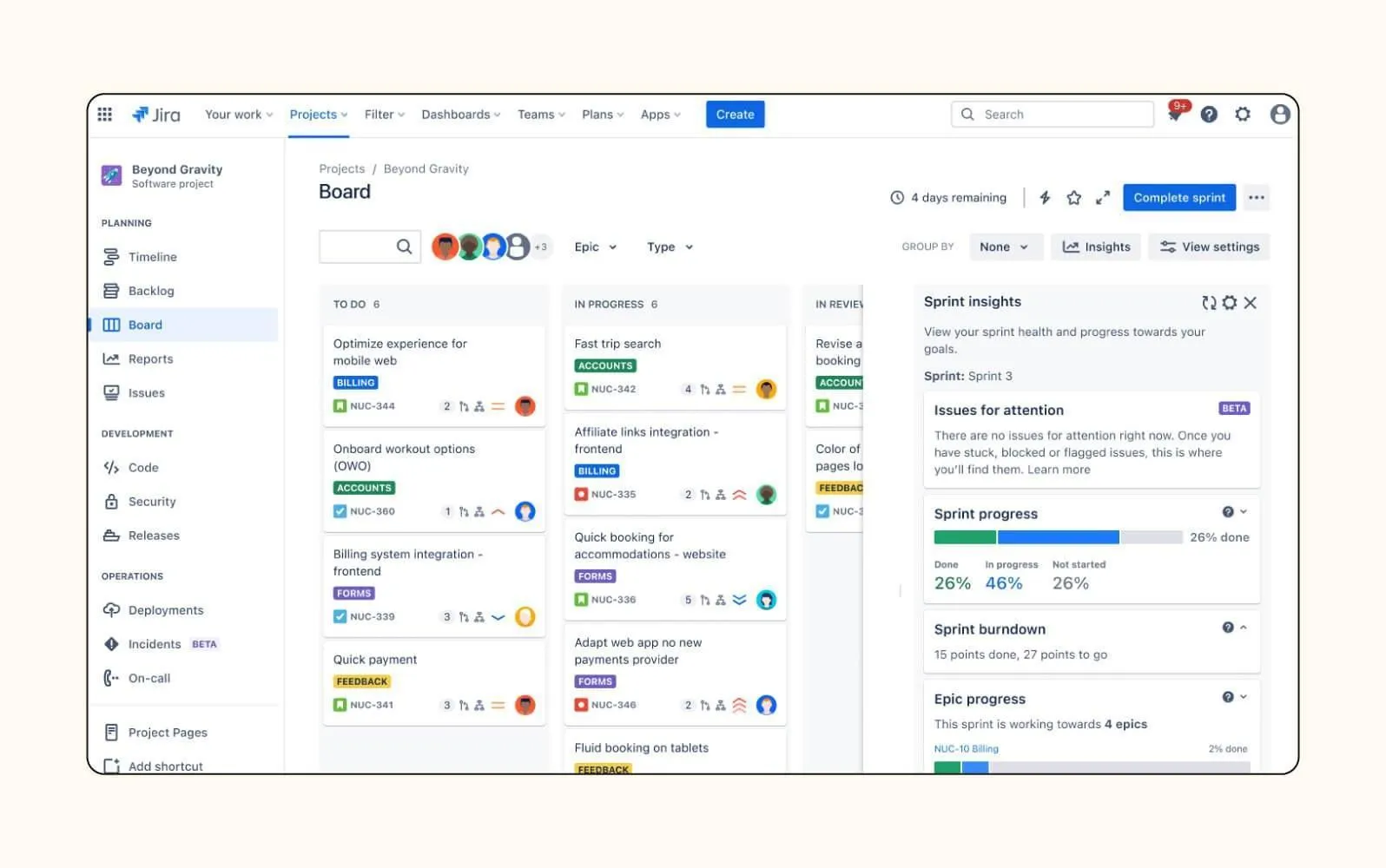
A report matters if it reaches the people who can fix it. Here are some issue tracking software that are worth checking:
Jira is free for up to 10 users, with unlimited projects and issues; most bug-reporting tools integrate with it directly or via Zapier.
GitHub Issues is free with any repository, which is hard to beat if your team is already GitHub-native
Bugzilla is a classic open-source option, free in price and freedom. You host it yourself and own everything, though the UI, as expected, shows its age a bit.
The tools that look free but aren't (and where they earn it)
Try looking for free bug reporting tools online, and you’ll probably see these three. They’re supposedly free, but look deeper, and you’ll notice that’s not the case.
Gleap is probably the most comprehensive in-app bug-reporting tool out there. It has native SDKs for iOS, Android, Flutter, and React Native, as well as an AI chat and a roadmap. They do offer a 14-day trial, then $49/month (billed annually) for one seat and one project, and up to $149 for the team plan.
BugHerd lets clients and QA testers pin comments on live pages, just like sticky notes (for visual website feedback). It runs $42 a month (billed annually at $50) for five members after the free trial, with no free plan.
Instabug, now known as Luciq, is a serious choice for mobile monitoring: crash, bug, and performance reporting with robust SDKs.
These ones are great tools, but none of them really offer any free plans past the trial, which is the whole point.
Here are your free bug reporting options
Tool | Free tier | Best for | What it captures | The catch |
|---|---|---|---|---|
Yaplet | Forever-free plan (1 seat, 1 widget) | Web SaaS teams that want user-submitted reports with zero engineering | Annotated screenshot, session replay, console + network logs, device data | Web widget, not a native mobile SDK; one seat on the free plan |
Firebase Crashlytics | Free, unlimited | Mobile apps on iOS and Android | Crash stack traces, ANRs, device state | Crashes only, not user reports; ties you to Firebase |
Sentry | Free Developer (5,000 errors, 50 replays/mo, 1 user) | Devs who want error monitoring | Stack traces, breadcrumbs, session replays | Error monitoring, not human bug reports; 5K errors go fast |
Jira | Free up to 10 users | The dev-side issue tracker | Whatever you or a tool sends it | Doesn't capture context itself; needs a reporter feeding it |
GitHub Issues | Free with any repo | Teams already living in GitHub | Manual issue text and attachments | No auto-capture; developer-facing only |
Mistakes to skip
Building your own feedback form that captures sentences and email, but none of the technical context.
Dumping reports in your support inbox. Make sure to keep a separate board so issues are easier to manage and work on.
Expecting users to write repro steps. It's better to capture the session rather than rely on users; those who do are often wrong, while most don't even bother.
Confusing crash reporting with bug reporting. Crashlytics tells you the app crashed, not the valid emails that got rejected during signup.
Paying for seats you don't use. If you're a two-person team with a five-seat minimum, you're losing money and are far better off using free plans and adding seats only when you need them.
FAQ
Can I really add bug reporting to my app for free?
Yes, Yaplet’s free plan includes its bug reporting widget. Firebase Crashlytics has unlimited support for mobile crashes. Jira, GitHub Issues, and Bugzilla all track issues with zero cost.
What's the difference between bug reporting and crash reporting?
Bug reporting captures issues that users notice and report. Take, for example, a broken layout that they’ve taken a screenshot of with added context. Crash reporting, on the other hand, automatically logs crashes or freezes.
Do I need a developer to add a bug reporting widget?
No, with Yaplet, you can install and set up yours with just one line of code or through Tag Manager. Even a non-technical founder can have it up and running within minutes. But you do need a developer for SDK-based mobile tools.
Can I send bug reports to Jira or GitHub?
Yes. Most bug reporting tools push reports to Jira or GitHub, making it easier and faster for your developers to see them in the places where they already work.
Will I outgrow a free plan?
Upgrades are for teams that need more seats or higher limits, but for a small team, the free plans (especially on Yaplet) can actually last you a long time.
Get it set up today.
For free, you’ll get your user-submitted bug reports with complete screenshots, logs, and data. Create your Yaplet bug reporting account, paste the one-liner, and watch as the first report shows up in your dashboard.
If later you want it alongside your live chat, AI chatbot, and the rest of your customer tools, the paid Yaplet plans start at $23 a month (billed yearly) to support the growth you’re off to.