Most people who sign up for software never actually use it. In fact, the average business software trial only turns about 8% of signups into paying customers.
Even companies with great setups only get about half of their new users to experience a real first success, meaning that half of the people who join leave before your software brings them any value.
An onboarding tool cannot fix an already broken product. Still, it increases active usage better than another automated email campaign, as it guides people in the app at the exact moment they're deciding if it's worth their time.
The quick verdict
The five, in order:
- Yaplet, the all-in-one option
- Appcues, the mature no-code standard
- Userpilot, onboarding plus product analytics
- Pendo, for analytics-heavy orgs (with a real free tier)
- UserGuiding, the budget pick
What counts as activation?
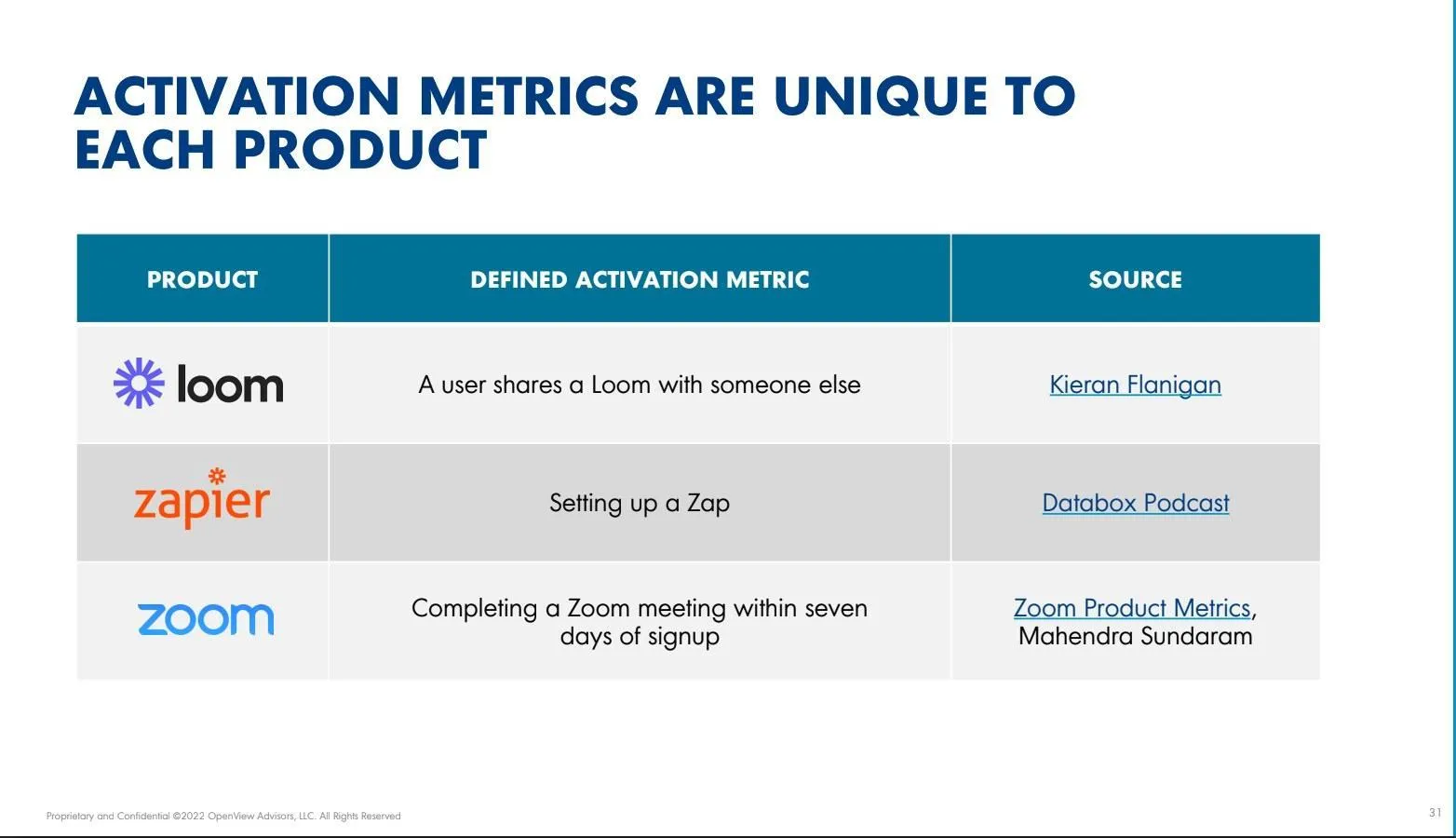
Activation is the moment when a new user achieves the goal they signed up for, for example, sending their first invoice or importing their first list of contacts. This means they completed the actual task that makes them want to keep choosing and using your software.
The software tools that improve this number all perform similar tasks. They guide first-time users, attach helpful pop-up tips to buttons, provide checklists that encourage users to take the next step, and target these features to a specific group of people.
Every software tool we've included below offers these real, interactive features.
The 5 best user onboarding tools for 2026
1. Yaplet: the best all-in-one onboarding option
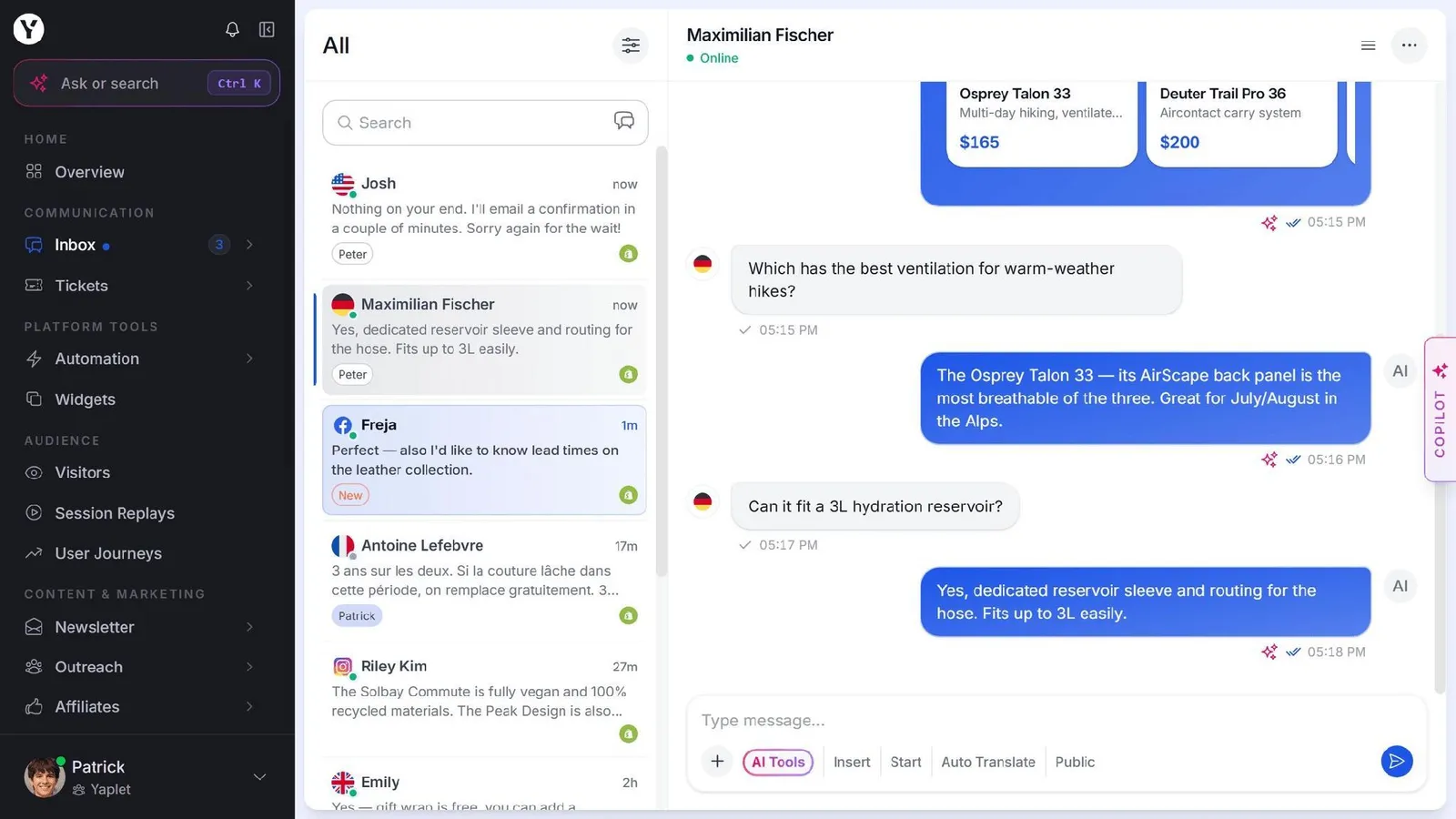
Starting price: Free forever (1 seat, 1 widget, 100 AI answers a month). Paid plans start at $29/month for Starter and $99/month for Growth ($23 and $79 billed annually).
If you're a small or mid-sized team that wants to boost activation without buying or connecting separate platforms, Yaplet is the best, all-in-one choice.
Yaplet's product tours require no coding at all. You open your app in their editor tool, click on the buttons you want to point out, and the helpful tips automatically move if your website layout changes.
There are different guides based on the webpage URL or user details. New users and advanced users see different walkthroughs. Alongside Yaplet's live chat and Vex AI assistant, they help users get active, and all of this in one bill.
Its drawback is that it's not a tool for onboarding alone. If you need advanced charts or complex user-tracking maps, specialized analytics software will give you more. But if your team wants to launch guides that help users get started, you can try out the product tours feature to see how they work before committing to a payment.
2. Appcues: the tried and tested no-code standard
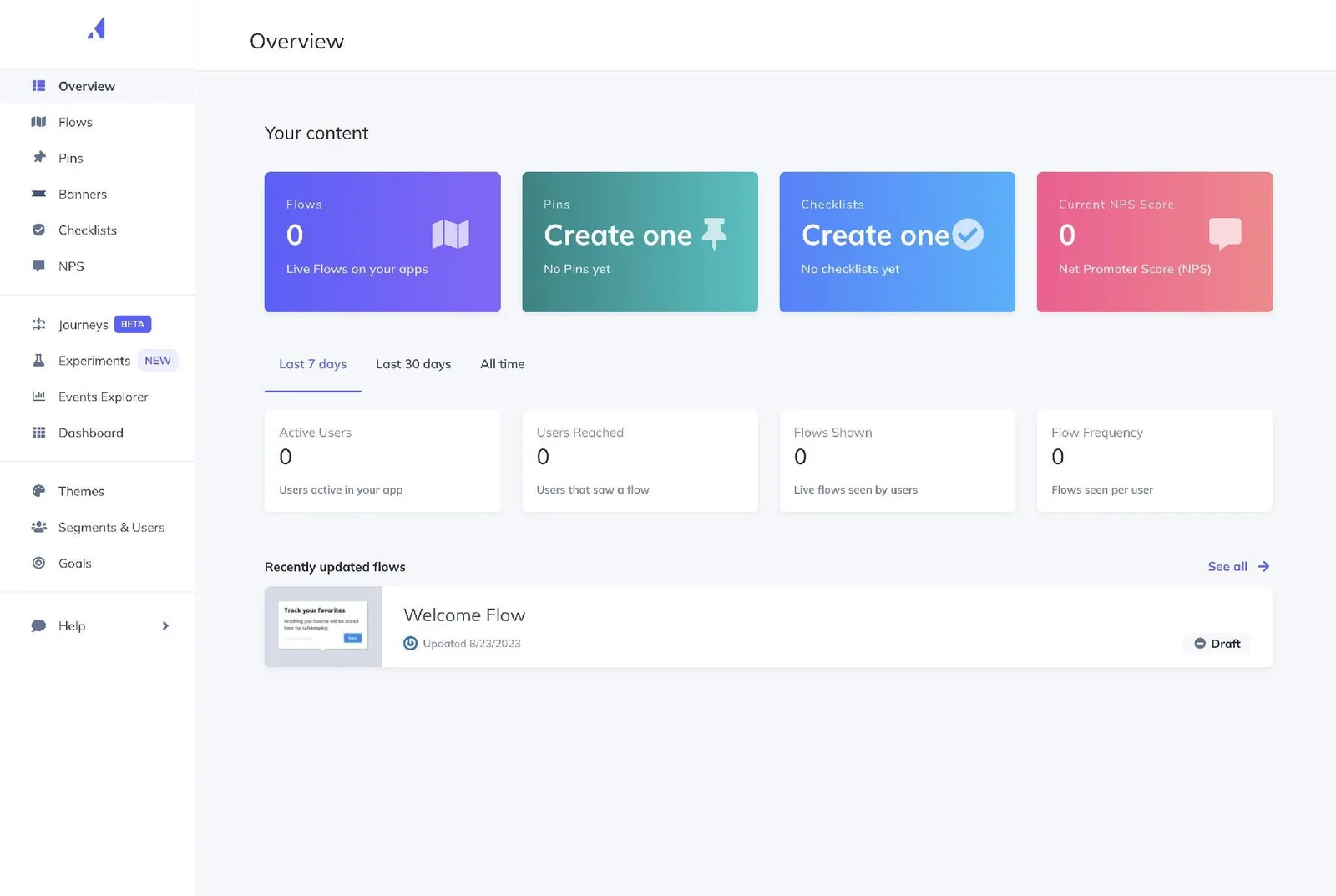
Starting price: Quote-based on your MAU count. Third-party purchase data puts the entry point around $249/month (billed annually, up to about 2,500 MAUs), with the median buyer near $15,000 a year.
Appcues is for mid-market product and marketing teams who want a proven flow builder and don’t mind negotiating a contract.
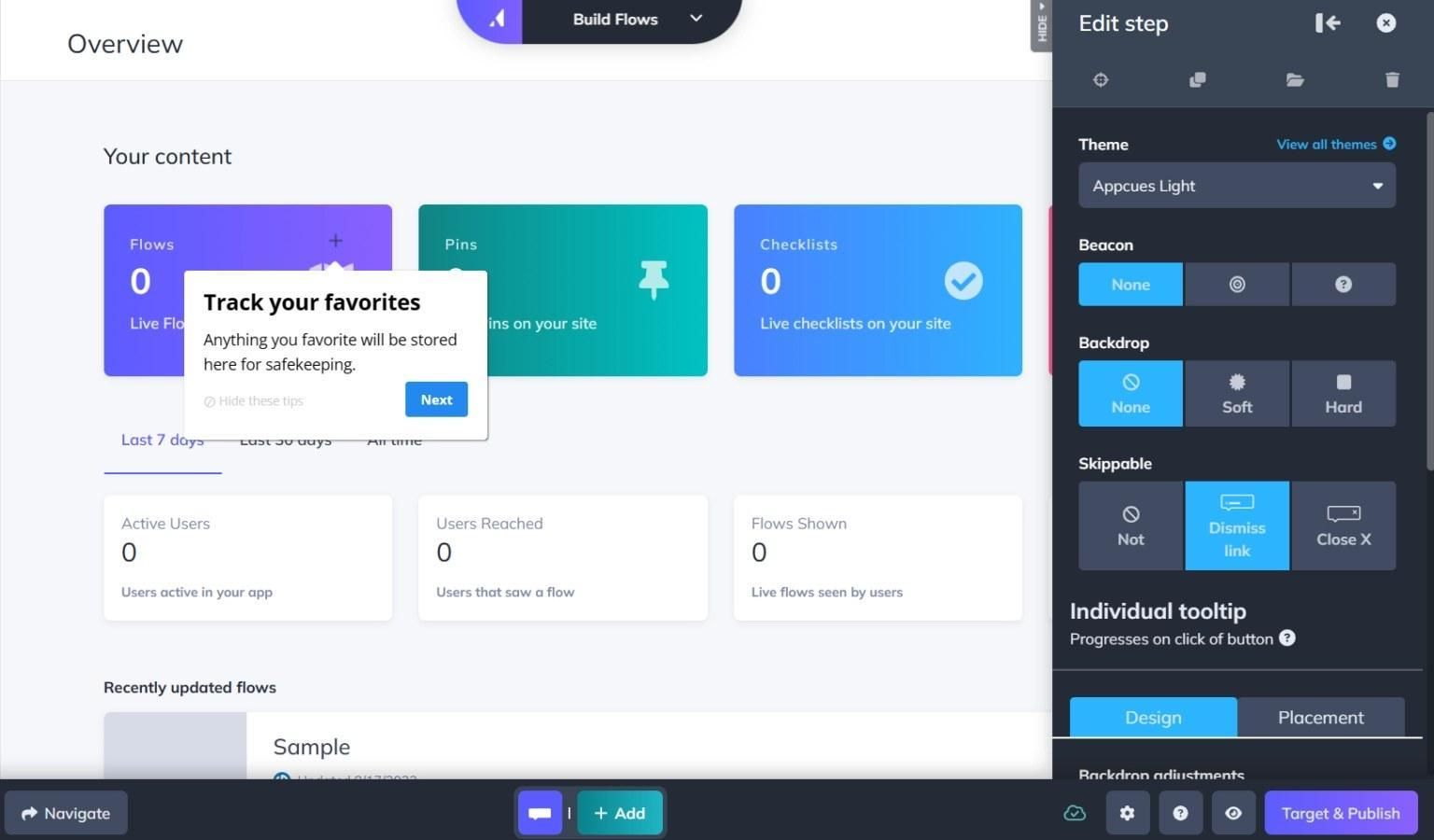
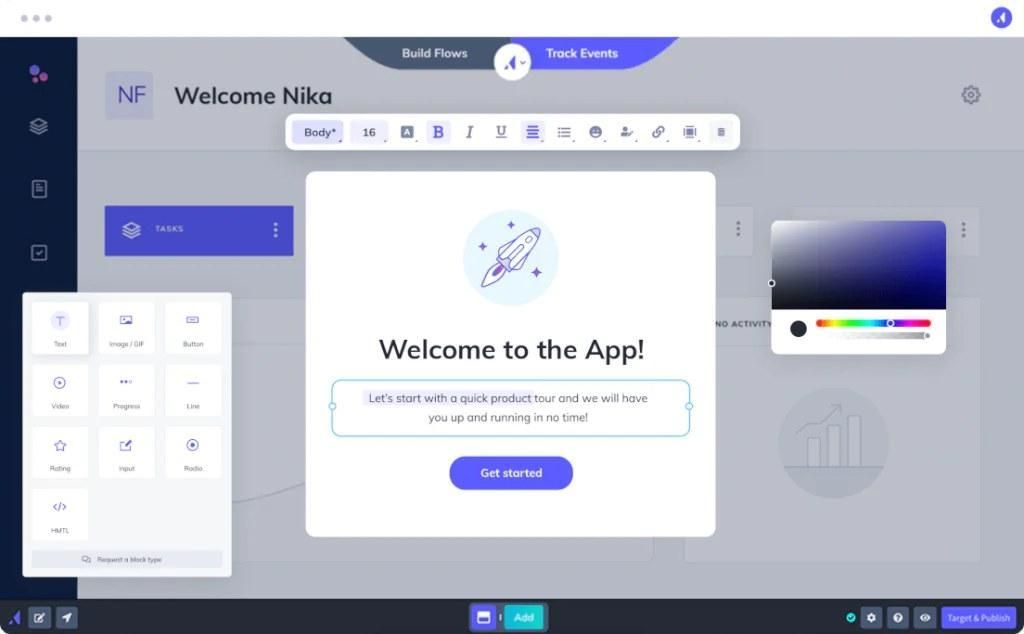
Appcues has been making these tools for many years. And it shows. Their code-free tool for building guides and checklists is easy to use. Their segmentation features are highly advanced, and they connect smoothly with other software programs. Few tools feel this complete and polished.
The con of Appcues is their pricing, and they no longer show the exact price on their page because they charge you based on your number of active monthly users. This means if your business grows, so does your bill, with customers reporting costs of $6,000 and $44,000 each year. If price is a factor, our article comparing Yaplet and Appcues calculates the difference.
3. Userpilot: onboarding plus product analytics
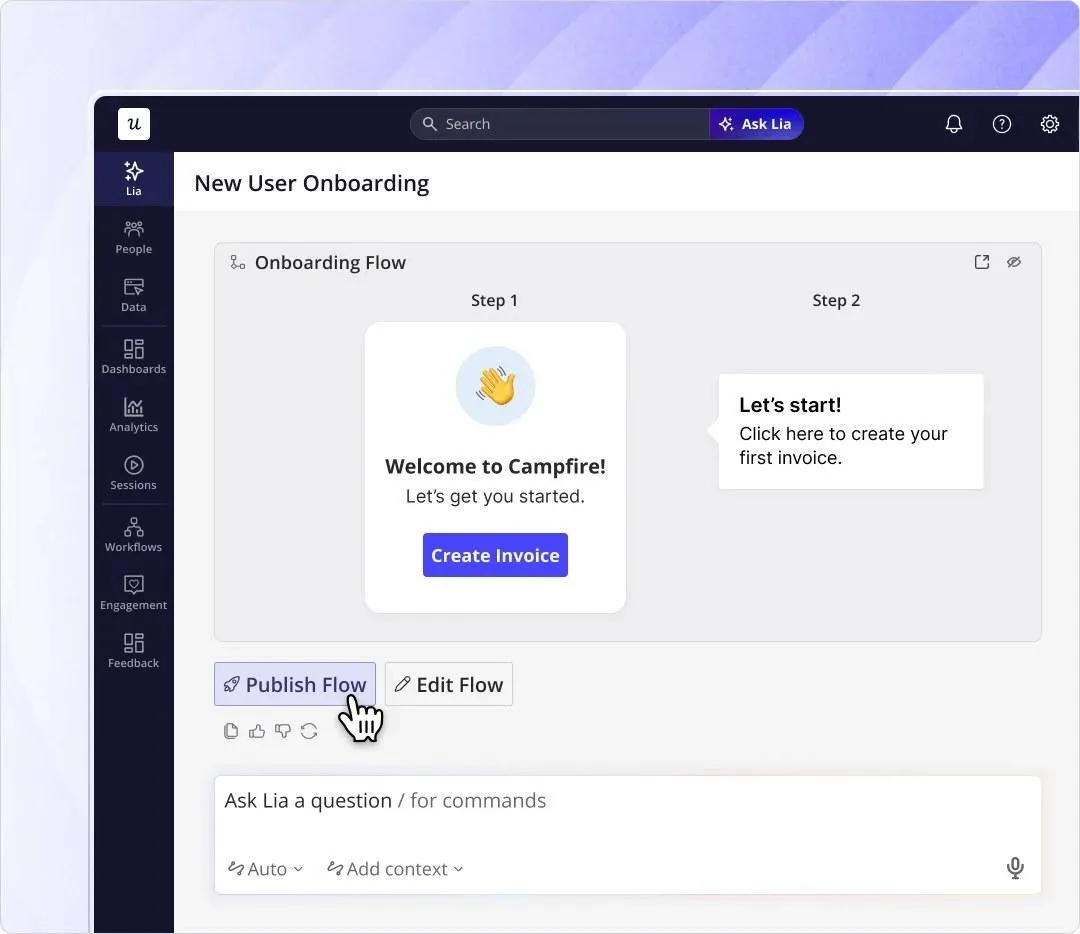
Starting price: $299/month on Starter, billed annually, for up to 2,000 monthly active users.
For data-driven managers, Userpilot is great for those who want onboarding flows and product analytics in the same tool.
Userpilot combines in-app guides, checklists, and surveys with product analytics, letting you to see exactly which steps cause users to leave so you can fix the problem all in one place. This is great for a product manager who wants to test and measure user activities rather than guessing.
The only drawback here is Userpilot's noticeably sharp price. With the basic Starter plan only covering up to 2,000 monthly active users, and by the time you go over that limit, you're forced to upgrade to the Growth plan, which starts around $849 per month.
4. Pendo: for the analytics-heavy organizations
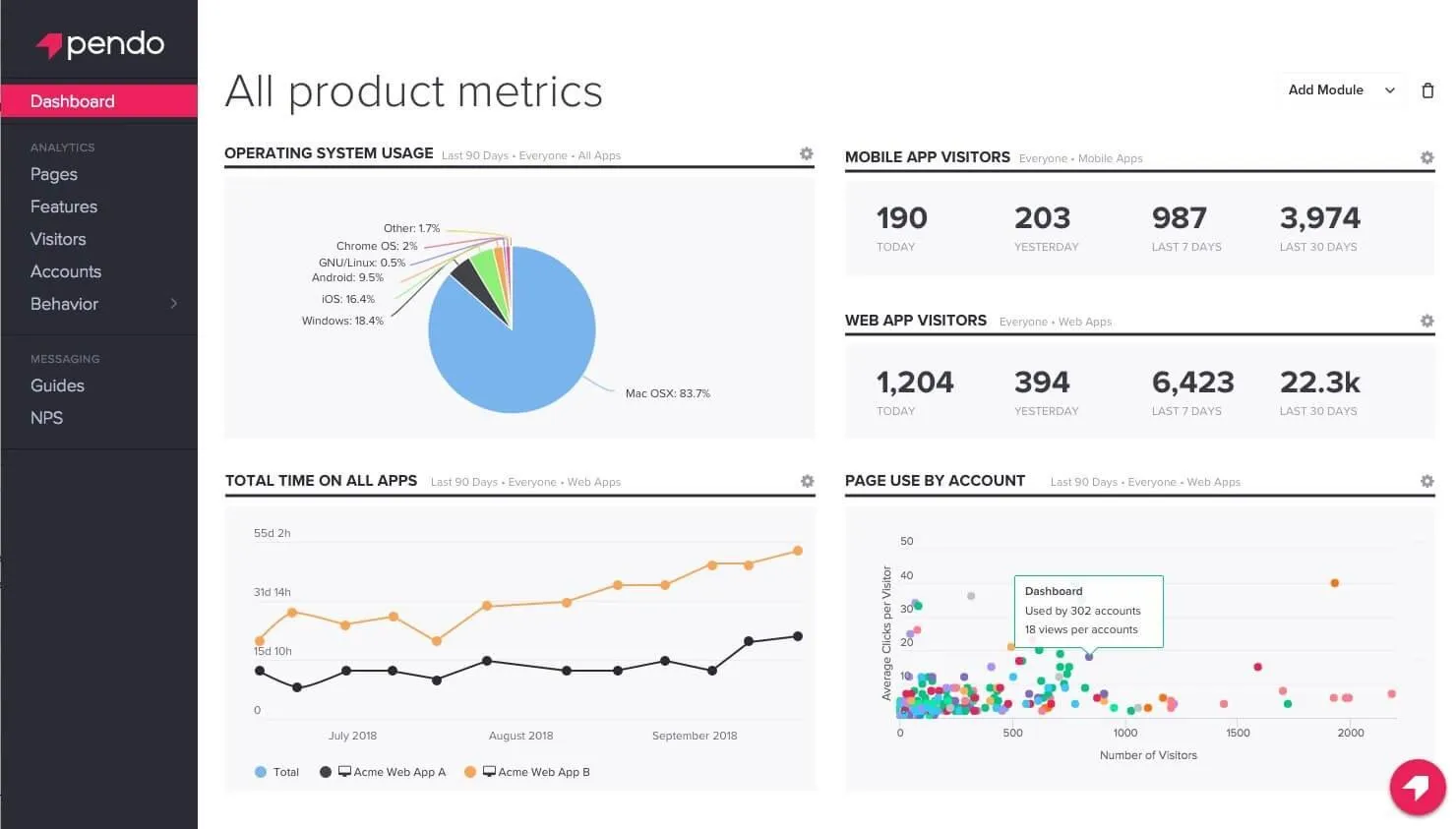
Starting price: Free for up to 500 MAUs. Paid plans (Base, Core, Ultimate) are custom-quoted and in enterprise territory.
Pendo is best for larger product orgs that run on deep analytics and want in-app guides attached.
Advanced data tracking is why companies go for Pendo. Its free plan gives you data tracking, in-app guides, and customer satisfaction surveys for up to 500 active users across as many apps as you want.
A con of Pendo is that once you hit past the free limit, you must speak to a sales representative to get a price quote, and customers report that paid plans start around $15,000 per year. Not only that, but setting it up is more tedious than the simpler tools on this list, and for most small businesses, its data features are something they'll mostly not use.
5. UserGuiding: the budget pick
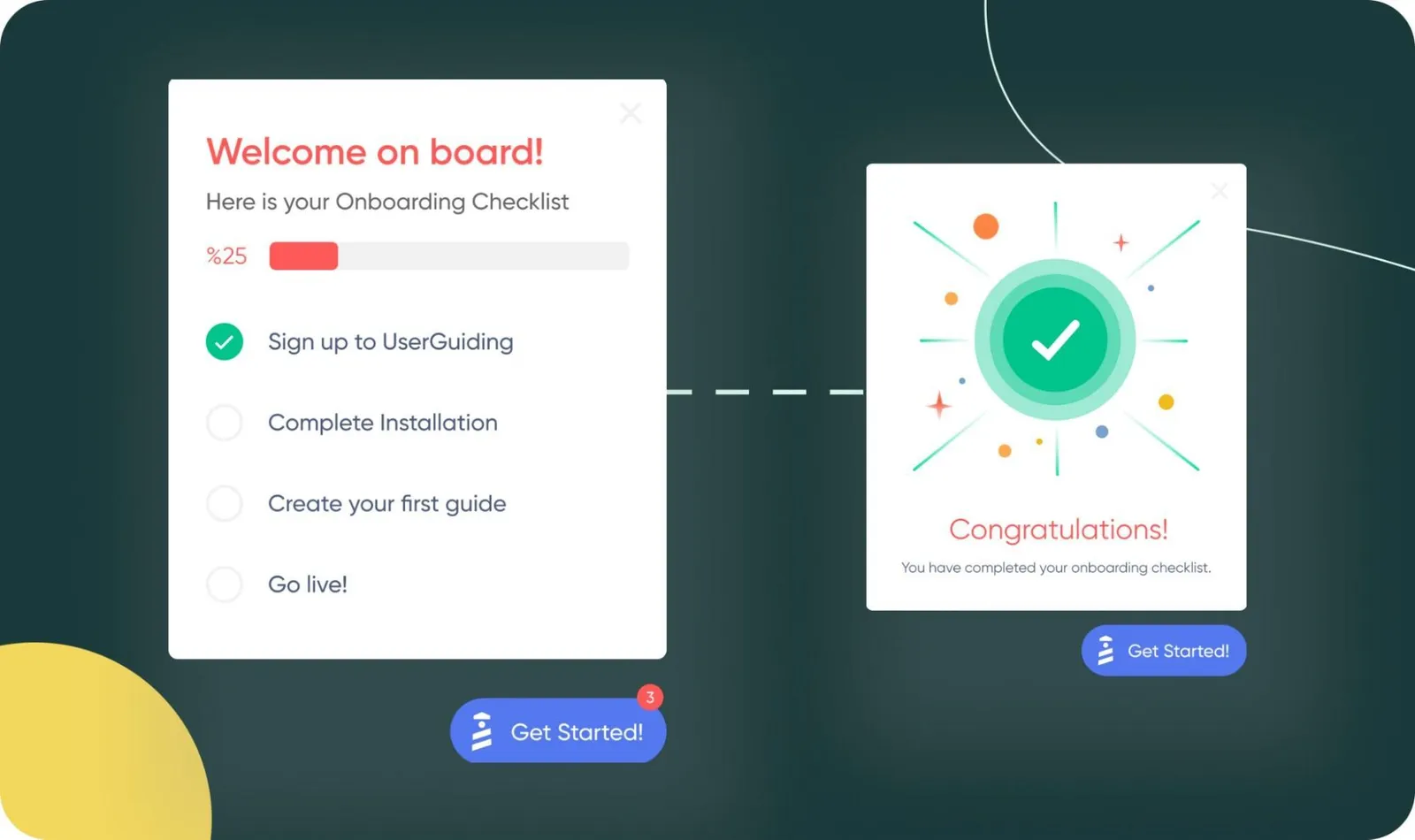
Starting price: $174/month on Starter, billed annually ($249 if you pay monthly).
UserGuiding is for small teams that want real user onboarding guides without being forced into expensive contracts designed for bigger companies.
It's the least expensive way to launch proper onboarding checklists, guides, hotspots, and in-app surveys. Its basic Starter plan gives your team enough tools to work with: 100 active guides, a resource center, and two checklists to improve user activity for a new product.
One thing that limits UserGuiding is that its reporting features are much simpler than what Userpilot or Pendo gives. And advanced tools like split testing and goal tracking are only available on the Growth plan, which costs $349 per month.
The tools we’ve covered in this guide
Tool | Starting price | Best for | Standout feature | Honest limitation |
|---|---|---|---|---|
Yaplet | Free, then $99/mo for Growth ($79 billed annually) | SMBs that want onboarding plus support in one bill | No-code product tours anchored to real UI, bundled with live chat, AI, and a knowledge base | Younger platform; deep standalone analytics lives elsewhere |
Appcues | ~$249/mo (billed annually, ~2,500 MAUs) | Mid-market teams wanting a mature flow builder | Polished no-code builder for flows and checklists, deep integrations | MAU pricing climbs fast; median buyer pays ~$15K/yr, quotes only |
Userpilot | $299/mo (billed annually, up to 2,000 MAUs) | Data-driven PMs who want onboarding plus analytics | In-app flows, surveys, and product analytics in one tool | Hard jump to ~$849/mo once you pass 2,000 MAUs |
Pendo | Free up to 500 MAUs, then custom | Larger orgs that run on deep product analytics | Serious analytics with in-app guides; a genuinely usable free tier | Paid plans are enterprise-priced and quote-only; heavier setup |
UserGuiding | $174/mo (billed annually) | Small teams on a budget that still want real flows | Guides, checklists, hotspots, and surveys at the lowest entry price | Lighter analytics; free tier is help-center focused |
Try it free this week
Unlike other tools that force you into yearly contracts, Yaplet's free plan gives you a chat box, product tours, a help center, and AI answers in five minutes. All without a single dollar, or a developer setting everything up for you. This makes Yaplet a risk-free way to build a guide for your worst drop-off step and test it.
Frequently asked questions (FAQ)
What is the difference between user onboarding software and employee onboarding software?
They solve different problems: user onboarding software guides people who sign up for your product toward their first success, improving retention. Employee onboarding software handles new-hire paperwork and company computer access.
Is there a free user onboarding tool?
Yes! Yaplet has a free-forever plan, and Pendo has its free plan that includes guides and data tracking for up to 500 active monthly users.
Why is onboarding software priced by monthly active users?
More active users means you're making more money, and when your bill goes up, that means your onboarding is doing its job.
Can I increase user activity without a dedicated onboarding tool?
Sometimes. A clear guide, a short checklist, and fast help inside your app cover most of what you need. A combined tool like Yaplet gives you all three features. Go for tools like Appcues or Userpilot for advanced segmentation or deeper analytics.
How long does setup take?
For code-free tools (Yaplet or UserGuiding), you can actually get your first guide set up in the same day. Platforms that specialize in data tracking, like Pendo, can take longer because you have to set up specific tracking events and build data dashboards.
Where should you start?
User activation is either won or lost in your product during the first few minutes. Because of this, we recommend choosing a tool that allows you to launch a good onboarding guide this very week. For most small and medium-sized teams, you can never go wrong starting with a tool you can turn on for free and grow as your business does.